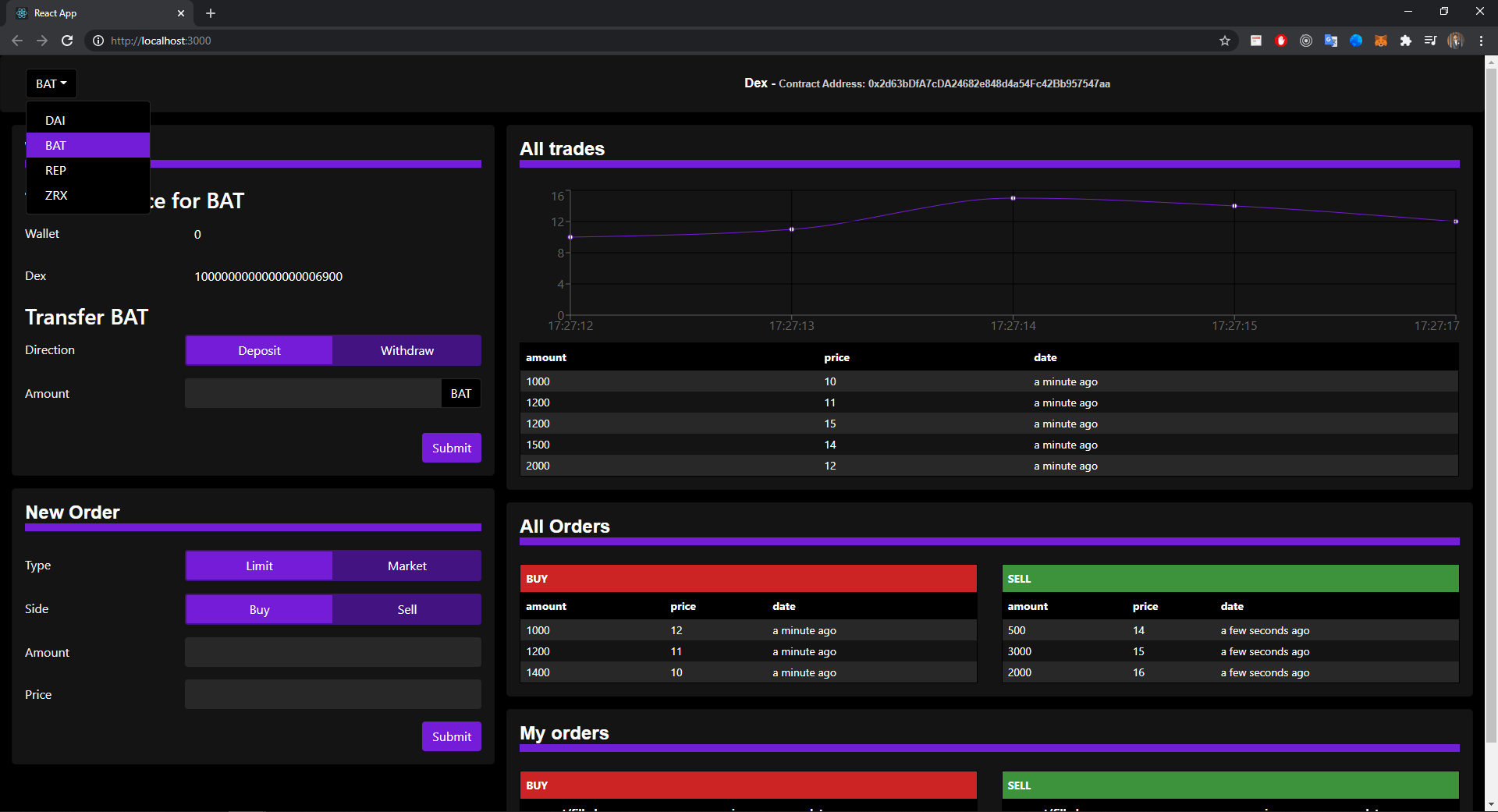
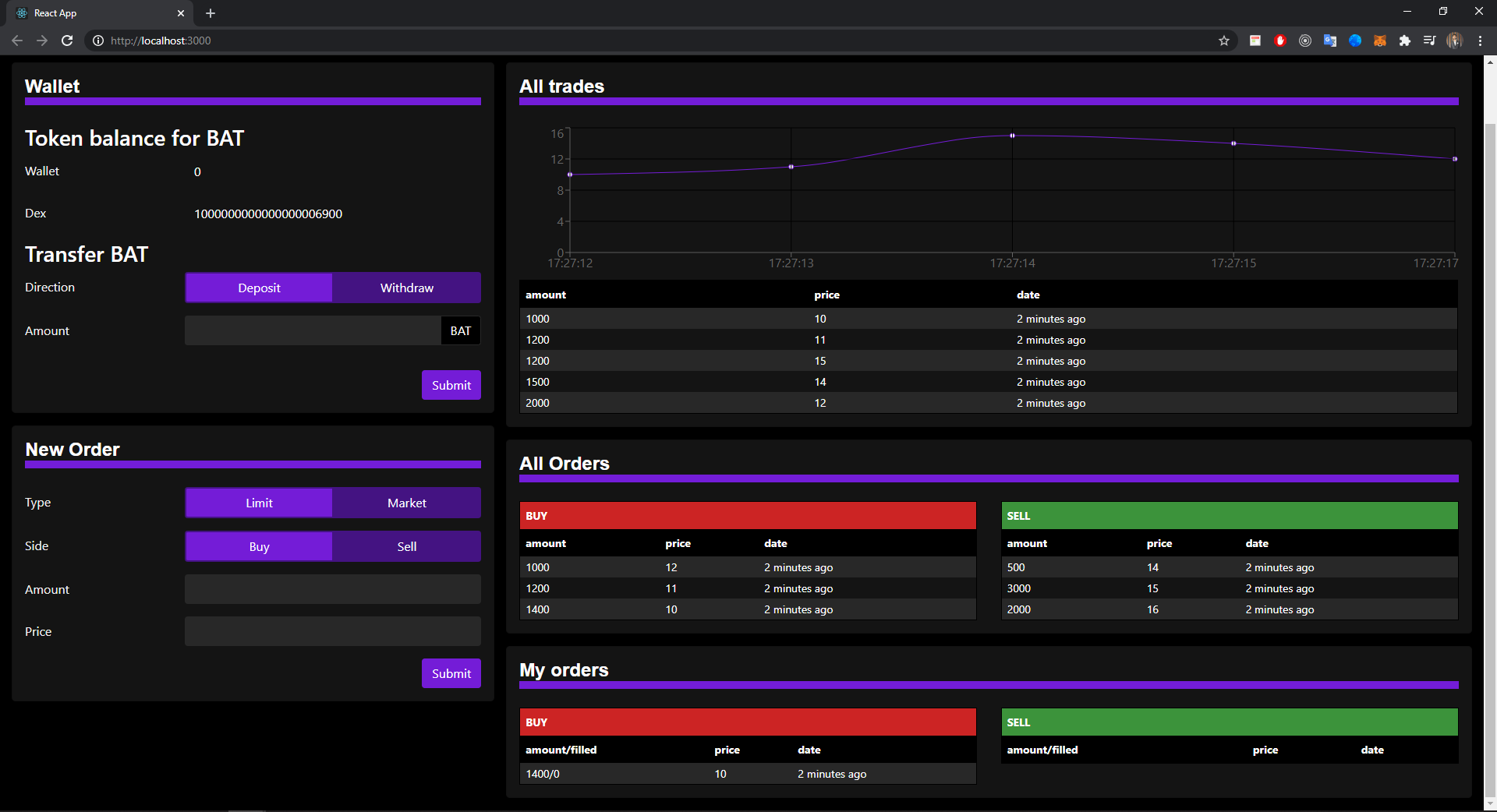
DEX is a smart contract that allows traders to buy or sell ERC20 tokens in a decentralized way.
A DEX has the same architecture as any other decentralized application on Ethereum:
- User wallet
- Frontend (Web)
- Smart contract (Blockchain)
A frontend is connected to the smart contract, so that end-user have a nice and easy-to-use interface to the smart contract. This frontend is a web frontend.
The frontend connects to the user wallet. The user wallet will prompt the user for confirmation before sending any transaction to the smart contract. The user wallet can be any Ethereum wallet, like Metamask.
This is the whole trading sequence:
- Bob sends 2 Ethers to the DEX smart contract.
- Bob creates a buy limit order for a limit price of 2 Ethers, amount of 1 ABC token, and send it to DEX smart contract
- Alice sends 1 ABC token to the DEX smart contract
- Alice creates a sell market order for an amount of 1 ABC token, and send it to DEX smart contract
- The smart contract matches Bob and Alice order, and carry out the trade. Bob now owns 1 ABC token and Alice 2 Ethers
- Bob withdraws his 1 ABC token from the DEX smart contract
- Alice withdraws her 2 Ethers from the DEX smart contract
Tada! The trade is finished!
Before users can trade, they need to transfer their ERC20 tokens / Ether to the smart contract of the DEX.
They will:
- click on a button in the frontend that it will initiate the transfer,
- confirm the transaction with their wallet
- and the Ethers / tokens will be sent at the address of the smart contract
There are 2 main types of orders:
- Limit order, which specify a max / min limit price for buy / sell order.
- Market order, where you agree to whatever price is on the market
The orderbook is the core part of the DEX. It:
- Lists all limit orders
- Matches incoming market orders against existing limit orders
- Remove limit orders that were executed
Orderbooks follow a price-time algorithm. When an incoming market order arrive, the orderbook will try to match it with the market order that has the best price. If several limit orders have the same price, the one that was created first get matched in priority.
What if the amount of the market and limit order don't match? Actually, that's what will happen most of the time.
In this case, there are 2 possibilities:
- Case 1: Amount of market order < amount of limit order. In this case the market order will be fully excuted, but the limit order will only be partially executed, with the unexecuted part remaining in the orderbook.
- Case 2: Amount of market order > amount of limit order. In this case the limit order will be fully executed, and the orderbook will continue to try to match the remaining of the market order with other limit orders
-
In root directory run below command to deploy smart contracts
1. truffle develop
2. migrate --reset -
Jump into client folder and run frontend app by below commands
1. cd client
2. npm start