you can test the backend 'API' using npm start command in the terminal and also for the front end part you can run in the 'Client' using npm run dev command in the terminal
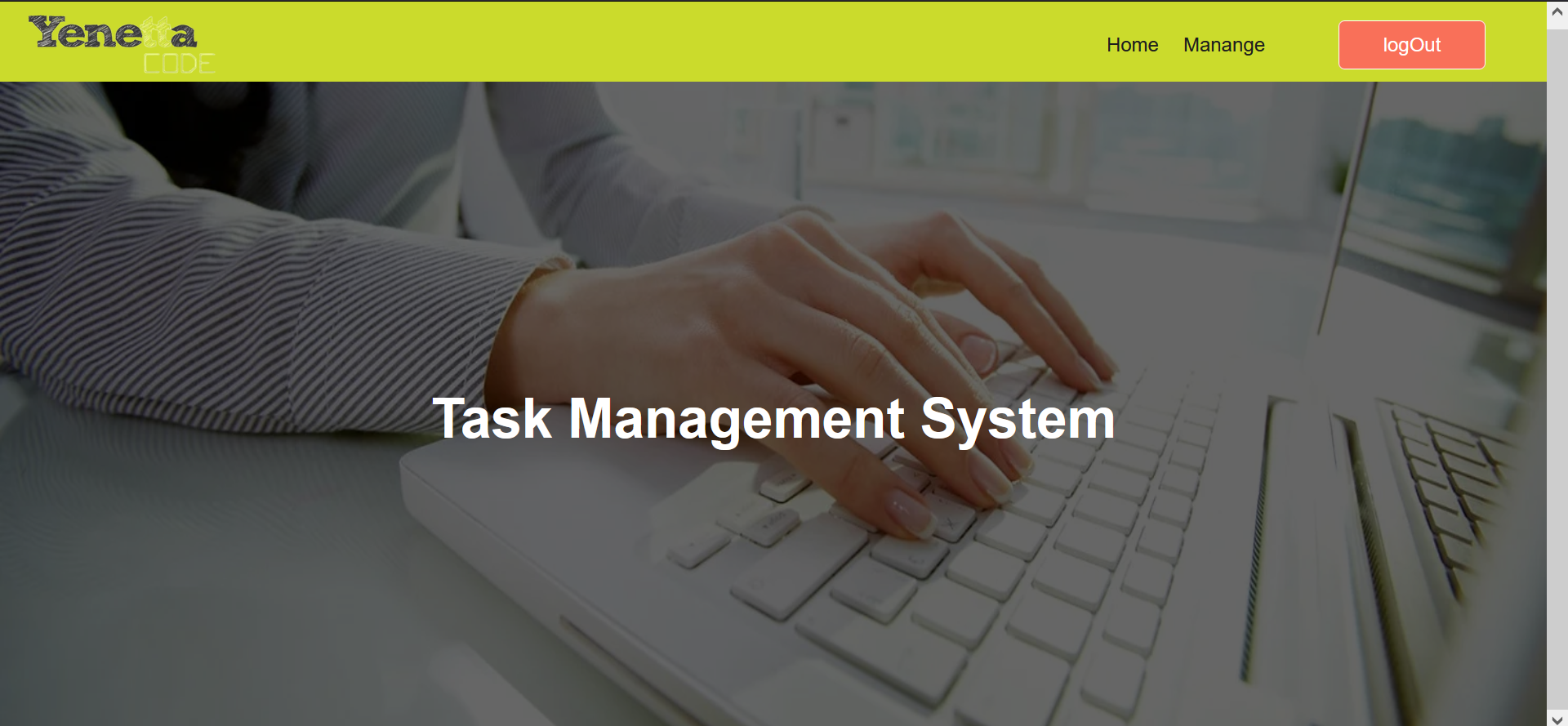
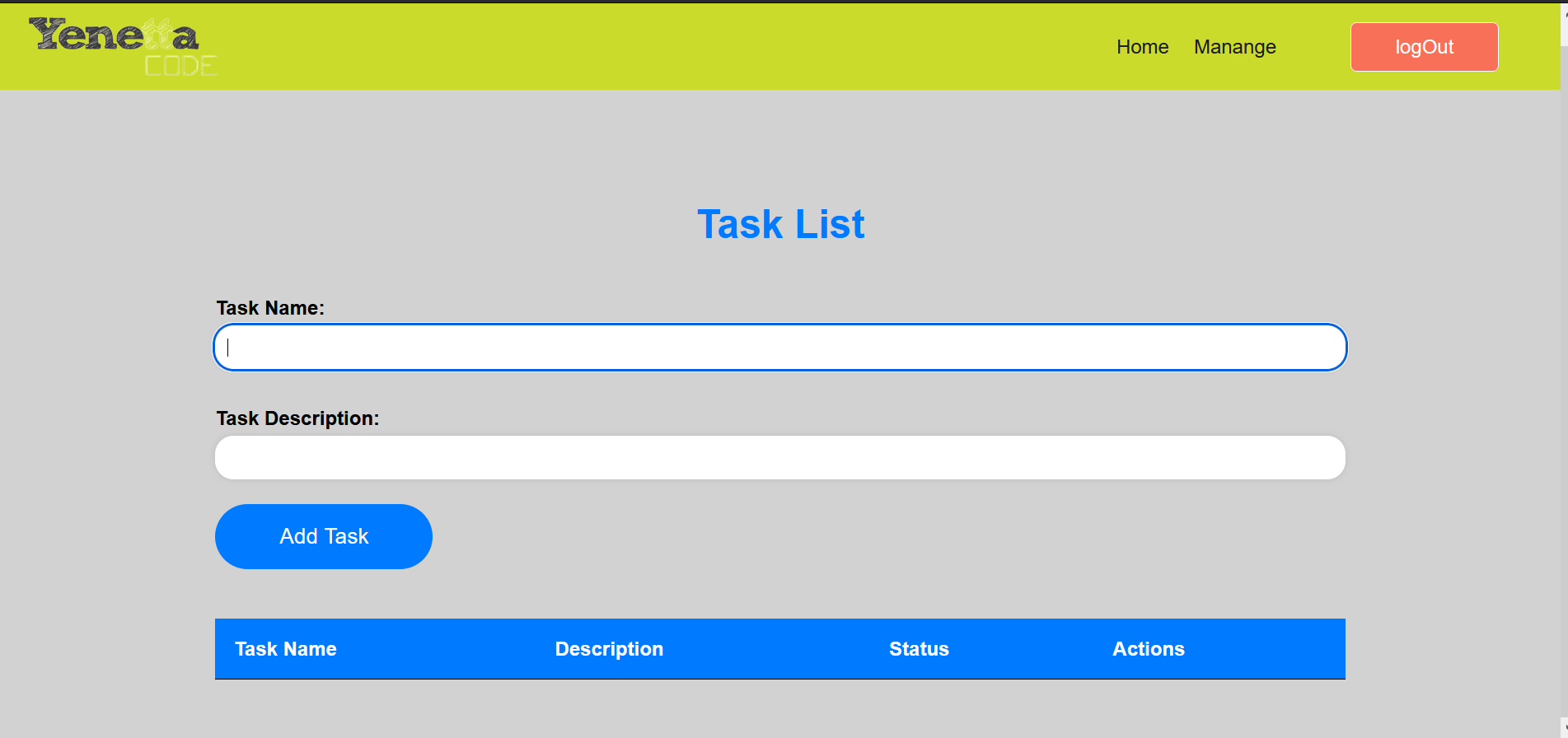
This repository contains the code for a task management website developed using the MERN stack (MongoDB, Express, React, Node.js).
To get started, follow the steps below:
Clone the repository to your local machine using the command: https://github.com/AbrhamWendmeneh/bootcampproject.git
Install the dependencies using npm by running the following command in the project directory: npm install
Set up the MongoDB database. You can use a cloud-based service like MongoDB Atlas. Update the MongoDB connection string in the .env file with your own connection string.
These are the images taken from the website page