Ino Library Installation
The library can be installed in several ways:
- Arduino IDE Library Manager
- Arduino IDE Import .zip library
- Arduino IDE manual installation
- PlatformIO
These installation processes are conveniently described in the official Arduino website.
Library name: pas-co2-sensor
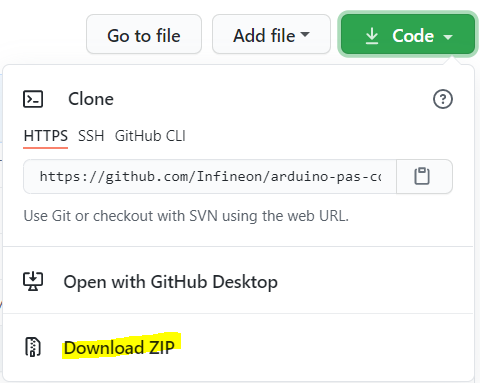
Download the desired .zip library version from the repository releases section.
Refer to the PlatformIO wiki section and the official website.