A minimal, config-driven developer portfolio template built with Next.js 16, React 19, and Tailwind CSS.
Live Demo: devfoliox.vercel.app

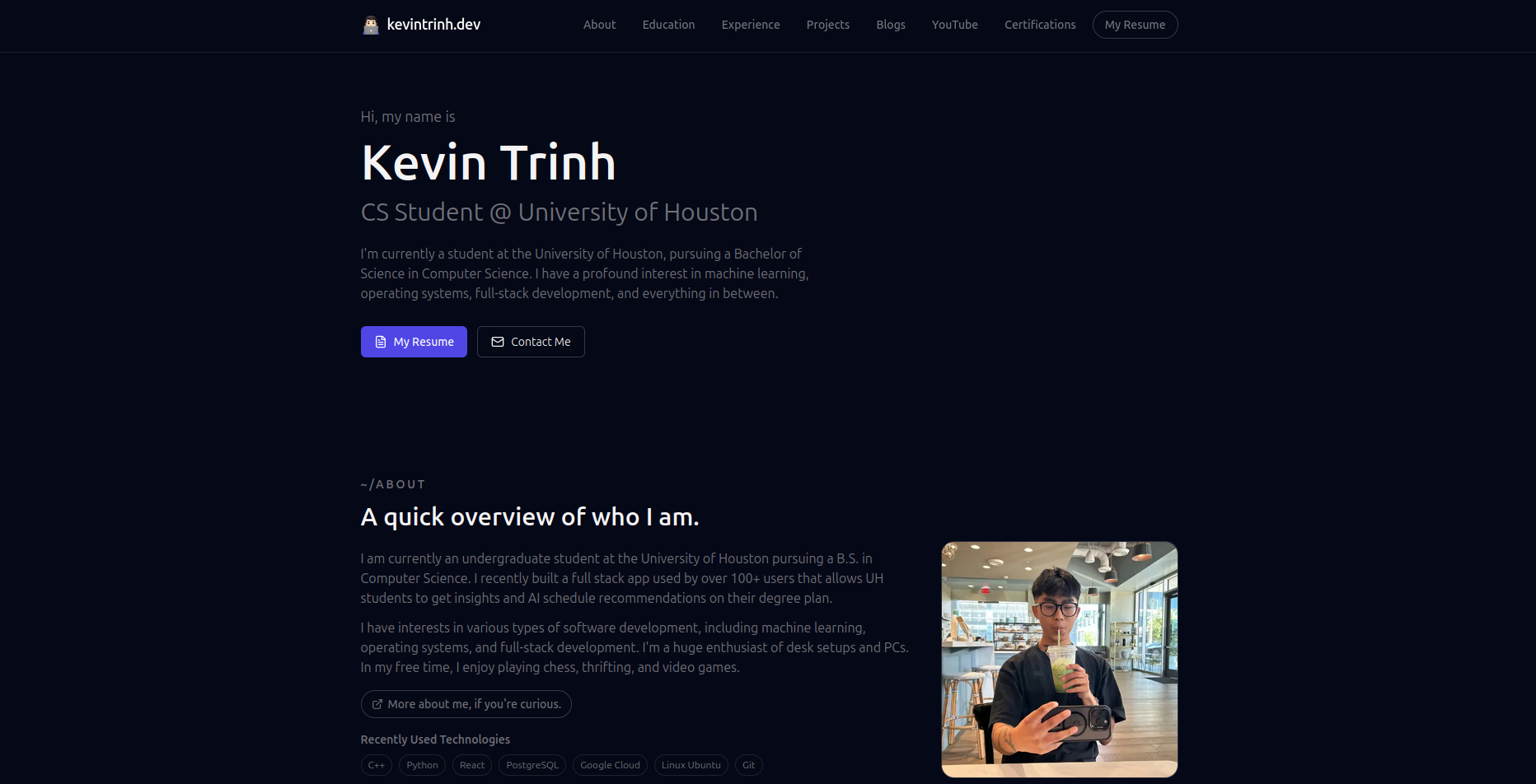
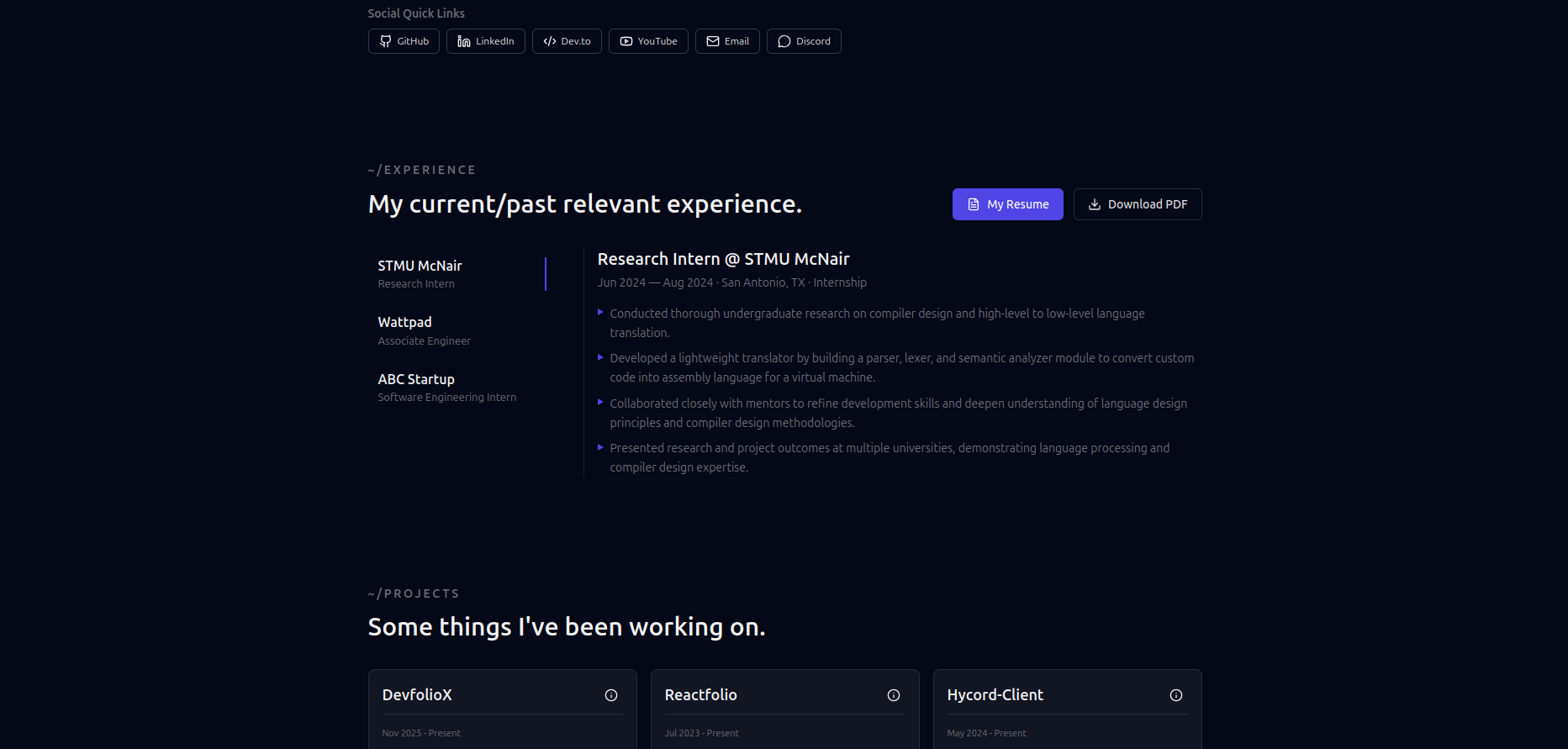
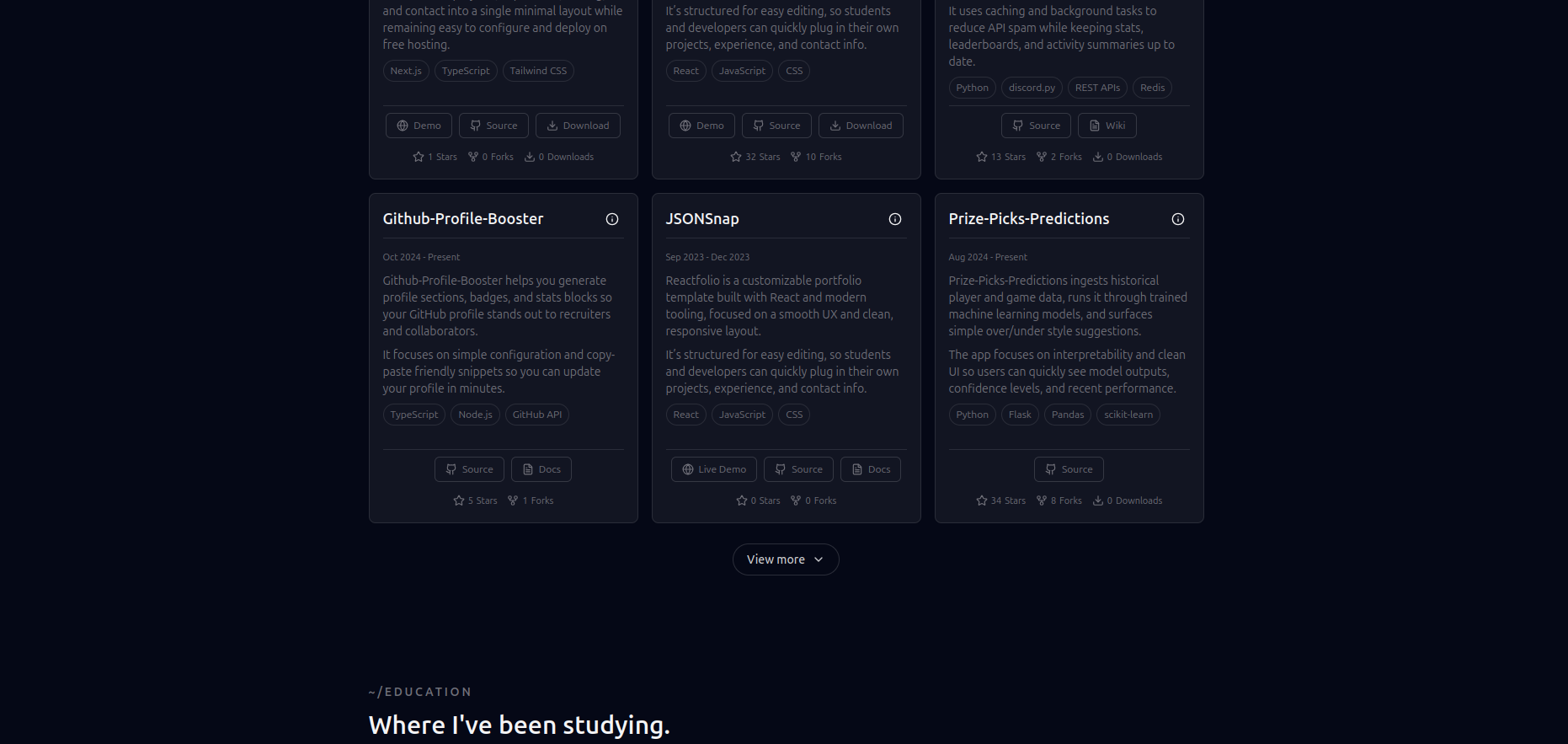
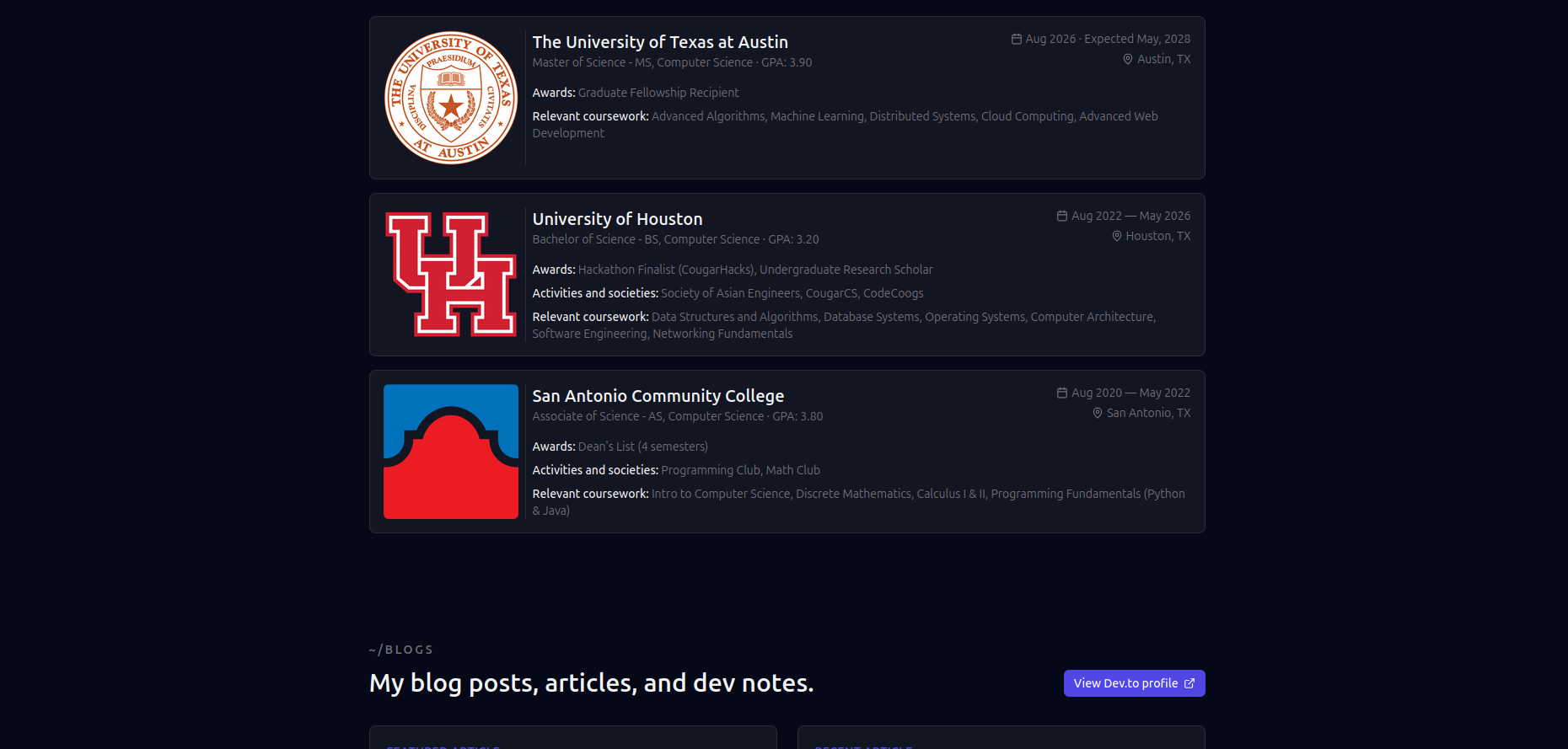
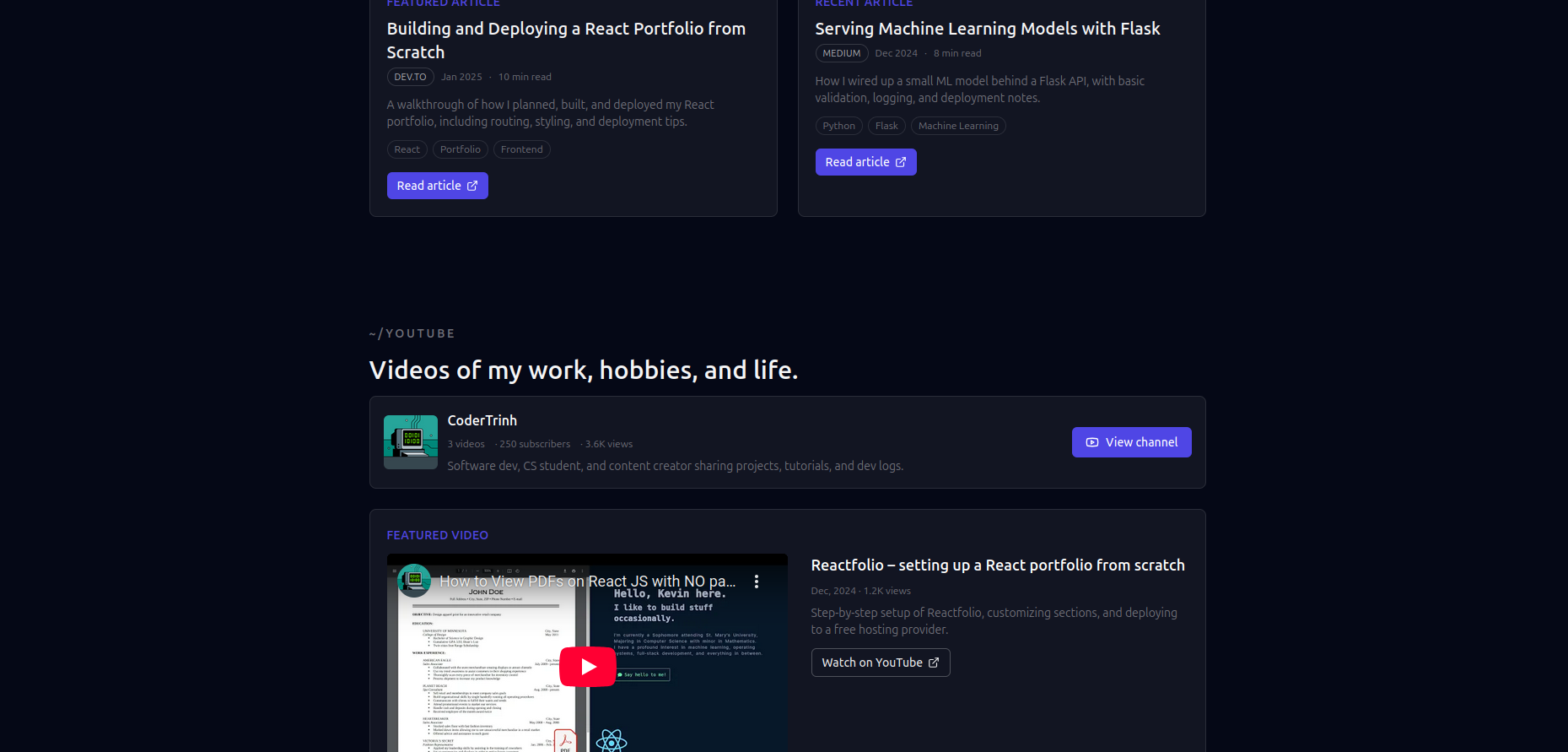
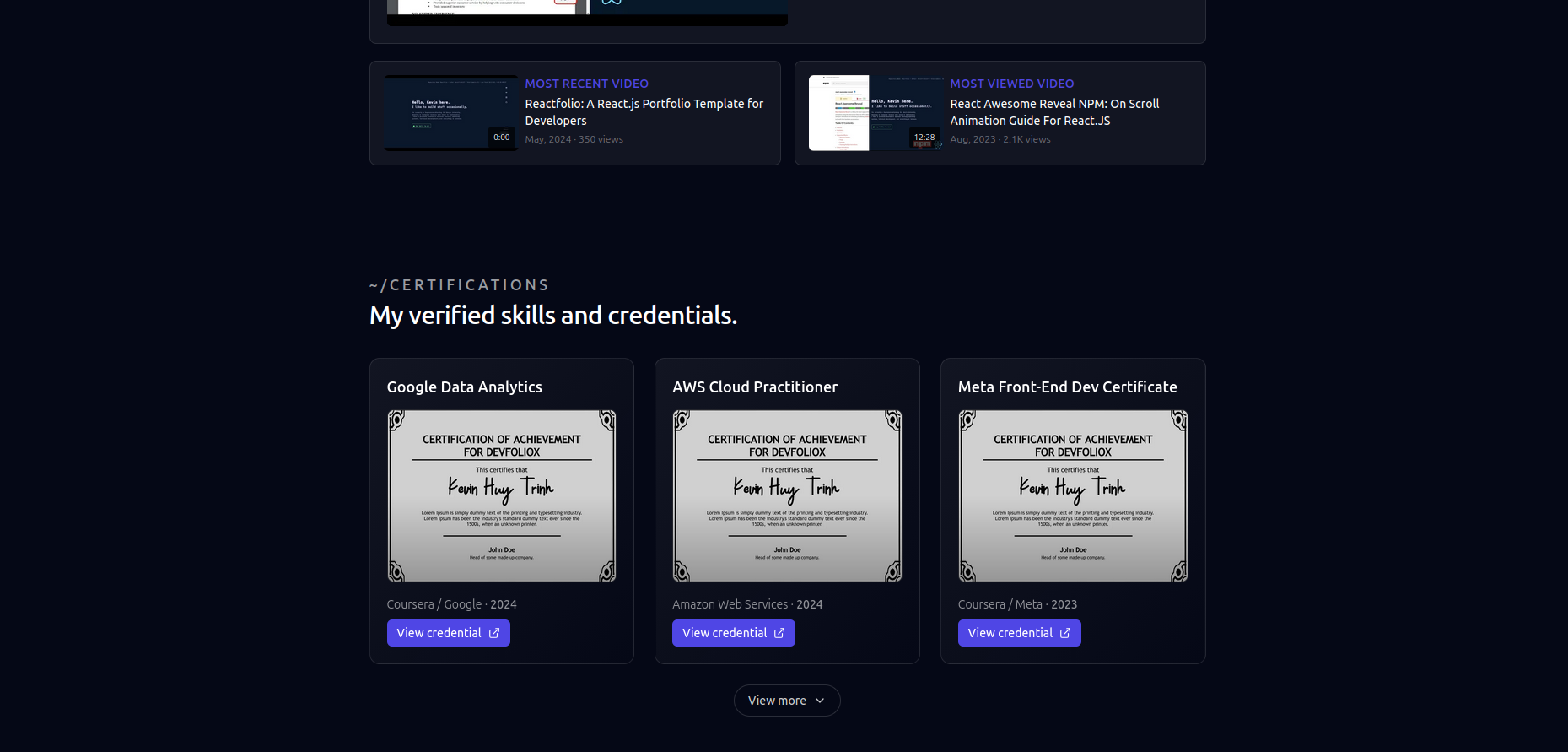
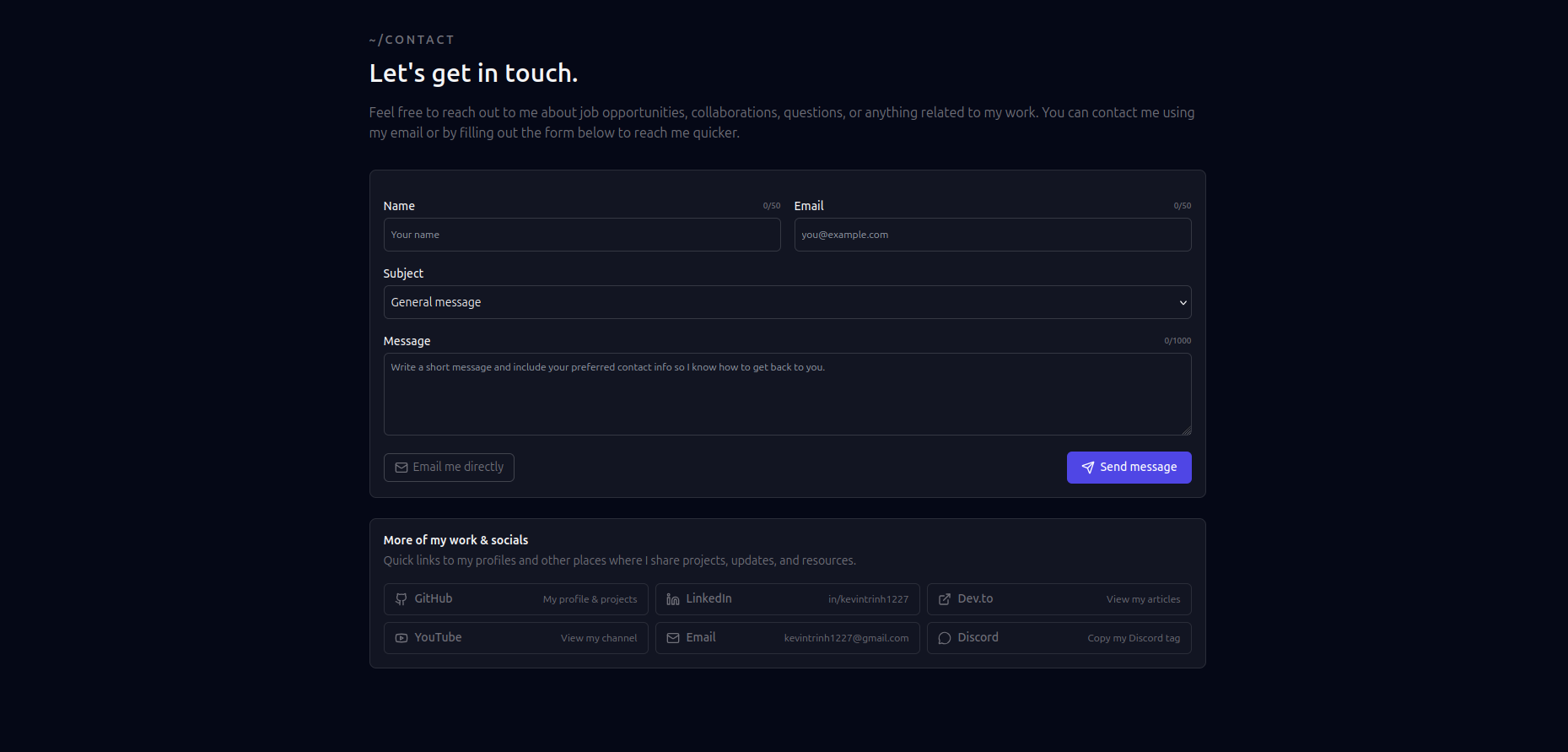
More Screenshots

- Features
- Quick Start
- Configuration
- Blog System
- Theme Customization
- SEO
- Deployment
- Environment Variables
- Config-driven - Edit JSON files, not React components
- Responsive design - Optimized for all screen sizes
- Dark/Light mode - System preference detection with manual toggle
- Command palette - Press
Cmd+Kto search everything - PWA ready - Installable as a Progressive Web App
- Homepage - Hero, about, skills, experience, projects, articles, contact
- Projects page -
/projectslisting with individual/projects/[slug]pages - Articles page -
/articleslisting with individual/articles/[slug]pages - 404 page - Custom not found page
- GitHub - Auto-fetch project stats, contribution graph, pinned repos
- YouTube - Display latest videos from your channel
- Dev.to - Sync articles from your Dev.to profile
- Google Docs - Embed your resume directly
- Contact form - Email via Resend API
- Automatic sitemap - Generated at
/sitemap.xml - Robots.txt - Configurable at
/robots.txt - JSON-LD - Structured data for rich search results
- Dynamic OG images - Auto-generated social images
- Optimized fonts - Inter + JetBrains Mono with no FOUT
- Image optimization - AVIF/WebP with lazy loading
Click the Vercel or Netlify button above to deploy instantly.
# Clone the repository
git clone https://github.com/KevinTrinh1227/DevfolioX
cd devfoliox

# Install dependencies
npm install

# Run the setup wizard
npm run setup

# Start development server
npm run dev
Visit http://localhost:3000 to see your site.
All configuration is done through JSON files in the config/ directory:
| File | Purpose |
|---|---|
site.json |
Personal info, social links, section toggles |
projects.json |
GitHub repos to feature (or manual entries) |
experience.json |
Work history and education |
articles.json |
External article links (or use MDX blog) |
theme.json |
Theme mode and accent color |
{
  "name": "Your Name",
  "title": "Full-Stack Developer",
  "email": "you@example.com",
  "github": "yourusername",
  "sections": {
    "hero": true,
    "about": true,
    "skills": true,
    "experience": true,
    "projects": true,
    "articles": true,
    "youtube": false,
    "contact": true
  }
}
Projects can be auto-populated from GitHub READMEs or defined manually:
{
  "githubRepos": [
    "yourusername/awesome-project",
    "yourusername/another-project"
  ],
  "manualProjects": []
}
Add a hidden metadata block to your GitHub README for rich project data:
<!-- devfoliox
{
  "title": "My Project",
  "summary": "A brief description",
  "featured": true,
  "technologies": ["React", "Node.js"]
}
-->DevfolioX includes a full MDX-based blog system.
Add .mdx files to content/articles/:
---
title: "My First Article"
slug: "my-first-article"
summary: "An introduction to my blog"
date: "2026-01-25"
category: "Tutorial"
tags: ["Next.js", "React"]
featured: true
---

Your article content here...Use custom components in your articles:
<Callout type="info">
  This is an informational callout.
</Callout>

<Callout type="warning">
  This is a warning.
</Callout>{
"defaultMode": "dark",
"allowToggle": true,
"accentColor": "indigo"
}indigo(default)emeraldroseambercyan
Edit app/globals.css to add custom CSS variables:
:root {
  --accent: #your-color;
  --accent-hover: #your-hover-color;
}- Sitemap - Auto-generated at
/sitemap.xml - Robots.txt - Configured at
/robots.txt - JSON-LD - Structured data for Person, WebSite, SoftwareApplication, Article
- Open Graph - Dynamic OG images via
/api/og - Canonical URLs - Automatic canonical tags
Each page has optimized metadata. Customize in app/layout.tsx or per-page with generateMetadata().
- Push your code to GitHub
- Import project on vercel.com
- Add environment variables
- Deploy
- Push your code to GitHub
- Import project on netlify.com
- Build command:
npm run build - Publish directory:
.next - Add environment variables
- Deploy
- Push your code to GitHub
- Create project on Cloudflare Pages
- Framework preset: Next.js
- Add environment variables
- Deploy
Create a .env.local file:
# Required for contact form
RESEND_API_KEY=re_xxxxx
CONTACT_TO_EMAIL=you@example.com

# Required for GitHub features
GITHUB_TOKEN=ghp_xxxxx

# Optional: YouTube integration
YOUTUBE_API_KEY=AIza_xxxxx

# Optional: Analytics
NEXT_PUBLIC_GA_ID=G-XXXXXX| Variable | Required | Purpose |
|---|---|---|
RESEND_API_KEY |
For contact | Send emails via Resend |
CONTACT_TO_EMAIL |
For contact | Email recipient |
GITHUB_TOKEN |
For GitHub | API access for stats |
YOUTUBE_API_KEY |
For YouTube | Fetch channel videos |
NEXT_PUBLIC_BASE_URL |
For SEO | Your deployed URL |
Run npm run validate-env to check your configuration.
| Command | Description |
|---|---|
npm run dev |
Start development server |
npm run build |
Build for production |
npm run start |
Start production server |
npm run setup |
Interactive setup wizard |
npm run validate-env |
Validate environment variables |
npm run lint |
Run ESLint |
- Framework: Next.js 16 (App Router)
- Language: TypeScript
- Styling: Tailwind CSS
- Blog: MDX with gray-matter
- Search: Fuse.js
- Icons: Lucide React
- Fonts: Inter, JetBrains Mono
MIT License - feel free to use this for your own portfolio.