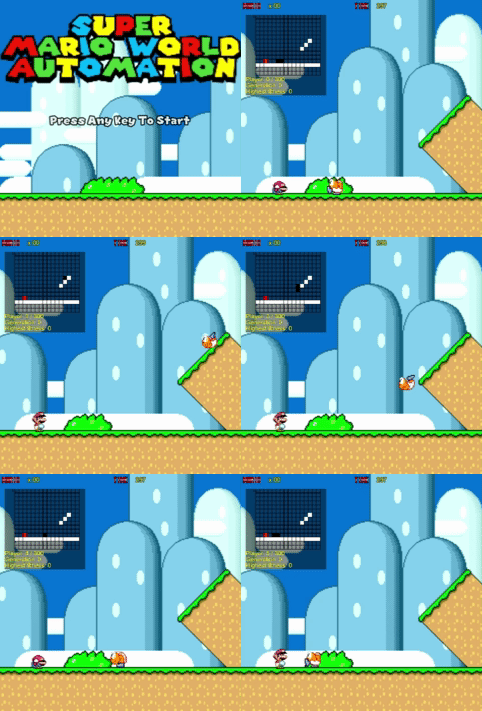
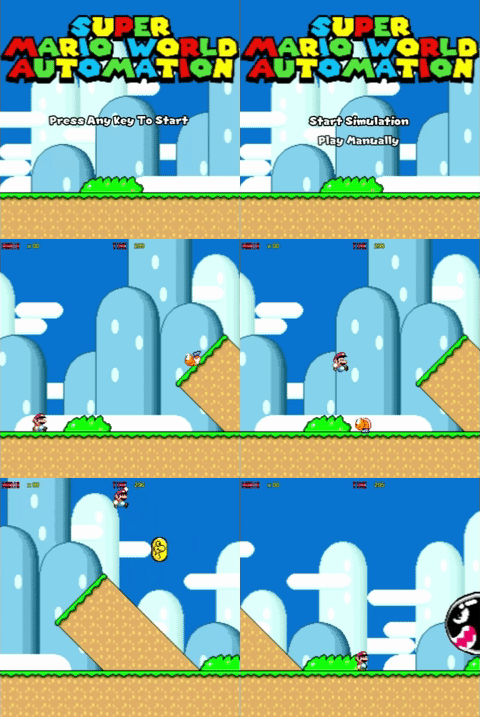
| AI-Controlled Mode | Manual Mode |
|---|---|
 |
 |
The AI Game Controller project is a refactored version of my Master’s dissertation that explores how an AI agent can learn to play a 2D platformer level in a way that resembles human gameplay.
The system uses a neuroevolutionary algorithm — evolving artificial neural networks through genetic selection — to teach an AI controller how to complete a Super Mario–style level built with SFML in C++.
The final challenge asks: Can observers tell if the player is human or AI?
- 🧩 AI Controller: Learns movement and jump patterns using a genetic algorithm (NEAT-inspired).
- 🎮 Human Play Mode: Manual controls for testing and comparison.
- 🧱 Custom 2D Engine: Core loop, input mapping, physics, and collision detection built from scratch.
- 📊 Performance Logging: Option to output generation and fitness data for analysis.
- 🧾 Archived Build: Ready-to-play executable available for download.
You can download the latest standalone executabke here:
👉 Download Standalone Executable
After downloading:
- Extract the .zip file.
- Open the folder and run the executable:
- Windows:
AI_Game_Controller.exe
- Windows:
- Use the instructions below to play through debug mode or toggle AI simulation mode.
- Launch the game.
- When prompted, use Up / Down to choose:
- Play Manually (Debug Mode)
- Start Simulation (AI Mode)
- Press Enter to confirm your selection.
| Action | Key |
|---|---|
| Open / Close Pause Menu | Space |
| Exit Game (any time) | Esc |
A global Pause Menu is available in both modes and functions just like the main menu.
Use Up / Down to navigate and Enter to select.
Options:
- Resume – return to the game.
- Quit – close the game entirely.
| Action | Key |
|---|---|
| Move Left | ← |
| Move Right | → |
| Look Up | ↑ |
| Crouch | ↓ |
| Run (hold to keep speed) | S |
| Jump | A |
| Spin Jump (SJUMP) | D |
- In AI Mode, the controller automatically plays the game using neural-network-based behavior.
- Player input is disabled, but you can still global actions as required.
- The program creates a population of neural networks—each representing an AI controller.
- Every controller plays the level and is scored by fitness (distance, survival time, completion).
- The best controllers are selected, mutated, and crossed over to form the next generation.
- Over time, the AI learns timing, jumping, and obstacle avoidance.
- The evolved agent is tested against human gameplay for comparison.
AI-Game-Controller\
|
SFMLGameEngine
+-- Bin/          # Downloadable builds (executables)
+-- Code/         # Source code (C++)
+-- Resources/    # Fonts, Sprites, Shaders, Outputs, etc.
+-- Previews/     # Screenshots, GIFs
\-- README.md     # Project documentation
- Design and implement a 2D platformer using SFML and modern C++ conventions.
- Apply neuroevolution (genetic algorithm + ANN) to gameplay control problems.
- Evaluate and compare AI and human playstyles using performance metrics.
- Refactor legacy academic code into a maintainable, modular structure.
- Log, visualize, and interpret AI learning results.
| Platform | Minimum Spec |
|---|---|
| Windows | Windows 10+, SFML runtime included |
| CPU | Dual-core 2.0GHz |
| RAM | 4GB |
| GPU | Any with OpenGL 2.1 support |
| State | Description |
|---|---|
| TitleState | Displays “Press Any Key To Start” and transitions to the Main Menu upon key press. |
| MainMenuState | Title and mode selection (Manual or AI). |
| LoadingState | Preloads textures, world objects, and assets before the game begins. |
| MainState | Active gameplay, player and AI logic, and camera management. |
| PauseMenuState | Opens with Space, offering Resume, Title, or Quit options. |
Title Screen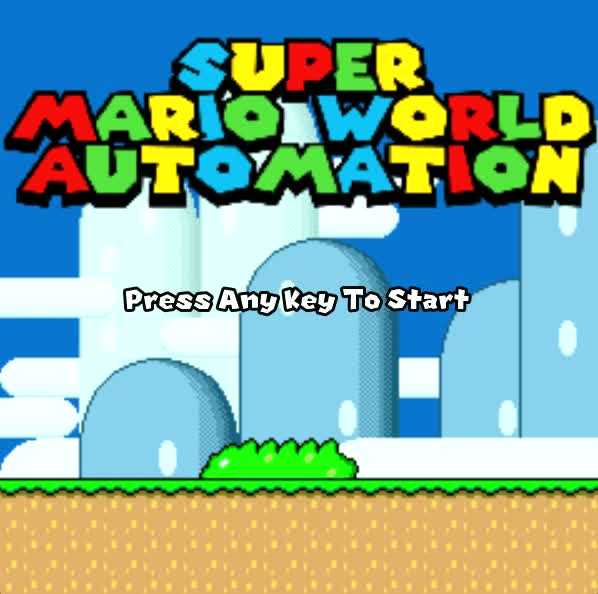
|
Main Menu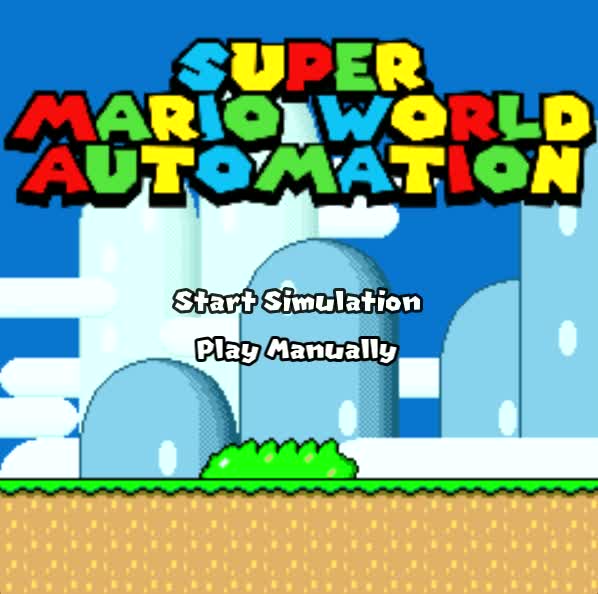
|
Manual Gameplay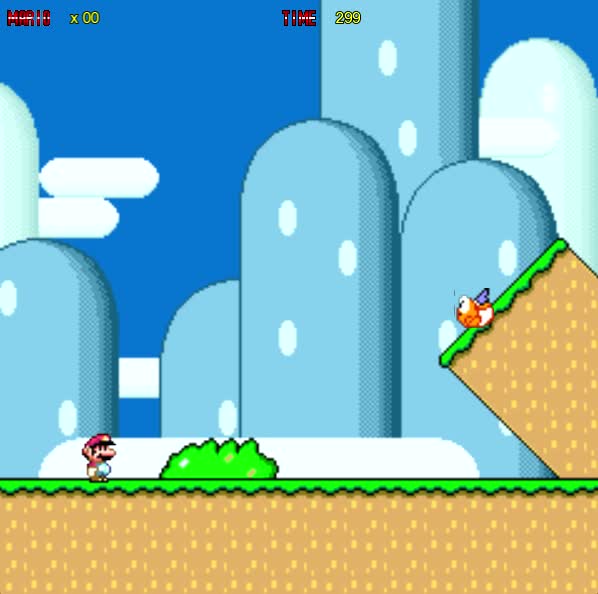
|
Auto Gameplay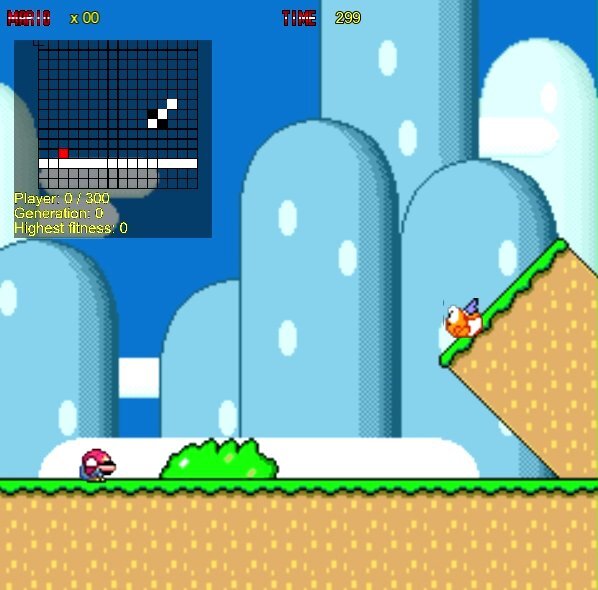
|
Pause Menu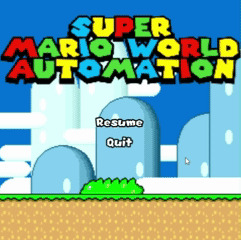
|
|
- Add multiple level files and adjustable parameters.
- Implement save/load for trained neural networks.
- Display visual AI debugging overlays.
- Package cross-platform release builds.
Mohamed Agilah
🎓 Games Programmer & AI Developer
🌐 Portfolio Website
📧 Contact: agilahmohamed@gmail.com
Project archived for educational and portfolio purposes (October 2025).