


Fork of pjsekai-overlay by TootieJin, an open-sourced tool to make Project Sekai Fanmade (custom chart) videos - in other words... "Make your Sonolus look like Project Sekai."
Caution
Before using pjsekai-overlay-APPEND: This tool is primary only for people with technical know-how and basic knowledge of AviUtl.
Only use this tool if you can figure it out yourself. If problems arise, please make a discussion thread.
Please also read the Terms of Use after using the tool.
- P.S. To a certain someone (a.k.a this person) with the mindset of
"Just switch to a different editing software since I don’t even know how to install aviutl"(image source): I suggest you make your own pjsekai-overlay that supports your desired editing software. (if you can even find a video editor that is as versatile and extensible as AviUtl, that is).
This is a forked version of pjsekai-overlay with additional features originally not in the main repo, including:
- AviUtl ExEdit2 Full Support
- Extra assets
- Added/adjusted elements to look identical to the official photography
- Quickly make 1080p videos
- iPad (4:3) video support
- Ability to use the English AviUtl
- v1 UI skin (Full support)
- Automatically changes chart difficulty to generate in AviUtl based on chart tag (or title)
- (AviUtl ExEdit2 ONLY) Supports very big number (~ 1.7e+307) using lua-bignumber
- Various UI customization
- Animated Scoring
- Adjust animation speed in different elements
- Interchangable AP Combo
- Interchangable judgement type (PERFECT/GREAT/GOOD/etc.)
- Interchangable LIFE value
- Skill Effects (v1 + v3)
- Achievement Rate
- Additional support for more servers:
- Official server(s):
sekai-rush-: Proseka Rush (sekairush.shop)
- Custom server(s):
chcy-: Chart Cyanvas0: Archive (cc.sevenc7c.com)1: Offshoot server (chart-cyanvas.com)Others (URL domain): Different Cyanvas instance
ptlv-: Potato Leaves (ptlv.sevenc7c.com)utsk-: Untitled Sekai (us.pim4n-net.com)UnCh-: UntitledCharts (untitledcharts.com)coconut-next-sekai-: Next SEKAI (coconut.sonolus.com/next-sekai)
- Independent server(s):
lalo-: laoloser's server (sonolus.laoloser.com)skyra-: osciris's server (Skyra)
- Local server(s):
sync-: Local Server (ScoreSync + ScoreSync Modern)
- Official server(s):
pjsekai-overlay-APPEND.mp4
pjsekai-overlay-APPEND.4-3.mp4
pjsekai-overlay-APPEND.v1.mp4

- TootieJin

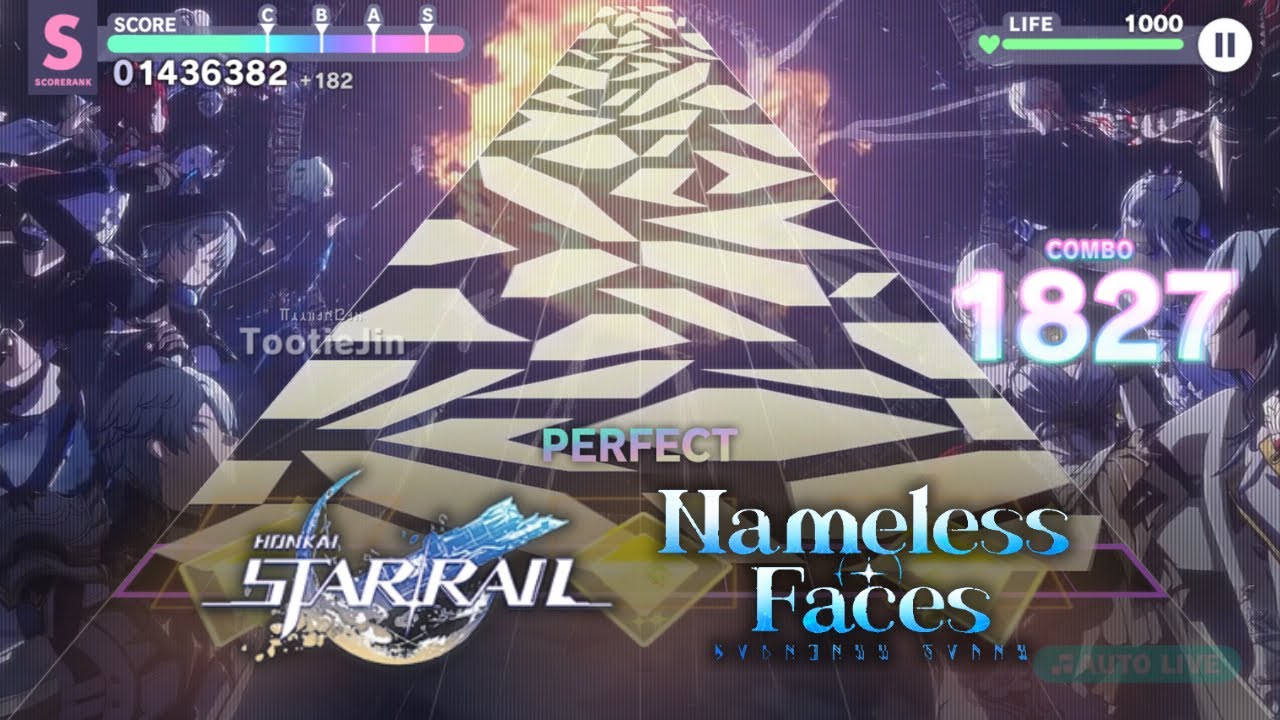
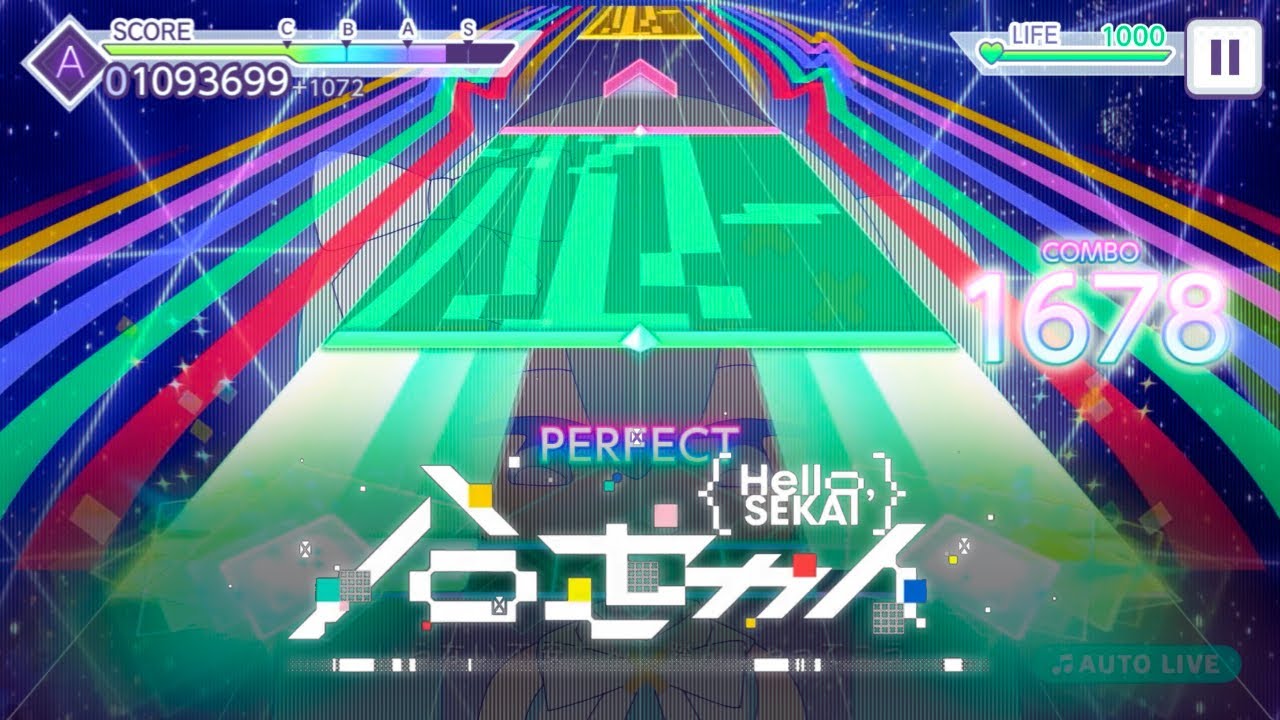
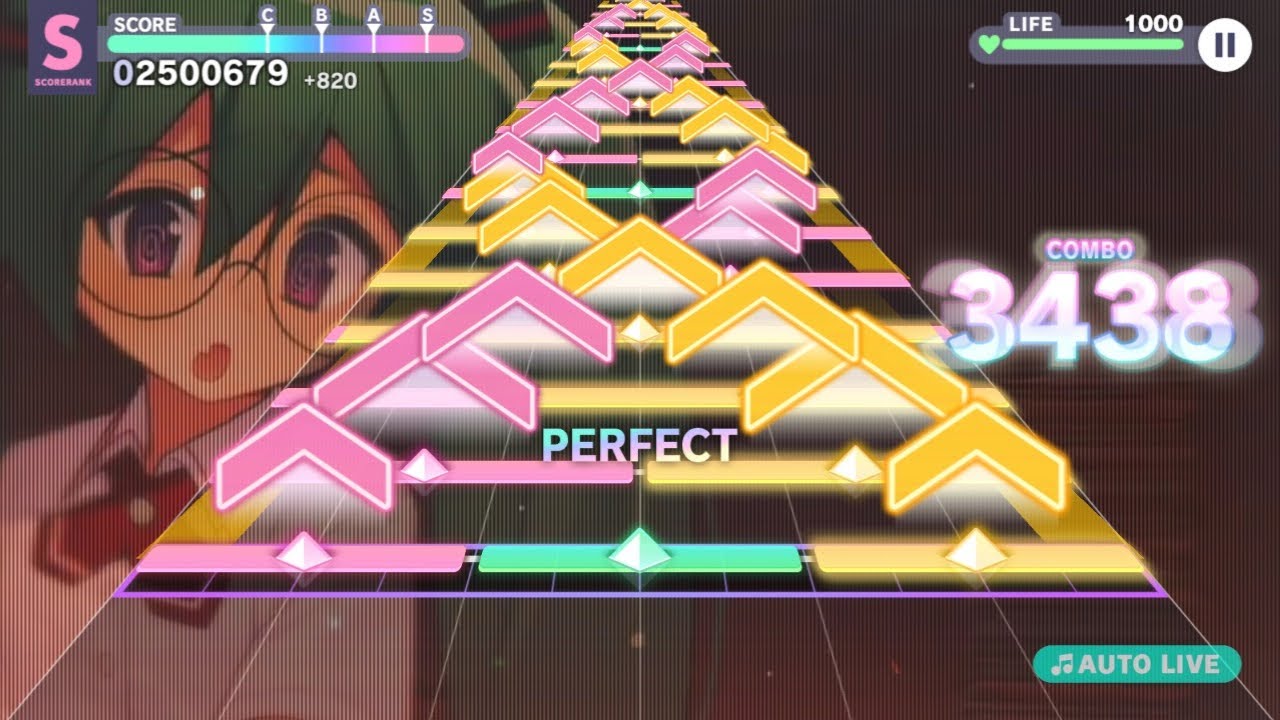
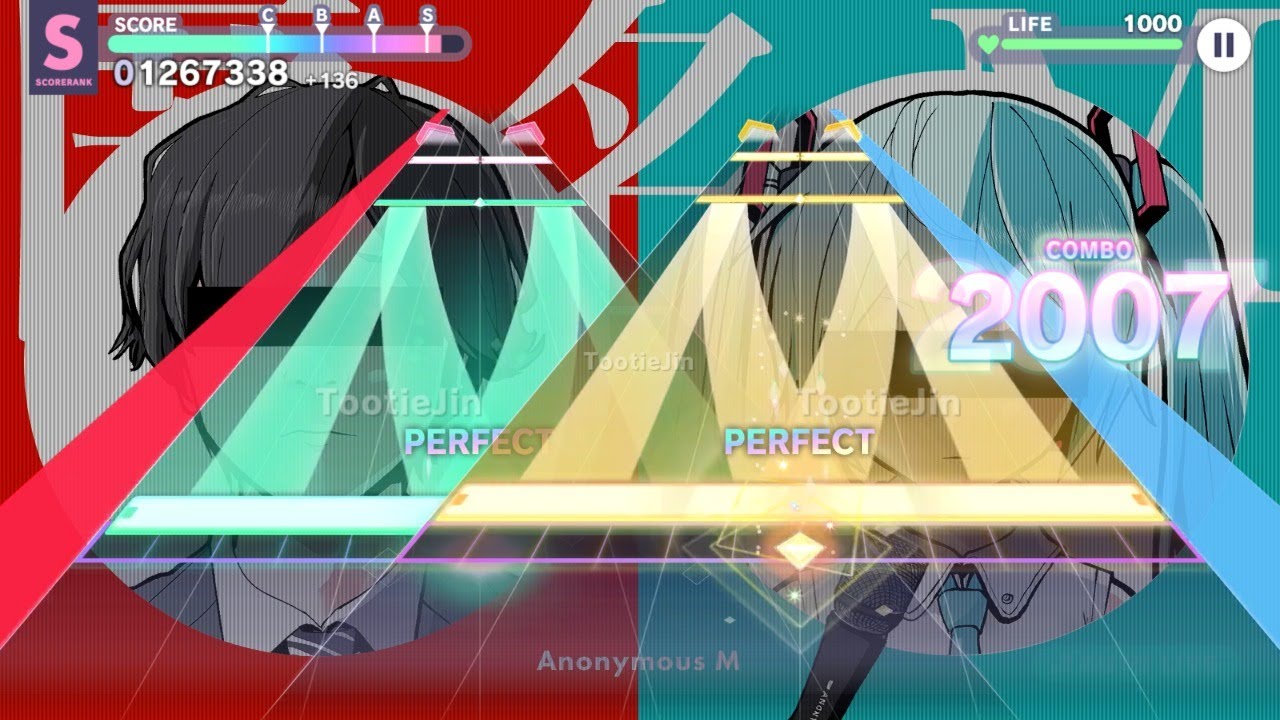
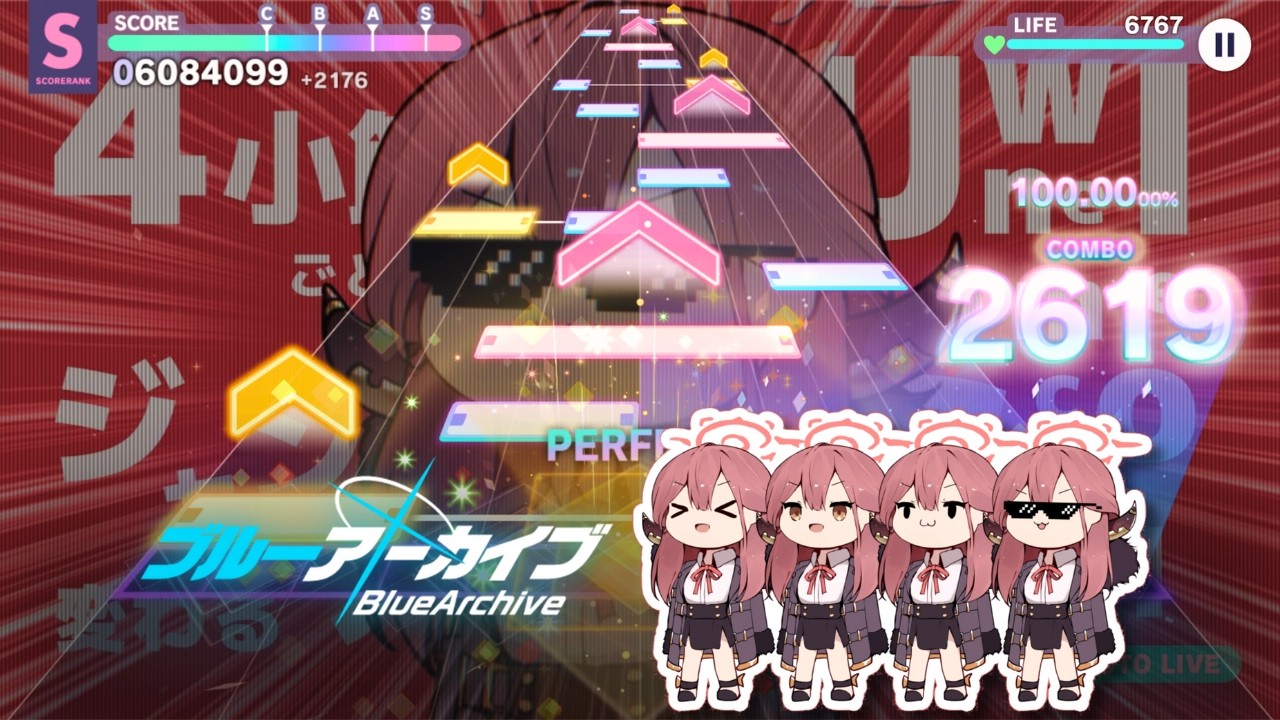
- Hydrogen

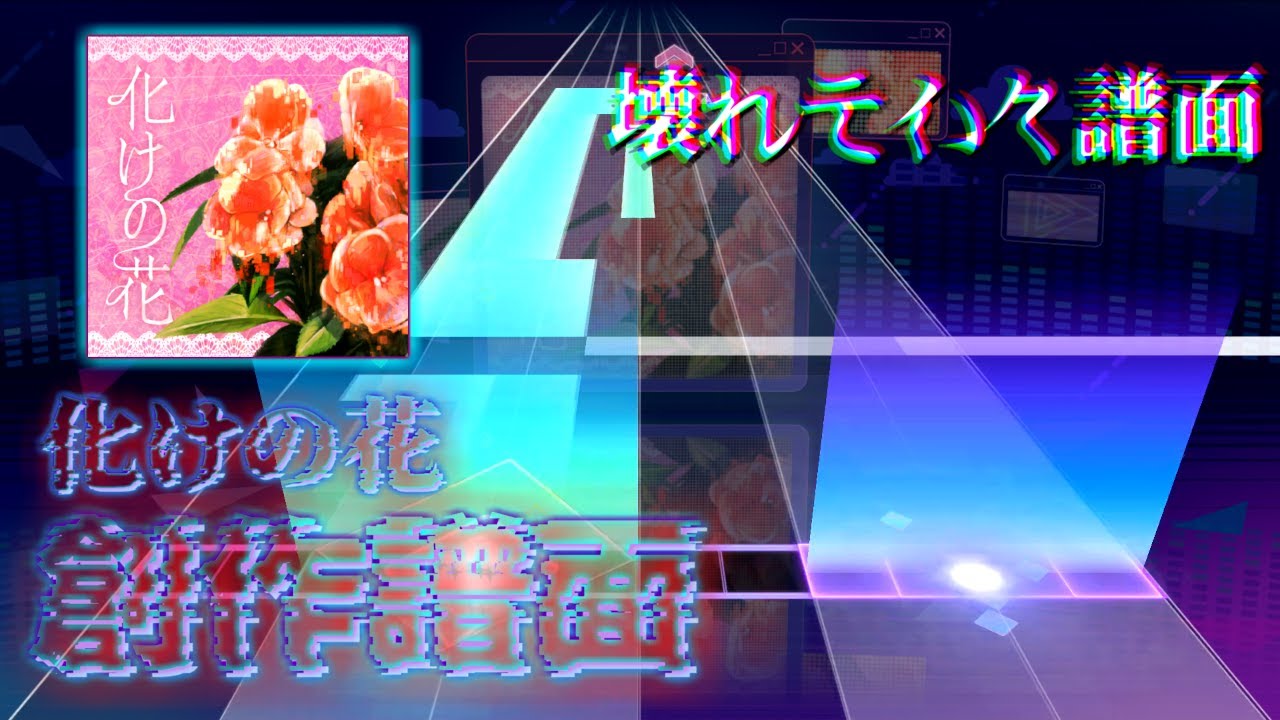
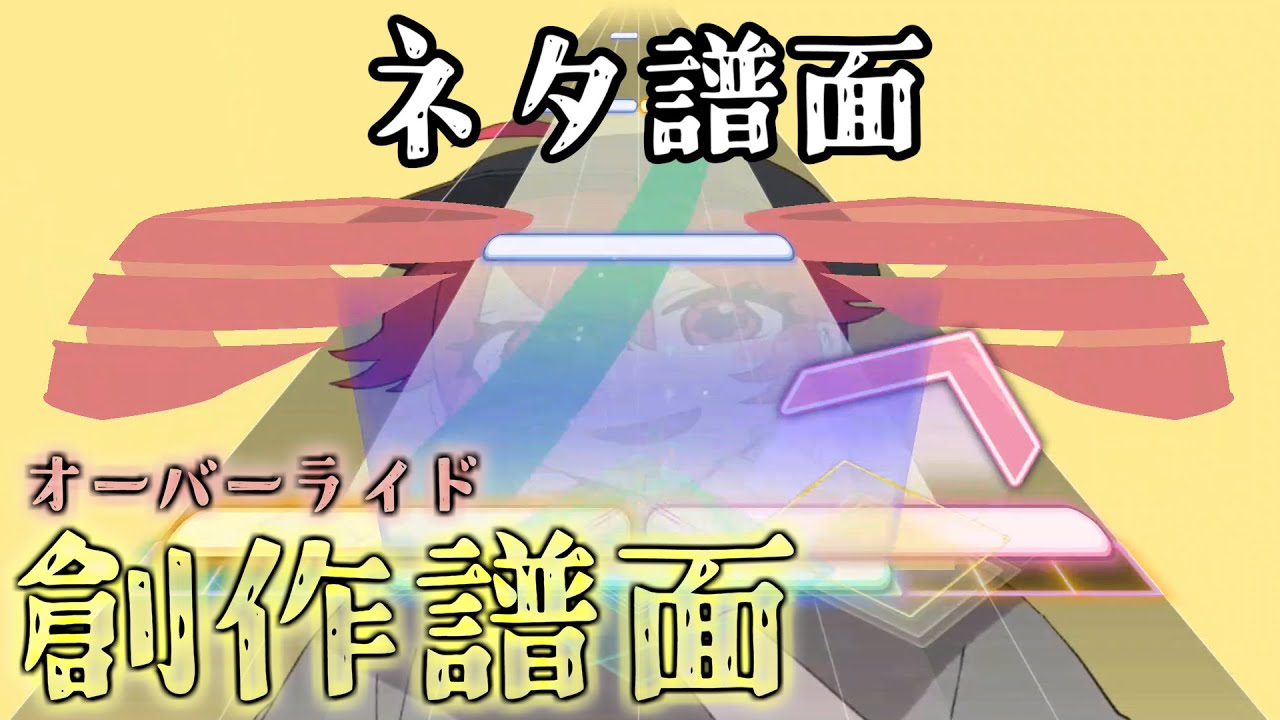
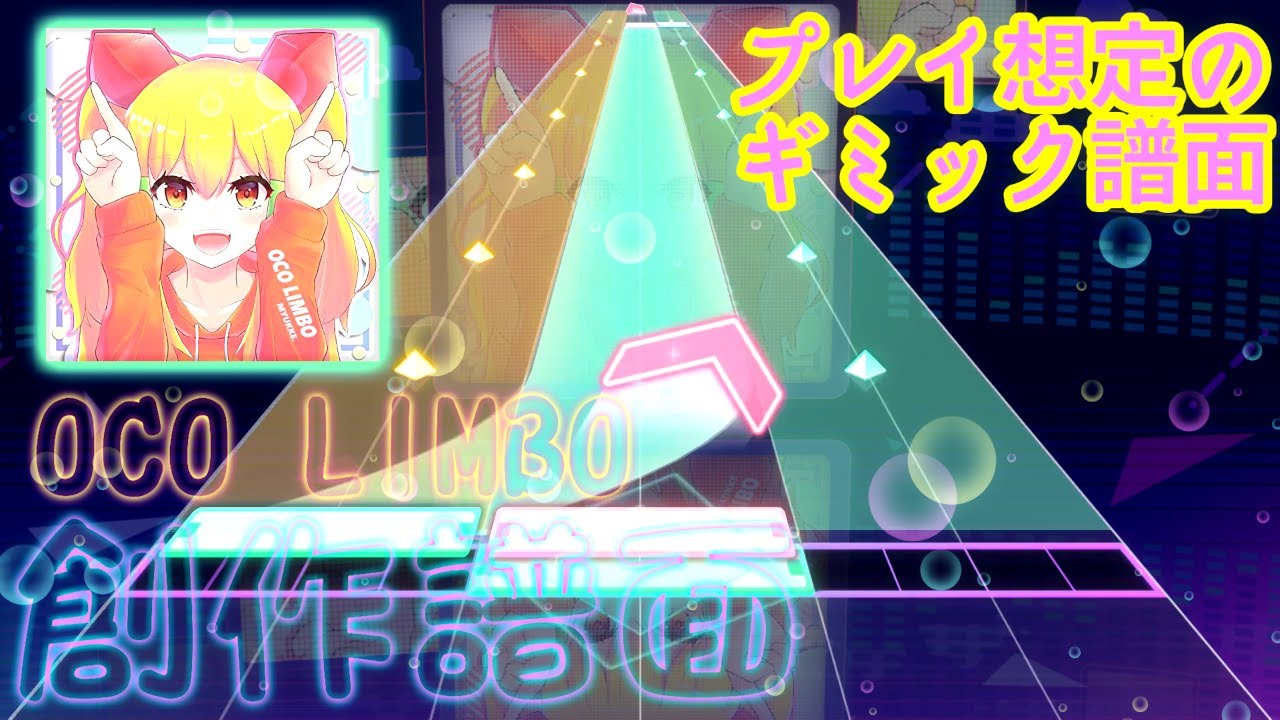

- まてぃ

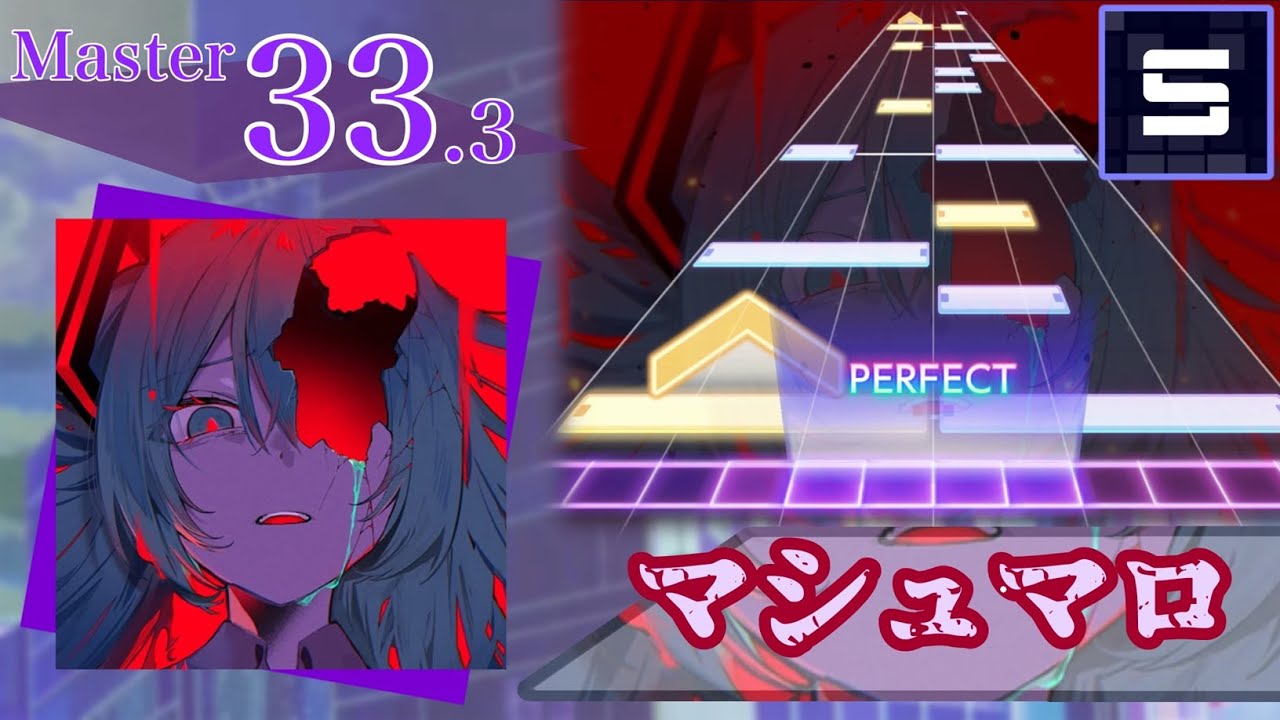
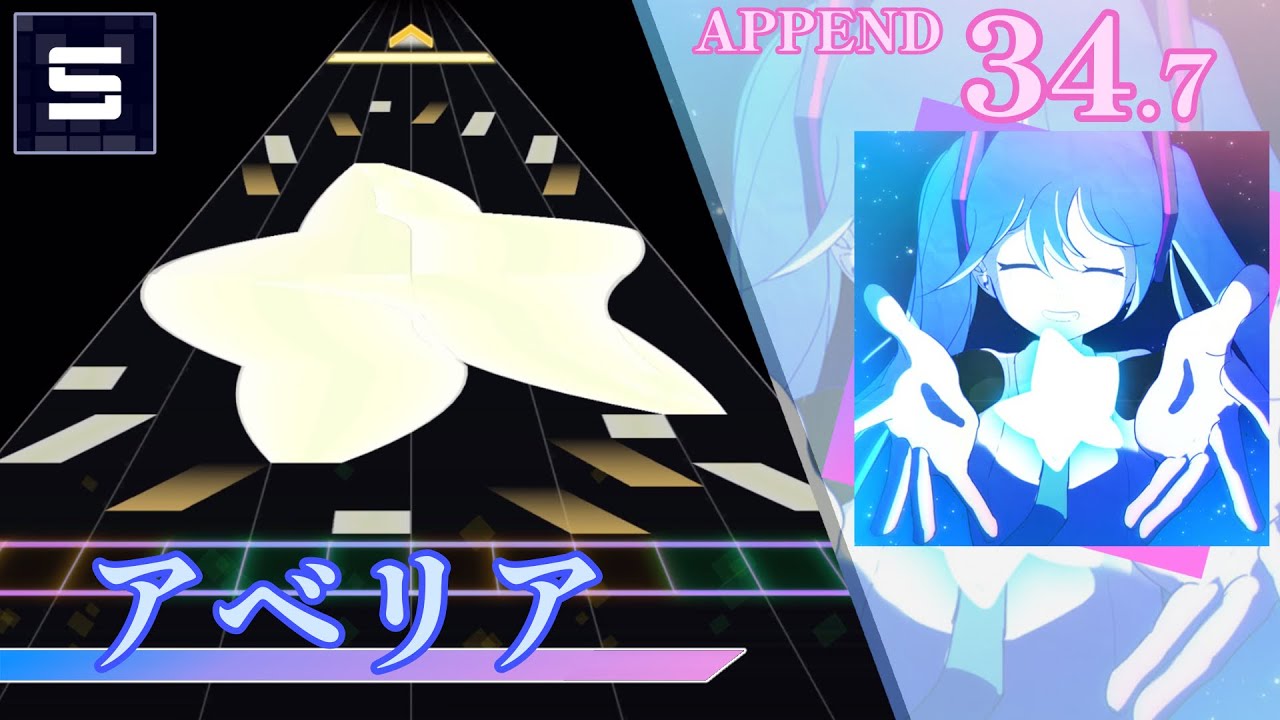
- ReiyuN

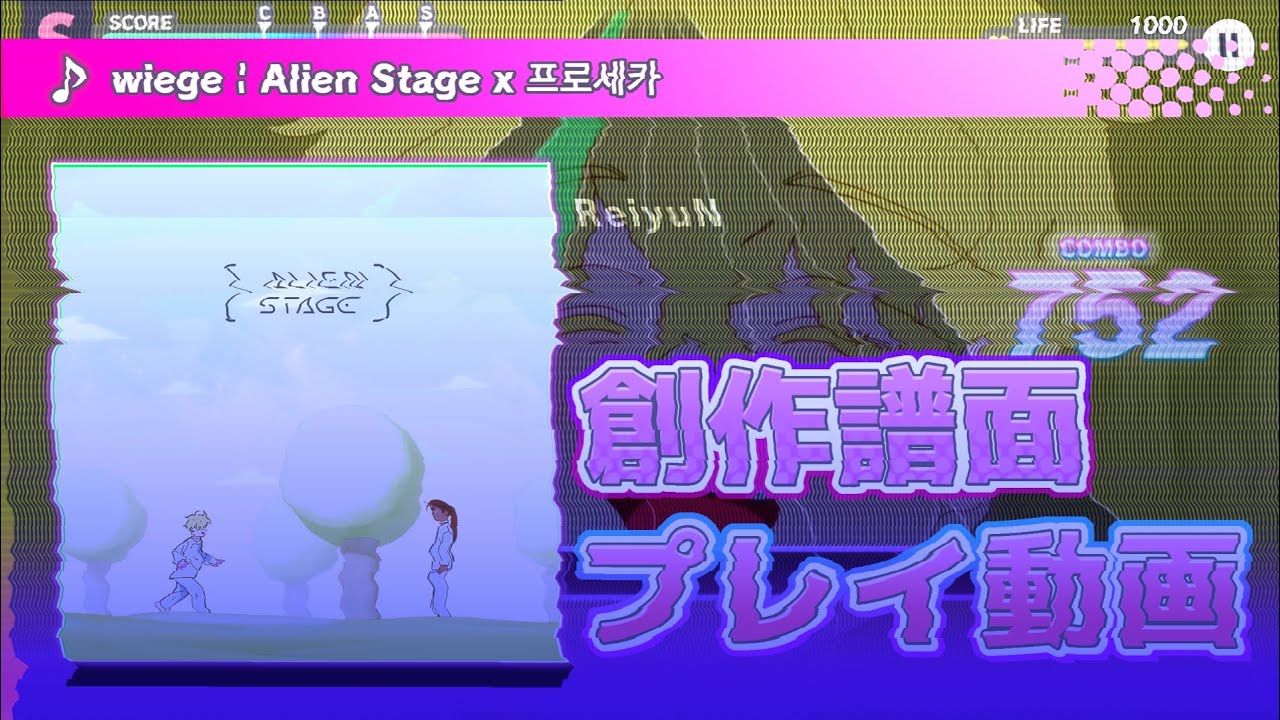
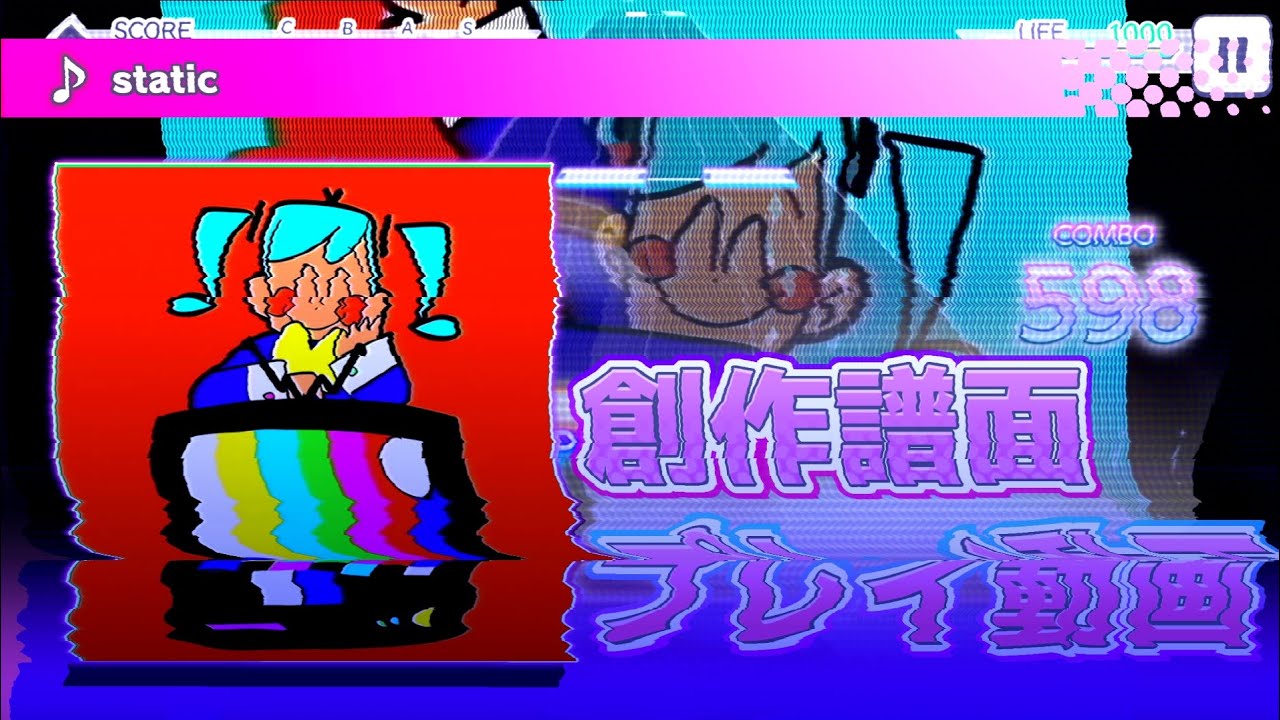
- Runakkushia

- (REQUIRED) In the description of your video, you must copy the text here:
EN
PJSekai-style video creation tool:
- Forked ver. by TootieJin (https://tootiejin.com) & ぴぃまん (https://pim4n-net.com)
- Developed by 名無し。 (https://sevenc7c.com)
   https://github.com/TootieJin/pjsekai-overlay-APPEND
JP
プロセカ風動画作成補助ツール:
- フォーク:TootieJin氏 (https://tootiejin.com) & ぴぃまん氏 (https://pim4n-net.com)
- 作成:名無し。氏 (https://sevenc7c.com)
   https://github.com/TootieJin/pjsekai-overlay-APPEND
- This tool should not be used for malicious purposes (such as spreading misinformation on social media).
- The author assumes no responsibility whatsoever for any issues or disadvantages arising from the use of this tool.
| AviUtl | AviUtl ExEdit2 (Recommended) |
|---|---|
| AviUtl + Advanced Editing plug-in + L-SMASH Works + easymp4 (JP Installation Guide) - JP installer: AviUtl JP Installer Script - EN installer: AviUtl EN Extra Pack Import all plugins to aviutl\Plugins folder |
AviUtl ExEdit2 (via installer) + L-SMASH Works + MP4Exporter - English language can be selected in 設定 > 言語の設定 > English (Settings > Language > English)Import AviUtl2\lwinput.aui2 & MP4Exporter.auo2 plugin to C:\ProgramData\aviutl2\Plugin folder |
- PowerShell
- Fonts: RodinNTLG DB + EB
- Your system locale must be
Japanese (Japan)(Go here for how to change it) - Japanese Language Pack must be installed (Go here for installation instructions)
- Basic knowledge of AviUtl
We've moved the guide to the wiki page.
Note
Please check the wiki often, as we may update information.
- @sevenc-nanashi for developing the pjsekai-overlay & pjsekai-background-gen-rust tool!
- @Piliman22 for contribution to make ScoreSync in pjsekai-overlay possible!
- @Reiyunkun, @gaven1880, and @YumYummity for providing additional PJSK assets!
- @Khronophobia for the customized lane assets in Blender!
- @sevenc-nanashi for the AviUtl2 Community Translation script!
- @MattMayuga for the customized judgement fonts!
- Sponsors/Donators (thank you!): Osciris (US$20), Nexint (US$5)
- And everyone who used my tool, thank you all so much.
TootieJin氏によるpjsekai-overlay用フォーク。pjsekai-overlay(-APPEND) は、プロセカの創作譜面をプロセカ風の動画にするためのオープンソースのツールです。
Caution
pjsekai-overlay-APPEND使用前に: このツールは主に、技術的な知識とAviUtlの基本的な理解がある方のみを対象としています。
自分で理解できる方のみご使用ください。問題が発生した場合は、議論スレッドを作成してください。
ツール使用後は、利用規約も必ずお読みください。
これはpjsekai-overlayのフォーク版で、元々メインレポにはない以下のような追加機能があります:
- AviUtl ExEdit2 フル対応
- 追加アセット
- 本家撮影と同じように見えるように要素を追加/調整
- 1080p動画を素早く作成
- iPad(4:3)動画対応
- 英語版AviUtlの使用機能
- v1 UIスキン(フル対応)
- 譜面のタグ(またはタイトル)に基づいて、AviUtlで生成される譜面の難易度を自動的に変更する
- (AviUtl ExEdit2 のみ) lua-bignumberを使用して非常に大きな数値(~ 1.7e+307)を対応
- 各種UIカスタマイズ
- アニメーション付きスコア表示
- 異なる要素でアニメーション速度を調整する
- 交換可能なAPコンボ
- 交換可能な判定タイプ(PERFECT/GREAT/GOODなど)
- 交換可能なライフ値
- スキル効果(v1 + v3)
- 達成率表示
- 追加サーバーの対応:
- 公式サーバー:
sekai-rush-: Proseka Rush (sekairush.shop)
- カスタムサーバー:
chcy-: Chart Cyanvas0: アーカイブ(cc.sevenc7c.com)1: 分岐サーバー(chart-cyanvas.com)その他(URLドメイン): 異なるCyanvasインスタンス
ptlv-: Potato Leaves (ptlv.sevenc7c.com)utsk-: Untitled Sekai (us.pim4n-net.com)UnCh-: UntitledCharts (untitledcharts.com)coconut-next-sekai-: Next SEKAI (coconut.sonolus.com/next-sekai)lalo-: laoloserのサーバー(sonolus.laoloser.com)
- 独立サーバー:
lalo-: laoloserのサーバー (sonolus.laoloser.com)skyra-: oscirisのサーバー (Skyra)
- ローカルサーバー:
sync-: ローカルサーバー (ScoreSync + ScoreSync Modern)
- 公式サーバー:
- TootieJin
- Hydrogen
- まてぃ
- ReiyuN
- Runakkushia
- (必須) 動画の説明文に、こちらのテキストをコピーしてください:
EN
PJSekai-style video creation tool:
- Forked ver. by TootieJin (https://tootiejin.com) & ぴぃまん (https://pim4n-net.com)
- Developed by 名無し。 (https://sevenc7c.com)
   https://github.com/TootieJin/pjsekai-overlay-APPEND
JP
プロセカ風動画作成補助ツール:
- フォーク:TootieJin氏 (https://tootiejin.com) & ぴぃまん氏 (https://pim4n-net.com)
- 作成:名無し。氏 (https://sevenc7c.com)
   https://github.com/TootieJin/pjsekai-overlay-APPEND
- 決して悪意のある使用をしないでください。(SNS上でデマを流すために使う等)
- このツールを使ったことによるトラブルや不利益などが発生しても、作者は一切の責任を負いません。
| AviUtl | AviUtl ExEdit2 (推奨) |
|---|---|
| AviUtl + 拡張編集プラグイン + L-SMASH Works + easymp4 - インストーラー: AviUtl インストーラースクリプト すべてのプラグインを aviutl\Plugins フォルダにインポートする |
AviUtl ExEdit2 (インストーラ版) + L-SMASH Works + MP4ExporterAviUtl2\lwinput.aui2とMP4Exporter.auo2プラグインをC:\ProgramData\aviutl2\Pluginフォルダにインポートする |
- PowerShell
- フォント: ロダンNTLG DB + EB
- システムロケールは 必ず「日本語(日本)」 に設定してください (変更方法はこちら)
- 日本語言語パックをインストールする必要があります (インストール手順はこちら)
- AviUtlの基本的な知識
ガイドはWikiページに移動しました。
Note
情報を更新する場合がありますので、Wikiを頻繁に確認してください。
- @sevenc-nanashi氏によるpjsekai-overlayとpjsekai-background-gen-rustツールの開発に感謝します!
- @Piliman22氏、pjsekai-overlayにおけるScoreSyncの実現に貢献いただき感謝申し上げます!
- @Reiyunkun氏、@gaven1880氏、@YumYummity氏による追加のプロセカアセットの提供に感謝します!
- @Khronophobia氏にはBlenderでのカスタムレーンアセットを提供いただきました!
- @sevenc-nanashi氏によるAviUtl2の非公式多言語翻訳スクリプト!
- @MattMayuga氏によるカスタマイズされた判定フォント!
- スポンサー/寄付者(感謝!): Osciris (US$20), Nexint (US$5)
- そして私のツールを使ってくださった皆様、本当にありがとうございます。



