LametricTime
This plugin allows to send notification to Lametric Time devices.

To configurate your Lametric device we advise you to follow the §3.Get started in 3 easy steps, from the official Lametric user_guide.pdf. Your device should be connected to the same wifi as Yadoms
Create a new plugin "LametricTime"
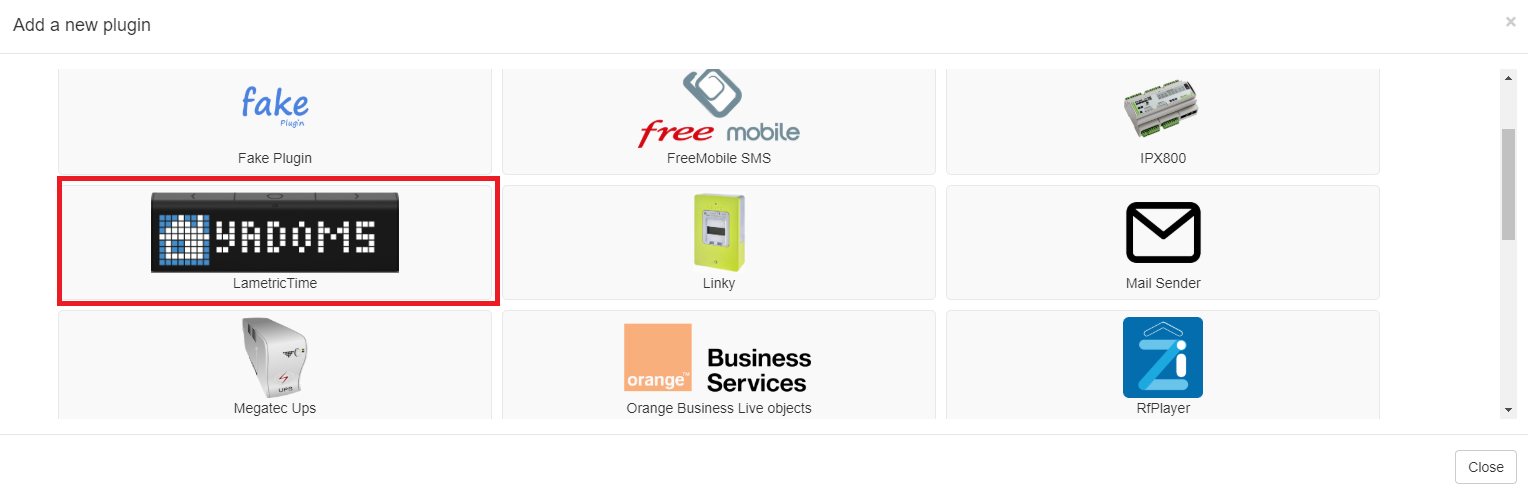
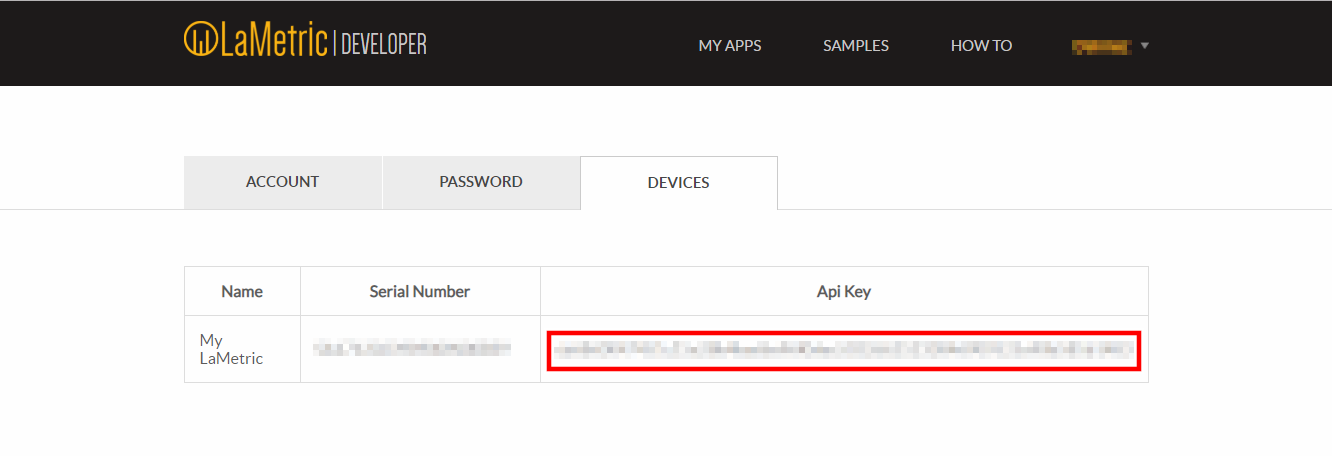
It provides 2 pairing mode in both of them you have to get API_key, this key is needed and provided by sign up on Lametric website.
You can switch between modes by hitting the combo box.
- Automatic pairing mode
This mode use UPNP protocol to detect all connected devices automatically. Each device will be declared as follow : DeviceName + IP address.

We recommend to use secure way to communication between the device and Yadoms via https using port 4343.
- Manual pairing mode
In this mode you must fill in the IP address :

You can find your device IP address easily by using Lametric Time mobile application (Your smartphone should be connected to the same wifi as your device !) :

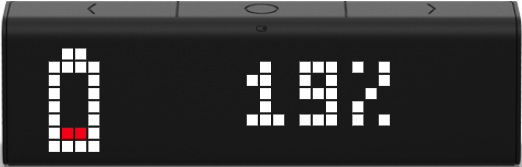
We wrote a simple script to send notification (The level of the battery) when the fakeSensor1 battery level becomes lower then 20%

you have the possibilty to add some of the available icons by setting IconType enumerator. Available icons are listed bellow
| Enum Name | Icons |
|---|---|
| Yadoms |  |
| Beer |  |
| BeerAnimated |  |
 |
|
| Battery100 |  |
| Battery80 |  |
| Battery60 |  |
| Battery40 |  |
| Battery20 |  |
| BatteryLowAnimated |  |
| ThermometerLow |  |
| ThermometerOutdoor |  |
| ThermometerAnimated |  |
| WaterDrop |  |
| WaterDropAnimated |  |
| Sun |  |
| CloudlySunAnimated |  |
When the notifications is sent, Lametric will display Yadoms_logo + YADOMS in the first frame :

and in the second frame Yadoms_logo + customize text (Here is the FakeSensor1 battery level)
 Yadoms -- The ultimate house automation solution