NeatNode is a plug-and-play CLI tool that scaffolds clean, production-ready Node.js backend projects in seconds.
It comes with pre-built templates, optional CRUD modules, and a modern developer workflow — so you can start coding instead of configuring.
- Instant project setup — generate a complete Node.js project structure instantly
- Pre-configured templates — Basic, REST API, and Socket.io templates ready to go
- Dynamic template logic — include or remove CRUD modules easily
- Scalable architecture — prebuilt MVC folder layout
- Security-first setup — Helmet, Rate Limiter, and CORS integrated
- Built-in error handling & logging — Winston + Morgan setup
- Production-ready — clean, validated, and deployment-ready output
# Install globally
npm install -g neatnode
or run it directly using npx:
npx neatnode my-app-
Run the CLI:
npx neatnode
-
Choose your template:
- Basic Template
- REST API Template
- Socket Template
-
Follow the prompts to name your project and select options.
-
Navigate and start building:
cd my-app && npm install && npm run dev
| Template | Description |
|---|---|
| Basic | Minimal structure for any Node.js app with .env, nodemon, and clean folder setup |
| REST API | Express.js REST API boilerplate with controllers, routes, and MongoDB config |
| Socket | Socket.io server setup for real-time apps (chat, notifications, etc.) |
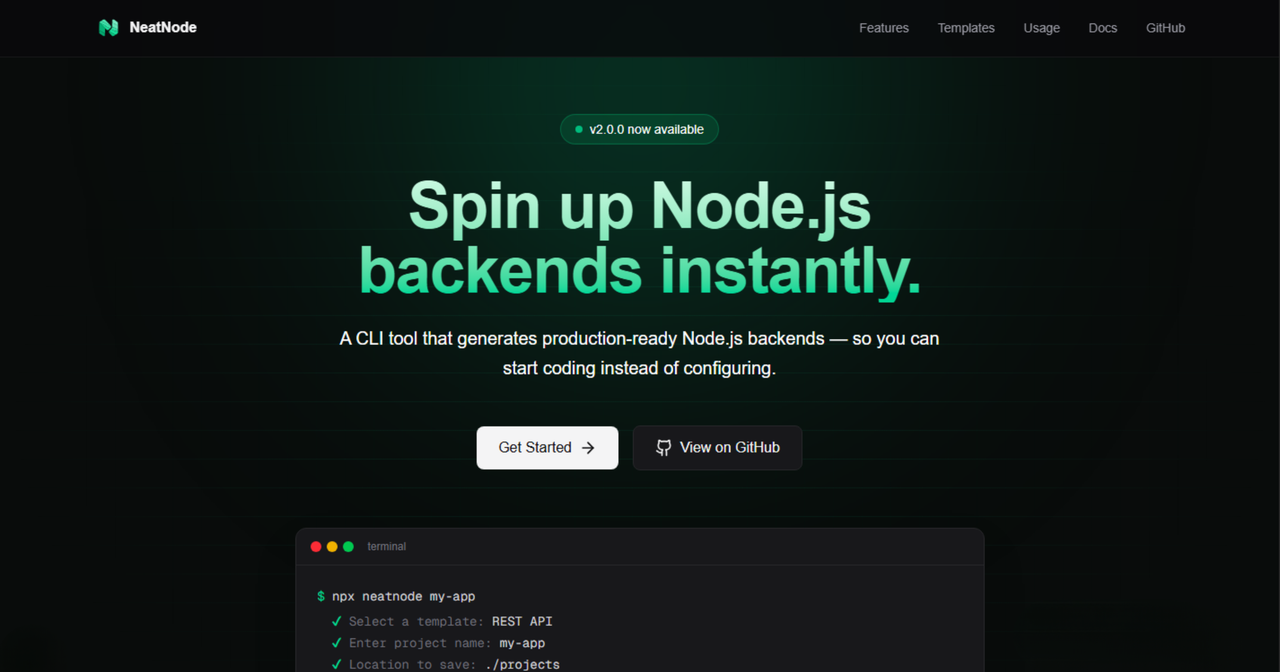
Official landing page for NeatNode
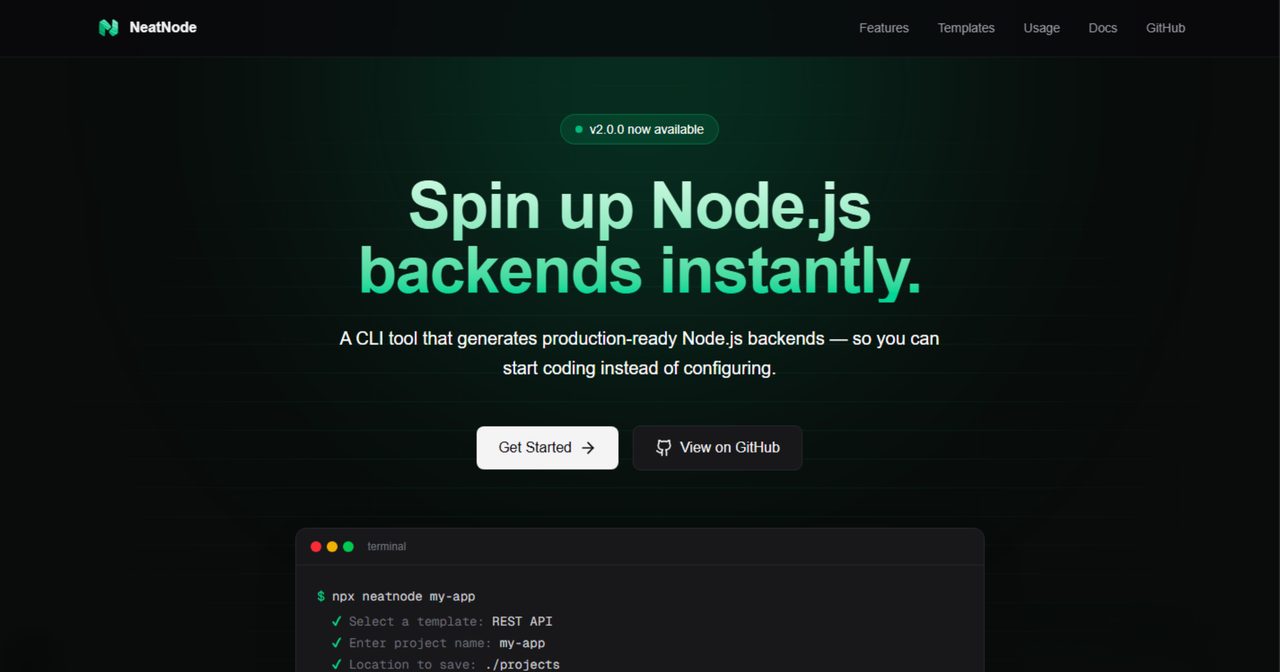
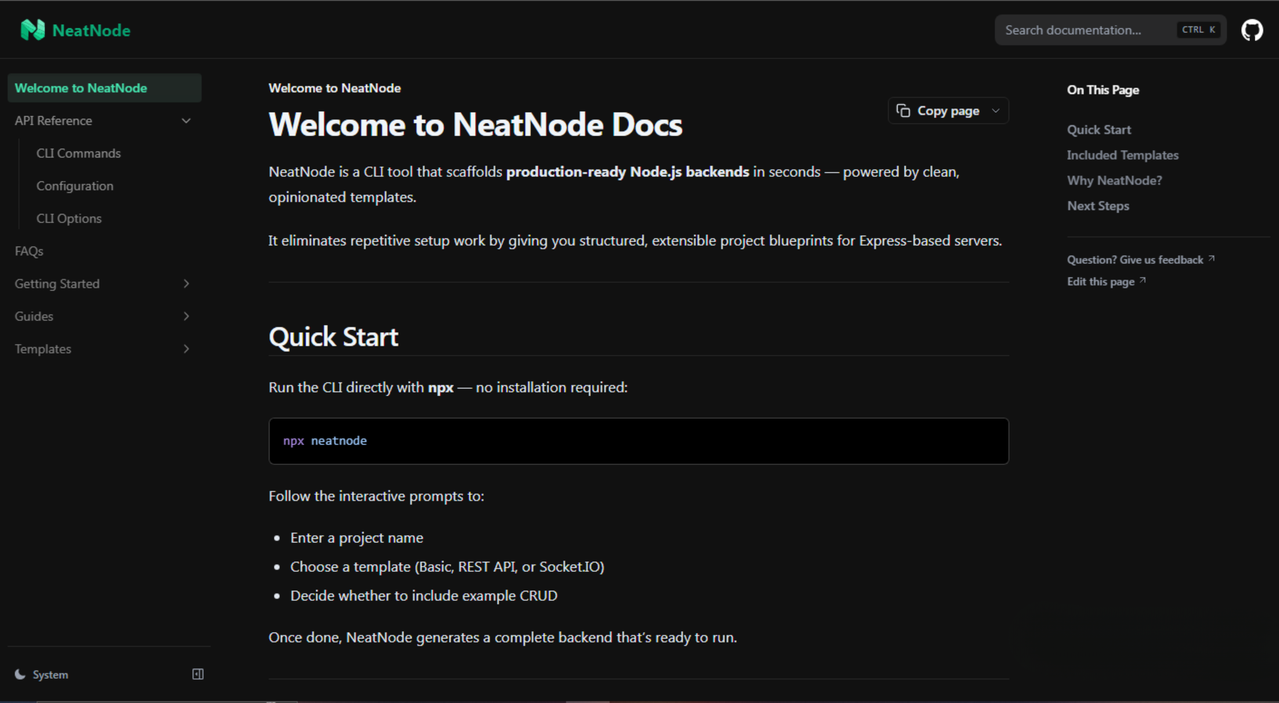
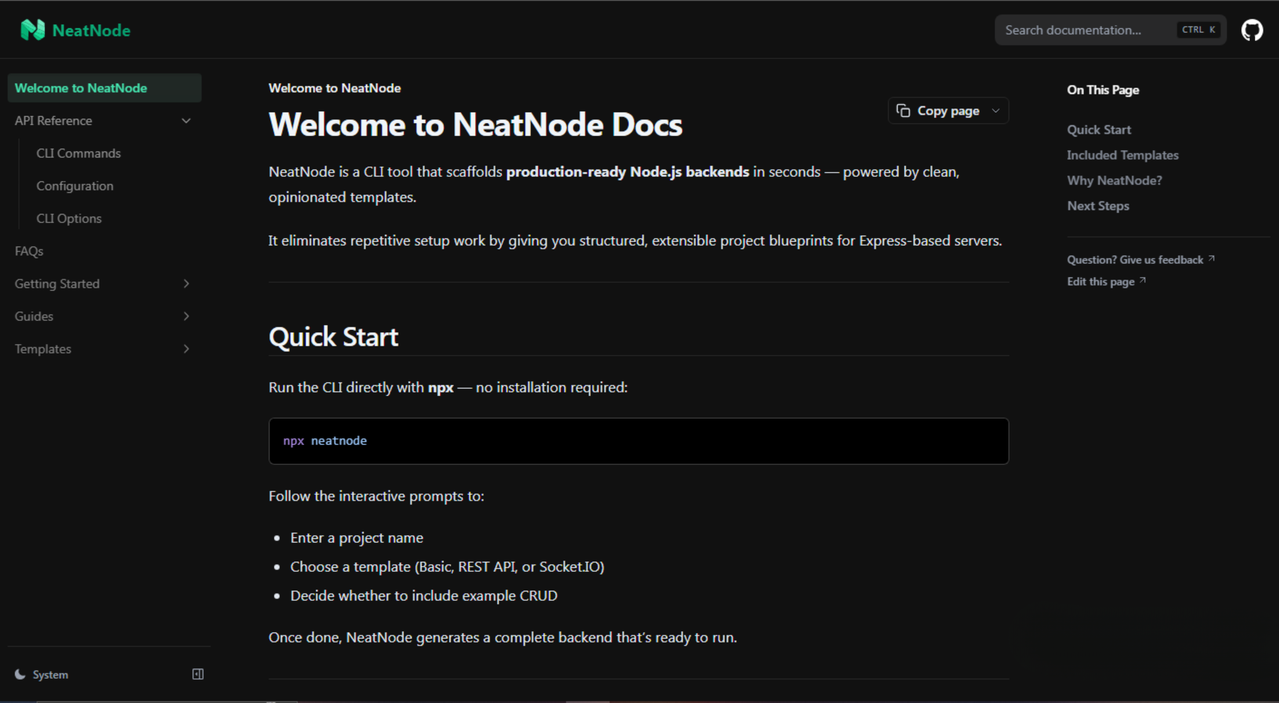
Comprehensive docs built with Nextra
neatnode/
├── bin/                  # CLI entry point
├── templates/
│   ├── basic/            # Basic Node.js template
│   ├── rest-api/         # REST API template
│   └── socket/           # Socket.io template
├── utils/
│   ├── logger.js
│   ├── prompt.js
│   └── spinner.js
├── package.json
└── README.md
$ npx neatnode my-app
✔ Select a template: REST API
✔ Enter project name: my-app
✔ Location to save: ./projects
✅ Template generated successfully!
cd my-app && npm install && npm run dev
- 📄 Documentation
- 💻 Website
- 🧰 NPM Package
We welcome contributions! Whether it’s improving the templates, enhancing CLI features, or reporting bugs — every PR helps.
- Fork the repo
- Create a new branch
- Make your changes
- Submit a pull request
See the Contribution Guide for more info.
This project is licensed under the MIT License — feel free to use, modify, and distribute.
Built with ❤️ by Aakash Gupta | NeatNode © 2025