Welcome to angelip2303.github.io
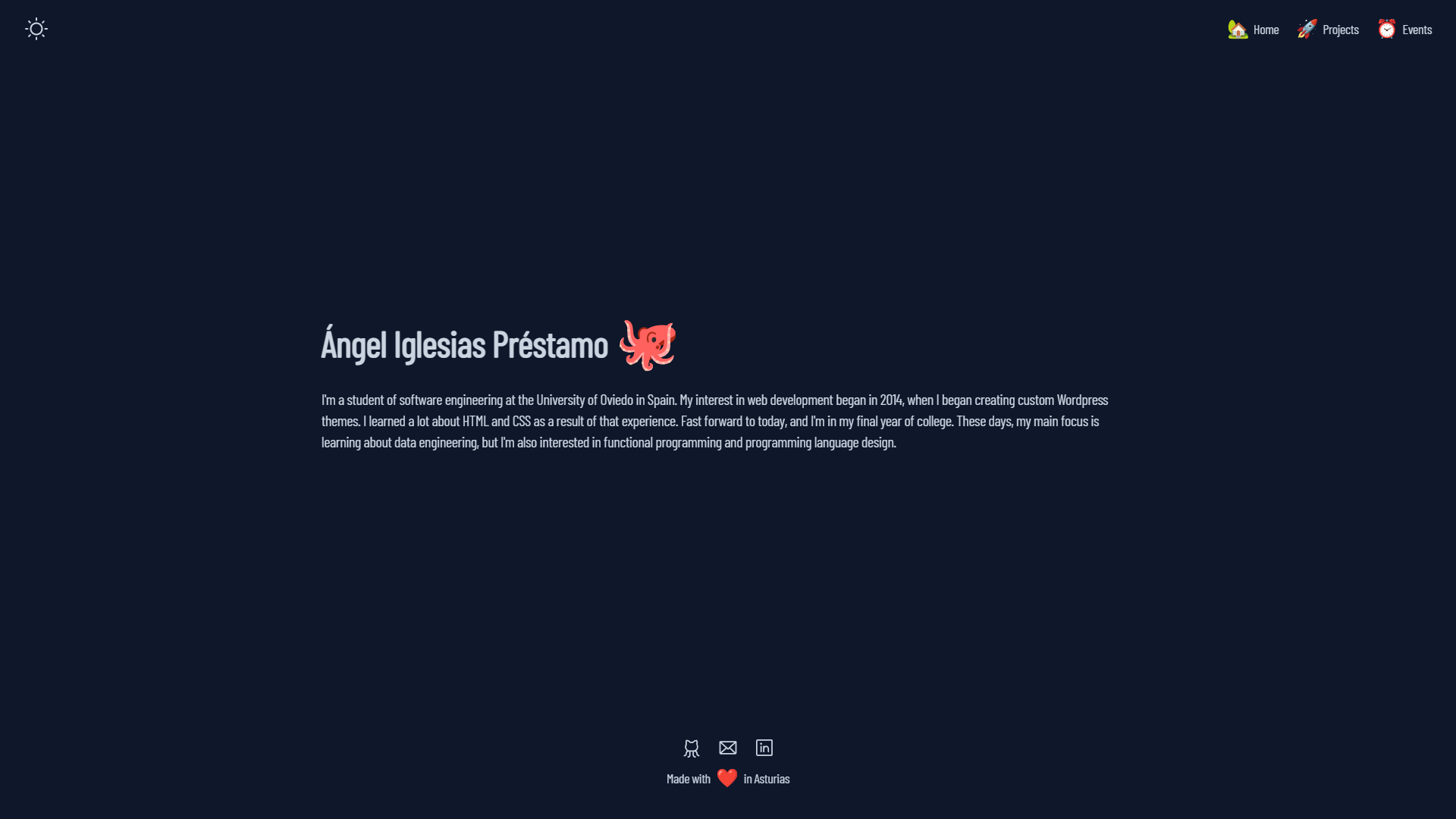
My personal portfolio features some of my Github projects highlighting the most relevant skills and technologies they were built with. Not only that, but a tiny resume and some ways to contact me! You can fork this repo and make the changes you want by giving the proper credits.
Inside of your Astro project, you'll see the following folders and files:
/
├── public/
|   |── assets/
│   │   |── icons/
│   │   │   └── clock.svg
│   │   │       ...
│   │   └── images/
│   │       └── boxing.webp
│   │           ...
│   └── favicon.svg
├── src/
│   ├── components/
│   │   |── common/
│   │   └── widgets/
│   ├── layouts/
│   │   └── Layout.astro
│   └── pages/
│       └── index.astro
└── package.json
Astro looks for .astro or .md files in the src/pages/ directory. Each page is exposed as a route based on its file name.
There's nothing special about src/components/, but that's where we like to put any Astro/React/Vue/Svelte/Preact components.
Any static assets, like images, can be placed in the public/ directory.
All commands are run from the root of the project, from a terminal:
| Command | Action |
|---|---|
npm install |
Installs dependencies |
npm run dev |
Starts local dev server at localhost:3000 |
npm run build |
Build your production site to ./dist/ |
npm run preview |
Preview your build locally, before deploying |
npm run astro ... |
Run CLI commands like astro add, astro preview |
npm run astro --help |
Get help using the Astro CLI |
Feel free to check our documentation or jump into our Discord server.