


Weaviate is an open-source vector database that stores both objects and vectors, allowing for combining vector search with structured filtering with the scalability of a cloud-native database.
The Ballerina Weaviate vector store module provides a comprehensive API for integrating with Weaviate vector databases, enabling efficient storage, retrieval, and management of high-dimensional vectors. This implementation allows being used as a Ballerina ai:VectorStore, providing smooth integration with the Ballerina AI module.
Before using the Ballerina Weaviate vector store module, you need to set up a Weaviate instance and obtain the necessary credentials.
You can create an account for free if you don't already have one.
-
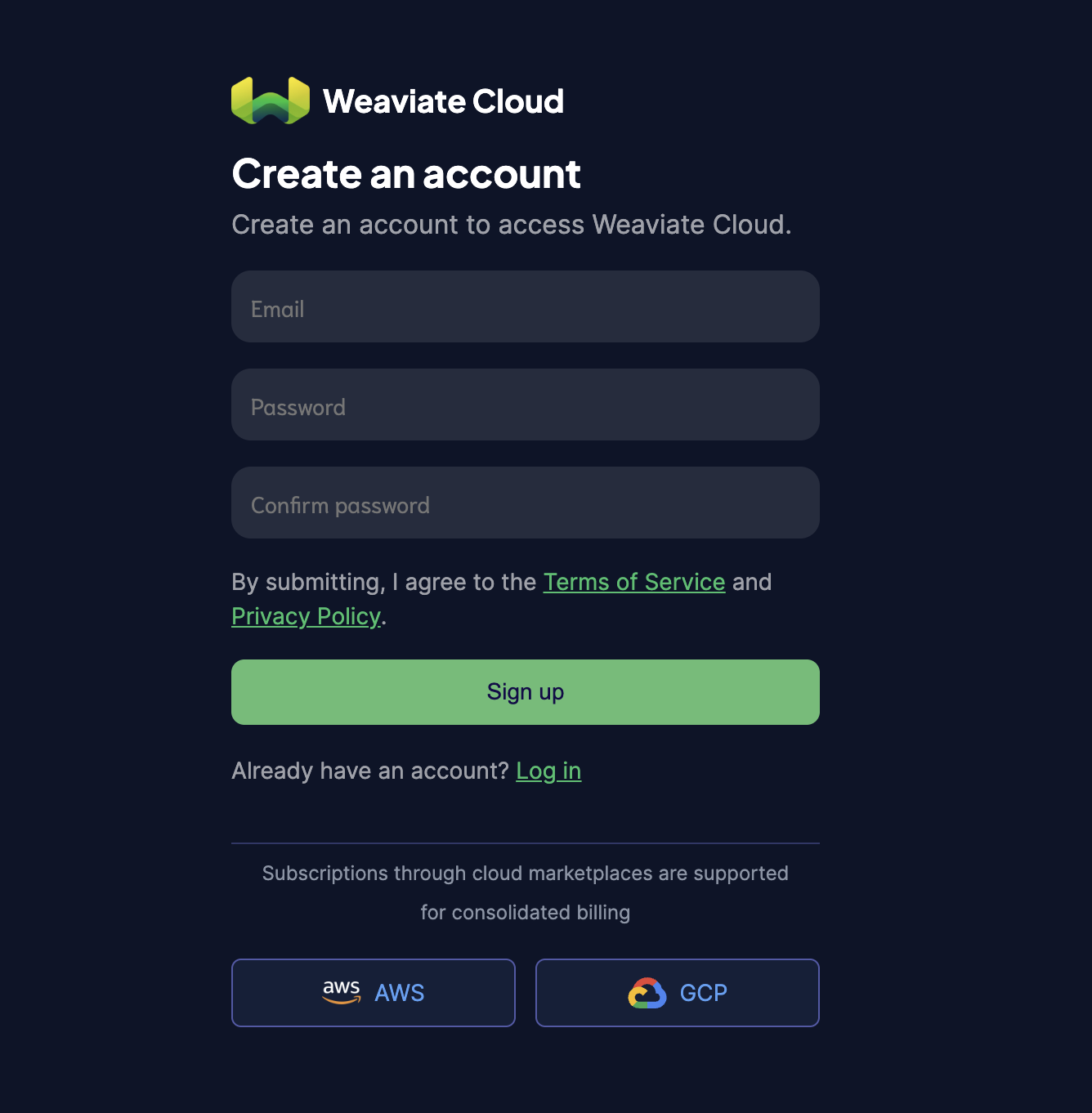
Visit weaviate.io and click Try Now to sign up for a free account
-
Complete the registration process and verify your email address if required
-
Log in to your new Weaviate account
For more details, refer to the official documentation on creating a new account.
-
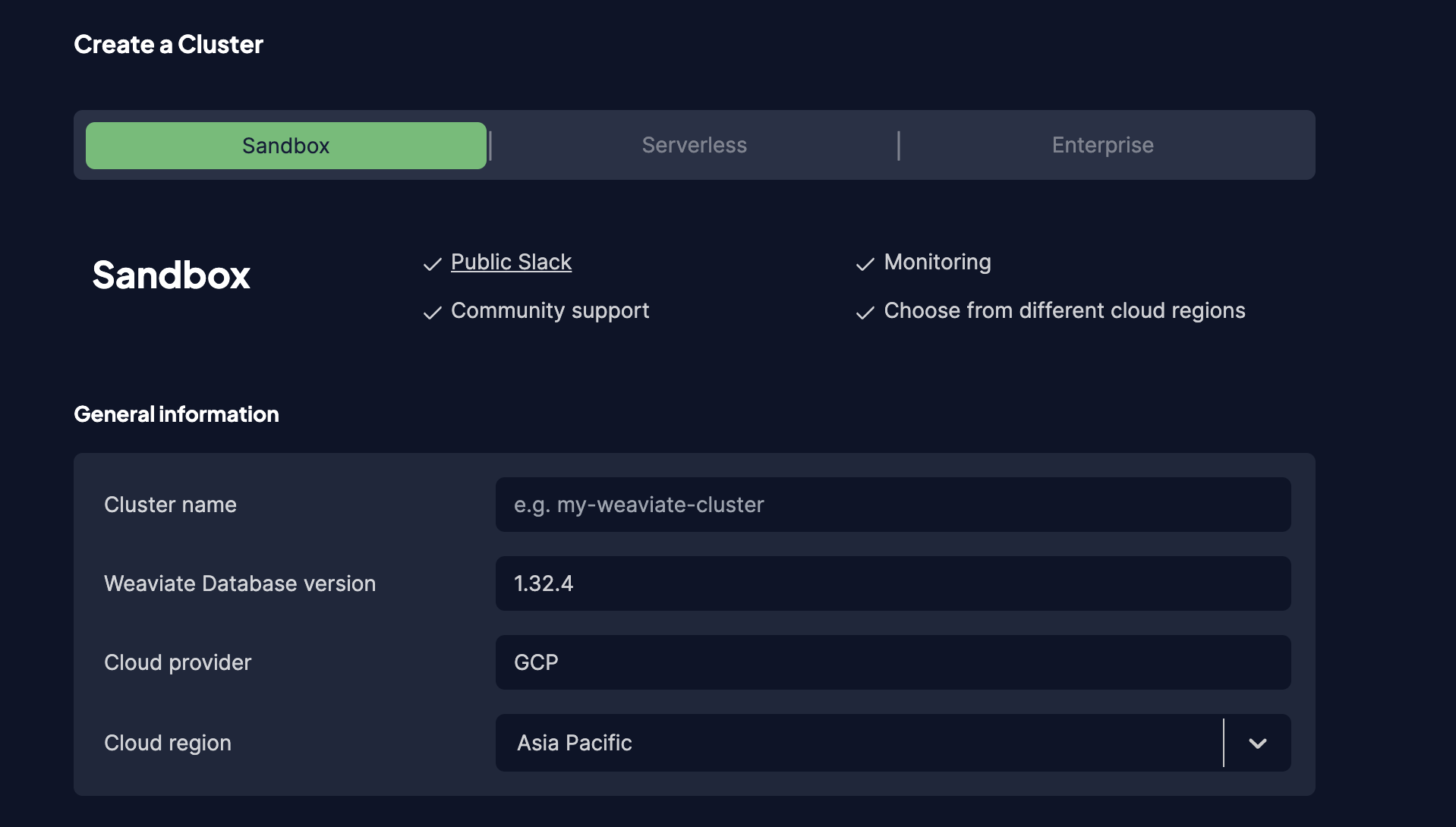
Access the Weaviate Console and click Create Cluster to create a new Weaviate instance.

-
Provide the required details (e.g., Cluster name) and preferred configuration options and confirm.
-
Click Create and wait for the cluster to be provisioned (this typically takes 2-3 minutes)
-
Once the cluster is ready, locate and copy the REST endpoint URL from your cluster dashboard. You'll use this URL as the
serviceUrlin yourweaviate:Clientconfiguration
For more details, refer to the official documentation on creating clusters.
-
In the Weaviate Console, navigate to your cluster dashboard and go to the API Keys section
-
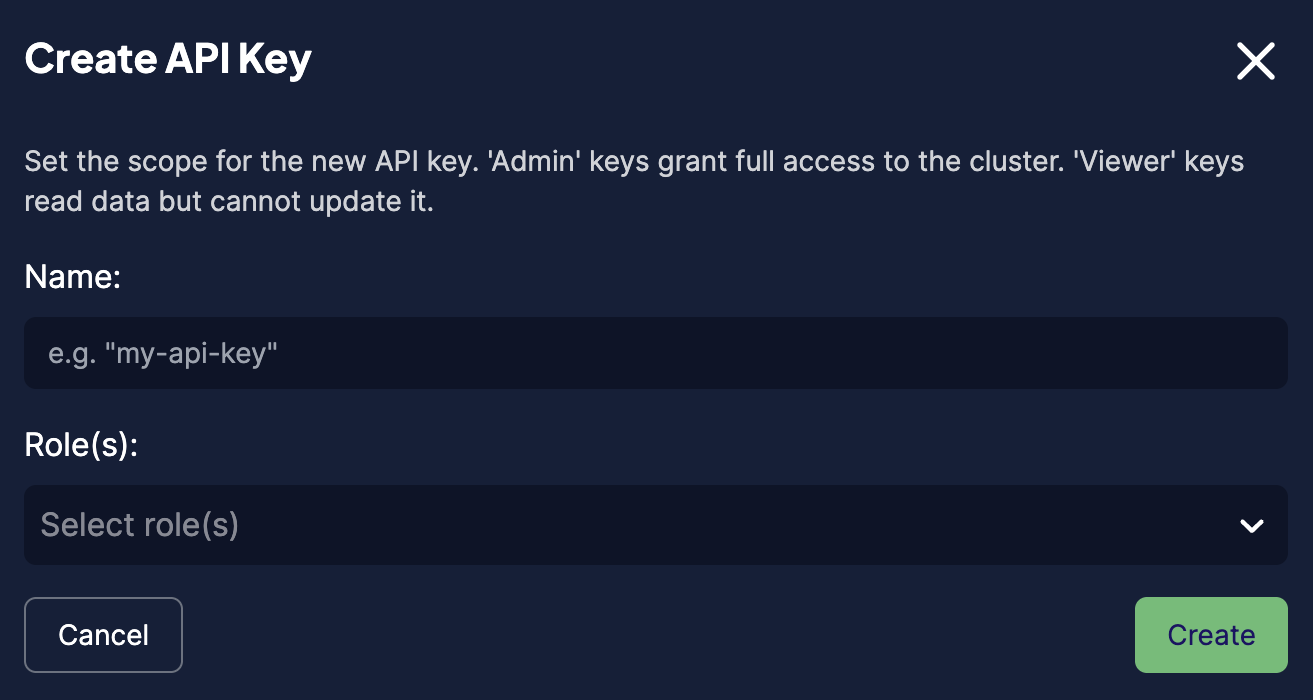
Click Create API Key and provide a name for the key and create the API key.
-
Securely save the generated API key, which you'll use as the
tokenin yourweaviate:Clientconfiguration.
For more details, refer to the official documentation on authentication.
import ballerina/ai;
import ballerinax/ai.weaviate;ai:VectorStore vectorStore = check new weaviate:VectorStore(
serviceUrl = "add-weaviate-service-url",
config = {
collectionName: "add-collection-name"
},
apiKey = "mock-token"
);ai:Error? result = vectorStore.add(
[
{
id: "1",
embedding: [1.0, 2.0, 3.0],
chunk: {
'type: "text",
content: "This is a chunk"
}
}
]
);The Ballerina Weaviate vector store module provides practical examples illustrating usage in various scenarios. Explore these examples.
- Book recommendation system This example shows how to use Weaviate vector store APIs to implement a book recommendation system that stores book embeddings and queries them to find similar books based on vector similarity and metadata filtering.
Issues and Projects tabs are disabled for this repository as this is part of the Ballerina Library. To report bugs, request new features, start new discussions, view project boards, etc., go to the Ballerina Library parent repository. This repository only contains the source code for the module.
-
Download and install Java SE Development Kit (JDK) version 21 (from one of the following locations).
-
Generate a GitHub access token with read package permissions, then set the following
envvariables:export packageUser=<Your GitHub Username> export packagePAT=<GitHub Personal Access Token>
Execute the commands below to build from the source.
-
To build the package:
./gradlew clean build
-
To run the tests:
./gradlew clean test -
To run a group of tests
./gradlew clean test -Pgroups=<test_group_names>
-
To build the without the tests:
./gradlew clean build -x test -
To debug the package with a remote debugger:
./gradlew clean build -Pdebug=<port>
-
To debug with Ballerina language:
./gradlew clean build -PbalJavaDebug=<port>
-
Publish the generated artifacts to the local Ballerina central repository:
./gradlew clean build -PpublishToLocalCentral=true
-
Publish the generated artifacts to the Ballerina central repository:
./gradlew clean build -PpublishToCentral=true
As an open-source project, Ballerina welcomes contributions from the community.
For more information, go to the contribution guidelines.
All the contributors are encouraged to read the Ballerina Code of Conduct.