



Milvus is an open-source vector database built for scalable similarity search and AI applications. It provides high-performance vector storage and retrieval capabilities, making it ideal for applications involving machine learning, deep learning, and similarity search scenarios.
The Ballerina Milvus connector provides seamless integration with Milvus vector database, enabling developers to perform operations such as creating collections, inserting vector data, building indexes, and conducting similarity searches within Ballerina applications. It supports Milvus SDK Java v2.6.1.
To utilize the Milvus connector, you must have access to a running Milvus instance. You can use one of the following methods for that.
-
Make sure Docker is installed on your system.
-
Use the following command to start a Milvus standalone instance in docker
# Download the installation script
$ curl -sfL https://raw.githubusercontent.com/milvus-io/milvus/master/scripts/standalone_embed.sh -o standalone_embed.sh

#Start the Docker container
$ bash standalone_embed.sh start
For detailed installation instructions, refer to the official Milvus documentation.
- Linux/macOS: Run Milvus in Docker
- Windows: Run Milvus in Docker on Windows
Zilliz Cloud provides a fully managed Milvus service. Follow these steps to set up your cloud instance:
-
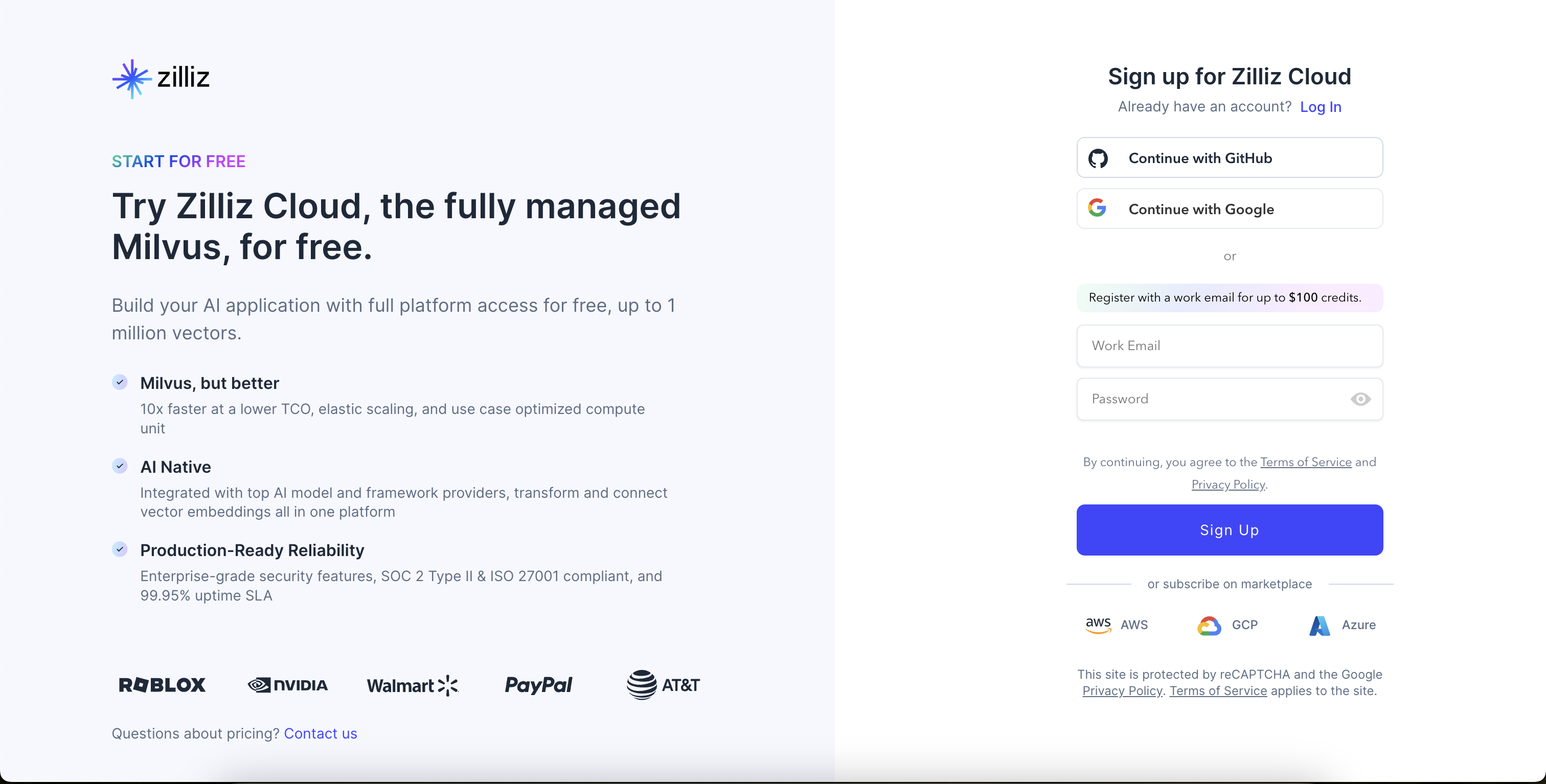
Sign up to Zilliz Cloud: Visit Zilliz Cloud and create an account.
-
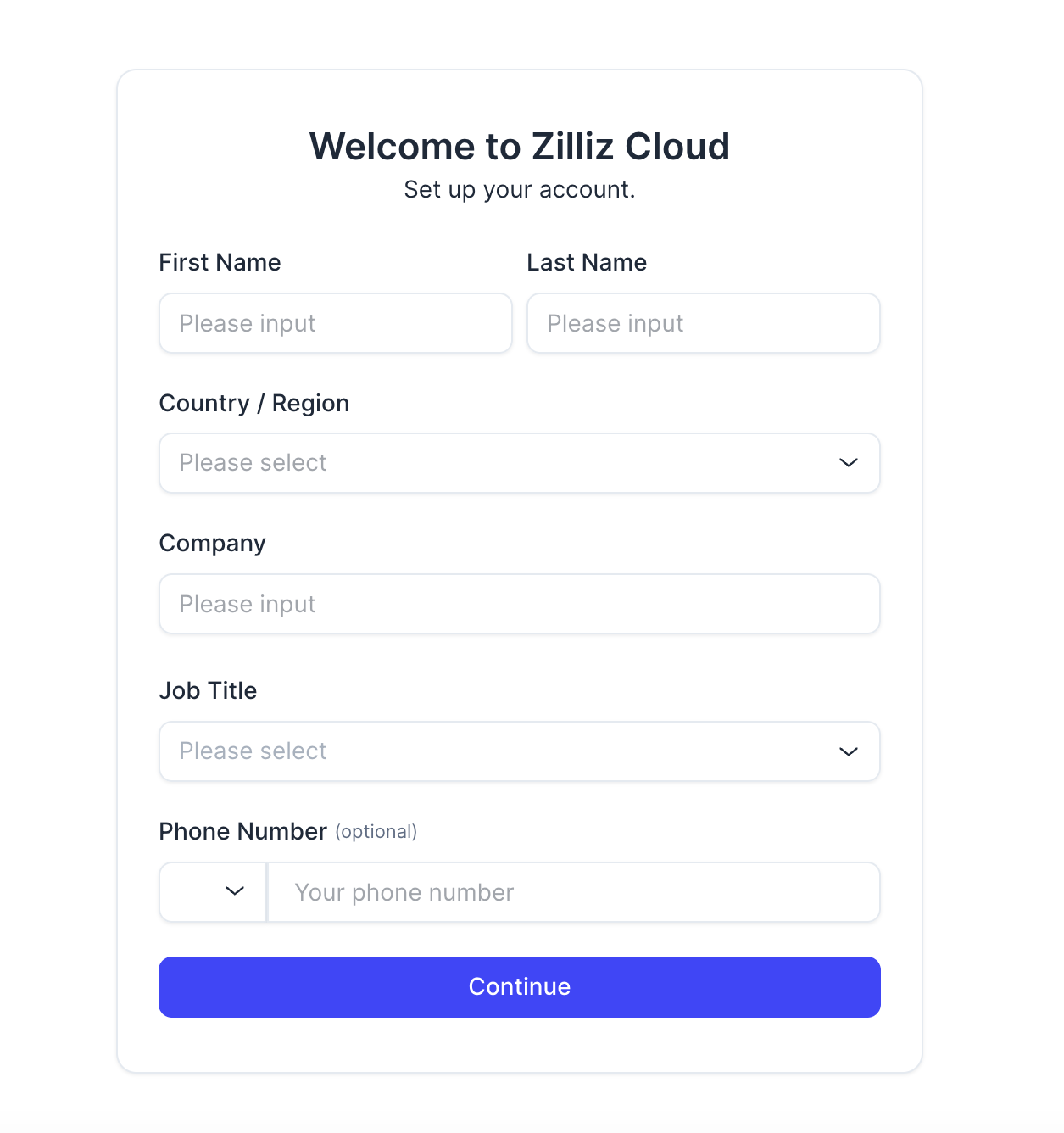
Set up your account: Complete the account setup process with your details.
-
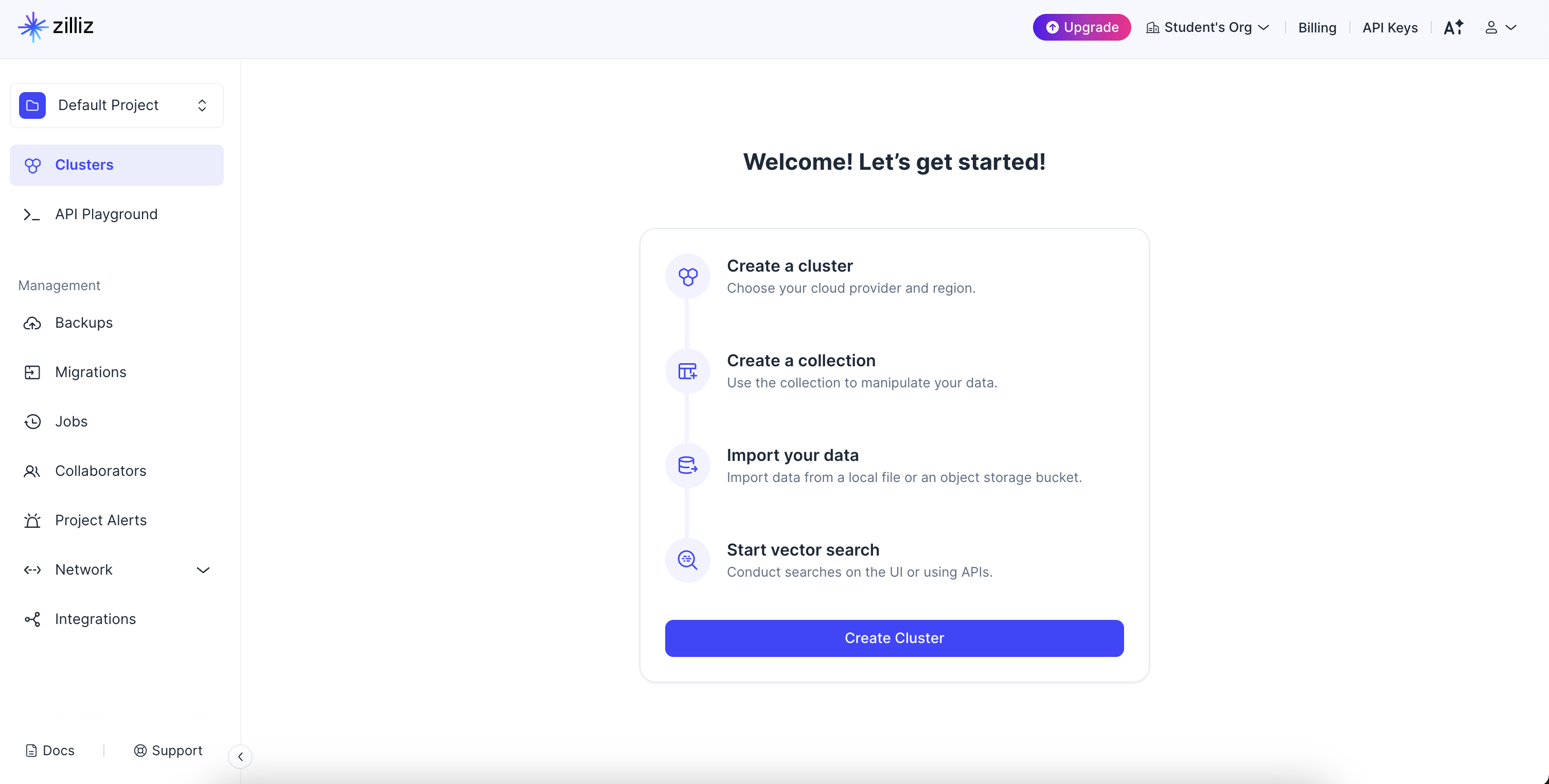
Create a new cluster: From the welcome page, select "Create Cluster" to start setting up your Milvus instance.
-
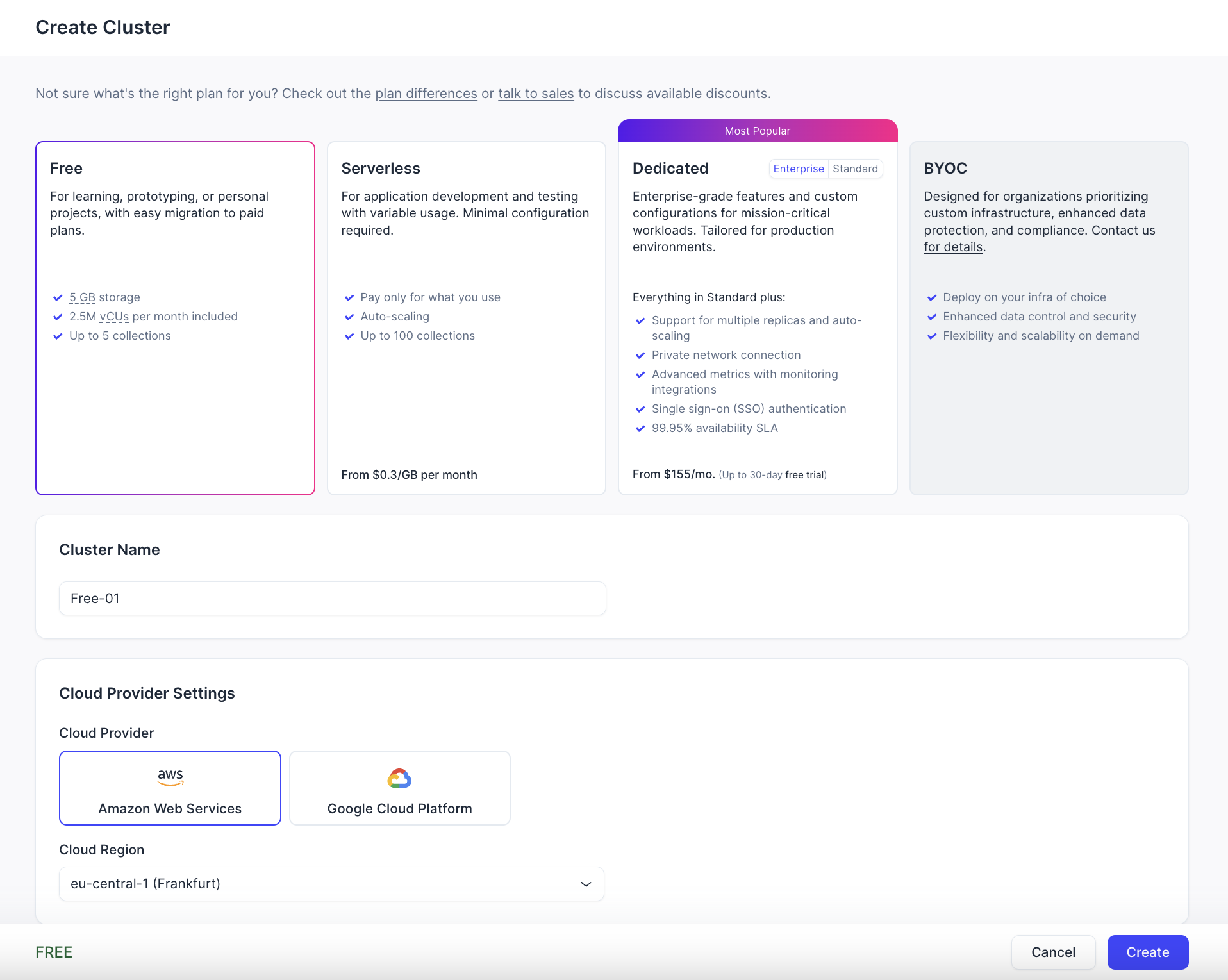
Configure cluster details: Provide the necessary configuration details for your cluster, including cluster name, cloud provider, and region.
-
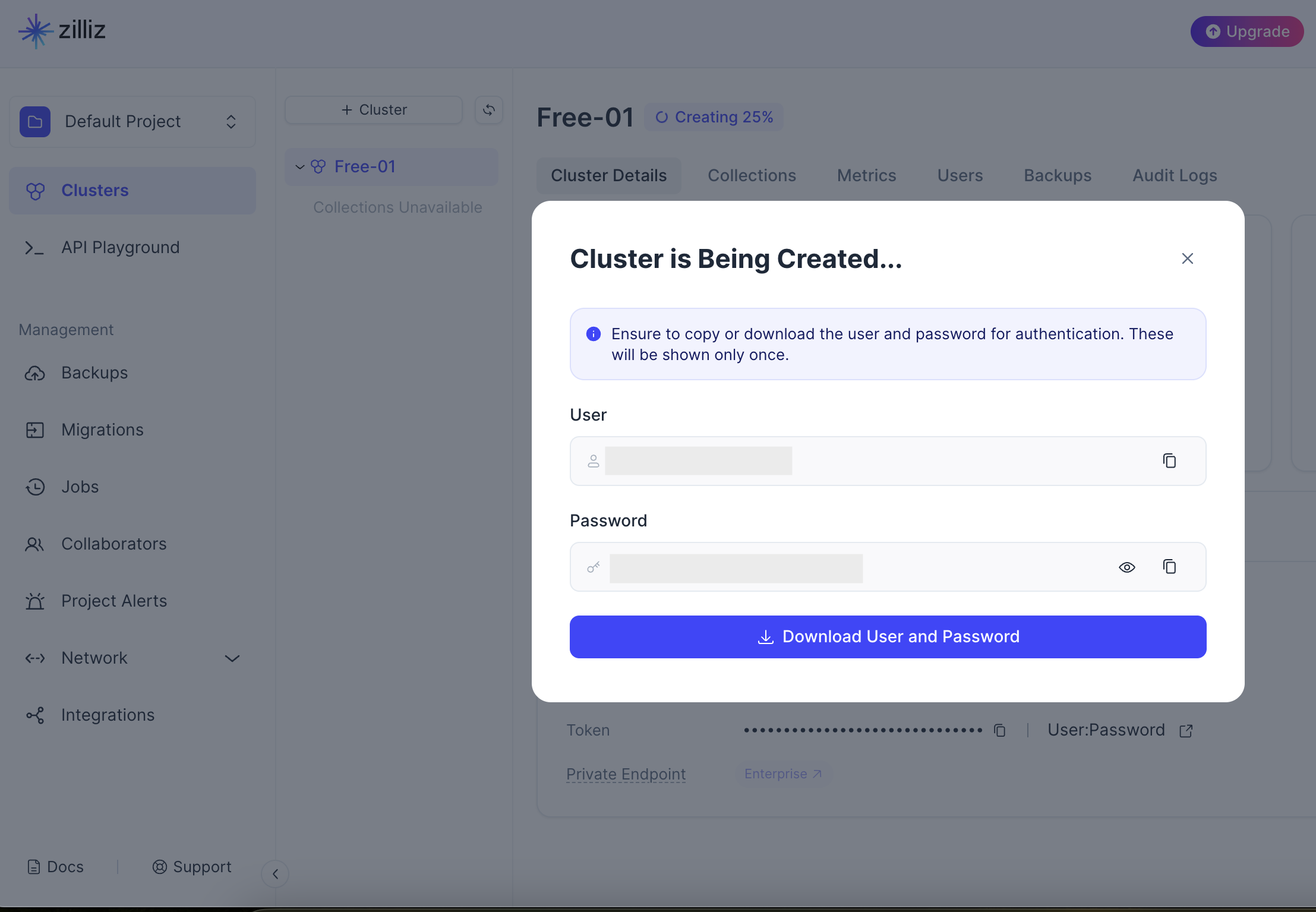
Download credentials: Once your cluster is created, download the authentication credentials and connection details.
-
Generate API Key: Navigate to the API Keys section in your cluster dashboard and generate an API key for authentication.
To use the Milvus connector in your Ballerina project, modify the .bal file as follows.
Import the ballerinax/milvus module into your Ballerina project.
import ballerinax/milvus;Create a milvus:Client with the Milvus server URL and optional configuration.
configurable string milvusUrl = ?;

milvus:Client milvusClient = check new(milvusUrl);
For authenticated connections, you can provide additional configuration.
milvus:Client milvusClient = check new(milvusUrl);You can now utilize the operations available within the connector.
public function main() returns error? {
    check milvusClient->createCollection({
        collectionName: "example_collection",
        dimension: 2
    });
}Use the following command to compile and run the Ballerina program.
bal runThe Issues and Projects tabs are disabled for this repository as this is part of the Ballerina library. To report bugs, request new features, start new discussions, view project boards, etc., visit the Ballerina library parent repository.
This repository only contains the source code for the package.
-
Download and install Java SE Development Kit (JDK) version 17. You can download it from either of the following sources:
Note: After installation, remember to set the
JAVA_HOMEenvironment variable to the directory where JDK was installed. -
Download and install Ballerina Swan Lake.
-
Download and install Docker.
Note: Ensure that the Docker daemon is running before executing any tests.
-
Generate a Github access token with read package permissions, then set the following
envvariables:export packageUser=<Your GitHub Username> export packagePAT=<GitHub Personal Access Token>
Execute the commands below to build from the source.
-
To build the package:
./gradlew clean build
-
To run the tests:
./gradlew clean test -
To build the without the tests:
./gradlew clean build -x test -
To debug package with a remote debugger:
./gradlew clean build -Pdebug=<port>
-
To debug with Ballerina language:
./gradlew clean build -PbalJavaDebug=<port>
-
Publish the generated artifacts to the local Ballerina central repository:
./gradlew clean build -PpublishToLocalCentral=true
-
Publish the generated artifacts to the Ballerina central repository:
./gradlew clean build -PpublishToCentral=true
As an open source project, Ballerina welcomes contributions from the community.
For more information, go to the contribution guidelines.
All contributors are encouraged to read the Ballerina Code of Conduct.
- Discuss code changes of the Ballerina project in ballerina-dev@googlegroups.com.
- Chat live with us via our Discord server.
- Post all technical questions on Stack Overflow with the #ballerina tag.