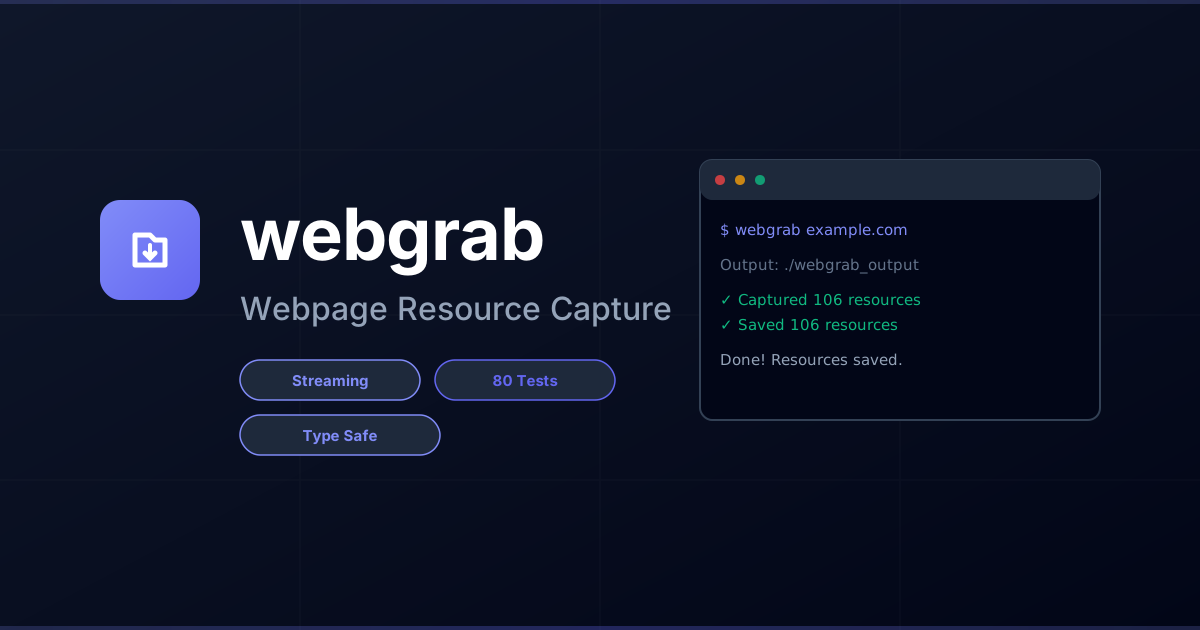


A modern, well-architected Python CLI tool that captures all resources loaded by a webpage (like browser DevTools Sources tab) and saves them with the original directory structure.
# Clone the repository
git clone https://github.com/dotbrains/webgrab.git
cd webgrab

# Create and activate virtual environment
python -m venv venv
source venv/bin/activate  # On Unix/macOS
# or: .\venv\Scripts\activate on Windows

# Install dependencies and the package in editable mode
pip install -e .

# Install Playwright browser
playwright install chromium# Capture all resources from a webpage
webgrab https://example.comThis will save all resources to ./webgrab_output/ with the directory structure preserved.
# Specify custom output directory
webgrab https://example.com -o ./my-output

# Wait extra time for JavaScript content (useful for SPAs)
webgrab https://example.com --wait 5

# Include external resources (CDN assets, third-party scripts)
webgrab https://example.com --include-external

# Combine options
webgrab https://example.com -o ./output --wait 3 --include-externalwebgrab <url> [OPTIONS]
Arguments:
url URL of the webpage to capture resources from
Options:
-o, --output PATH Output directory (default: ./webgrab_output)
-w, --wait INTEGER Additional seconds to wait after page load
-e, --include-external Include external resources (CDN, third-party)
-v, --version Show version and exit
--help Show help message
Resources are saved preserving the URL path structure:
webgrab_output/
└── example.com/
    ├── index.html
    ├── assets/
    │   ├── css/
    │   │   └── style.css
    │   └── js/
    │       └── app.js
    └── images/
        └── logo.png
If --include-external is used, external resources are saved in their own host directories:
webgrab_output/
├── example.com/
│   └── ...
├── cdn.example.com/
│   └── libs/
│       └── library.js
└── fonts.googleapis.com/
    └── css/
        └── font.css
- 🌐 Captures all network resources (HTML, CSS, JS, images, fonts, videos, etc.)
- 📁 Preserves original directory structure
- 🔄 Handles duplicate filenames with automatic deduplication
- 🧹 Cross-platform path sanitization (Windows, Unix, macOS)
- 🎯 Smart MIME type detection and extension inference
- ⏱️ Configurable wait time for JavaScript-heavy SPAs
- 🌍 Optional external resource inclusion (CDN assets)
- Streaming Architecture: Processes resources as they arrive to avoid memory issues on large sites
- Clean Separation of Concerns: Domain models, capture logic, storage, and CLI are properly separated
- Extensible Filtering: Plugin-based resource filtering system
- Robust Error Handling: Custom exception hierarchy with detailed error messages
- Type Safe: Full type hints throughout the codebase
- Well Tested: 80+ tests covering all major components
Webgrab is built with a clean, modular architecture:
webgrab/
├── models.py          # Domain models (Resource, Config, Stats)
├── errors.py          # Custom exception hierarchy
├── config.py          # Configuration management
├── capture/           # Resource capture module
│   ├── engine.py      # High-level orchestration
│   ├── browser.py     # Playwright browser management
│   ├── filters.py     # Resource filtering logic
│   └── processor.py   # Async streaming processor
├── storage/           # Storage module
│   ├── saver.py       # High-level save orchestration
│   ├── writer.py      # File I/O operations
│   ├── path_resolver.py  # URL to filesystem mapping
│   └── deduplicator.py   # Path conflict resolution
├── url/               # URL utilities
│   └── parser.py      # URL parsing and validation
├── filesystem/        # Filesystem utilities
│   └── sanitizer.py   # Cross-platform path sanitization
├── mime/              # MIME type utilities
│   └── detector.py    # MIME type detection
└── cli.py             # CLI interface
- Streaming Processing: Resources are processed as they arrive rather than buffering all in memory
- Immutable Domain Models: Resources are frozen dataclasses ensuring data integrity
- Dependency Injection: Components receive their dependencies explicitly
- Protocol-Based Filtering: Filters implement a simple protocol for extensibility
- Path Safety: All filesystem operations go through sanitization for cross-platform compatibility
# Clone and setup
git clone https://github.com/dotbrains/webgrab.git
cd webgrab

# Create virtual environment
python -m venv venv
source venv/bin/activate

# Install with dev dependencies
pip install -e ".[dev]"
playwright install chromium# Run all tests
pytest
# Run with coverage
pytest --cov=webgrab --cov-report=html
# Run specific test file
pytest tests/test_models.py
# Run tests matching pattern
pytest -k "test_url"See tests/README.md for detailed testing documentation.
The codebase follows these principles:
- Type hints throughout
- Comprehensive docstrings
- Clean separation of concerns
- SOLID principles
- Test coverage for all major components
- Python 3.10+
- Playwright 1.40.0+
- Modern web browser (Chromium via Playwright)
Contributions are welcome! Please:
- Fork the repository
- Create a feature branch
- Add tests for new functionality
- Ensure all tests pass
- Submit a pull request
MIT License - see LICENSE for details
Built with:
- Playwright - Browser automation
- Typer - CLI framework
- Rich - Terminal formatting
- pytest - Testing framework