The second iteration of johnc.ai built with Gatsby and hosted with Netlify. All credit goes to Brittany Chiang for coding up the fourth iteration of her website, which is the base for this website.
Previous iterations by Britanny: v1, v2, v3
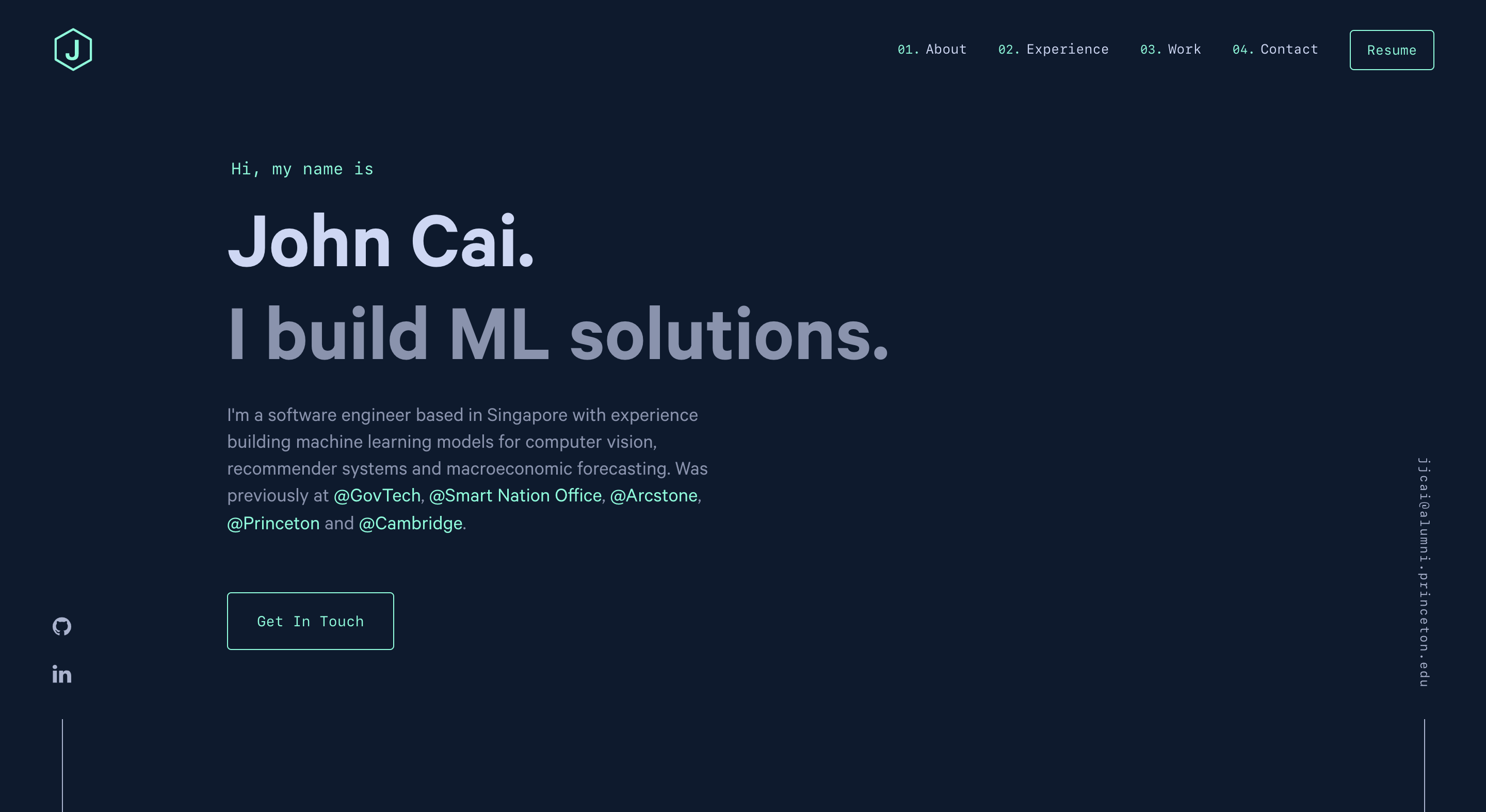
This is forked from Brittany's repo. She has kindly given permission to fork her repo as long as credit is given. Again, thanks Brittany for the permission and please kindly credit her if you decide to fork the repo too.
Having had relatively little experience with the latest tools in web development, I decided to try it out for myself so that I can learn some useful frontend web dev skills. This started off with spending 2 afternoons going through Gatsby tutorial, which quickly got me up to speed with the basics of the language.
Following which, I spent another afternoon looking at Brittany Chiang's code and modifying the parts that needed to be changed. It's a fairly intuitive process, especially as she comments her code well. A difficulty came in changing the logos, which my good friend Shiv Gunter did warn me about. Thankfully, after learning about what he did with the Scalable Vector Graphics, it was not too diffuclt to change the logos.
Deploying had a handy guide here that is rather well written so as long as you follow it, it is quite simple to deploy on Github Pages: deployment tutorial.
Finally, I realized that there was some problem rendering the website preview on LinkedIn. To resolve this, I had to change the metadata of the website's image to point to where the image is stored in the website ("johnc.ai/og.png"). After recompiling the website and deploying it - it rendered properly on LinkedIn.
Implement slide show within the website. Combine mixed media - video + images for some of the projects being showcased.
Yes, you can fork the repo. Please give proper credit to brittanychiang.com. Thanks!
-
Install the Gatsby CLI
npm install -g gatsby-cli
-
Install and use the correct version of Node using NVM
nvm install
-
Install dependencies
yarn
-
Start the development server
npm start
-
Generate a full static production build
npm run build
-
Preview the site as it will appear once deployed
npm run serve
| Color | Hex |
|---|---|
| Navy | #0a192f |
| Light Navy | #172a45 |
| Lightest Navy | #303C55 |
| Slate | #8892b0 |
| Light Slate | #a8b2d1 |
| Lightest Slate | #ccd6f6 |
| White | #e6f1ff |
| Green | #64ffda |