


🚀 The easiest way to install and manage Agent Skills for AI coding assistants
By skill4agent.com - A command-line tool for installing Agent Skills.
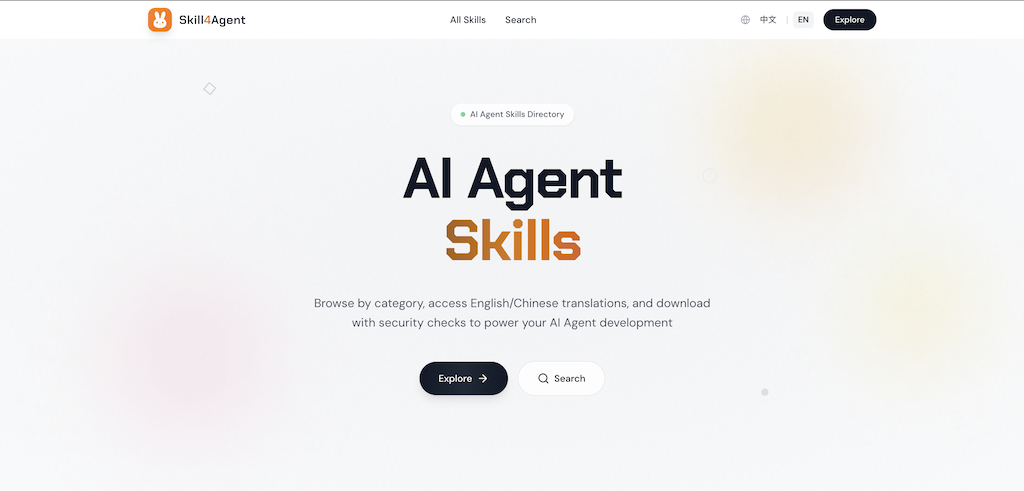
- 🎯 Curated Skills: Access a vast collection of high-quality skills from skill4agent.com
- 🌐 Bilingual Support: Every skill includes both English and Chinese translations, breaking language barriers
- ✅ Quality Assurance: Automated script detection ensures all skills are safe and reliable
- 🏷️ Smart Categorization: Fine-grained categories and tags help you quickly find the right skill
- 🤖 AI-Optimized: Tags are embedded in SKILL.md, enabling AI Agents to match your needs more accurately
- ⚡ One-Command Install: Install any skill to multiple IDEs with a single command
- 🔧 Multi-IDE Support: Works with Trae, Cursor, Claude, OpenCode, OpenClaw, and more
- 🌍 Global & Project Installation: Install globally or per-project
- 📦 Smart Management: List and uninstall skills easily
💡 Find available skills at skill4agent.com
<source>: The source repository (e.g.,anthropics/skills)<skill>: The skill name (e.g.,frontend-design)
# Interactive installation (recommended for beginners)
npx skill4agent add <source> <skill>

# Non-interactive installation (for scripts and AI automation)
npx skill4agent install <source> <skill> [options]

# List installed skills
npx skill4agent list

# Uninstall a skill
npx skill4agent uninstall <skill>Interactive installation with prompts for configuration options.
npx skill4agent add <source> <skill>For scripts and AI automation with explicit options.
npx skill4agent install <source> <skill> [options]| Option | Description | Default |
|---|---|---|
--type |
original or translated |
original |
--global |
Install globally (available to all projects) | project dir |
--dirs |
Installation directories (comma-separated): .trae,.cursor |
.agents only |
--method |
symlink or copy |
symlink |
Display all installed skills with their installation details.
npx skill4agent listOutput columns:
- Name: Skill name
- Source: Repository source (e.g.,
anthropics/skills) - Scope: Installation scope (
Global,Project, orGlobal,Project) - Installed: Installation date
Remove an installed skill.
# Uninstall from all scopes (global and all projects)
npx skill4agent uninstall <skill>

# Uninstall from global only
npx skill4agent uninstall <skill> --global

# Uninstall from all projects only (non-global installations)
npx skill4agent uninstall <skill> --project# Minimal: install with all defaults
npx skill4agent install anthropics/skills frontend-design
# Install to specific directories (comma-separated)
npx skill4agent install anthropics/skills frontend-design --dirs ".trae,.cursor"
# Global installation (available to all projects)
npx skill4agent install anthropics/skills frontend-design --global
# Full options
npx skill4agent install anthropics/skills frontend-design \
--type original \
--global \
--dirs ".trae,.cursor" \
--method symlink$ npx skill4agent list
📦 Installed Skills (3 skills, 5 installs)
────────────────────────────────────────────────────────────────────────────────
Name Source Scope Installed
────────────────────────────────────────────────────────────────────────────────
frontend-design anthropics/skills Global,Project 2026/02/08
agent-tools inferencesh/skills Global 2026/02/07
web-search custom/skills Project 2026/02/06
────────────────────────────────────────────────────────────────────────────────
Total: 3 skills (5 installs)# Uninstall completely (all scopes)
npx skill4agent uninstall frontend-design
# Uninstall from global only
npx skill4agent uninstall frontend-design --global
# Uninstall from all projects only
npx skill4agent uninstall frontend-design --project- 🌐 Website: skill4agent.com - Discover and browse all available skills
- 📦 npm Package: npmjs.com/package/skill4agent
- 💻 GitHub Repository: github.com/osulivan/skill4agent-cli
Made with ❤️ by skill4agent.com