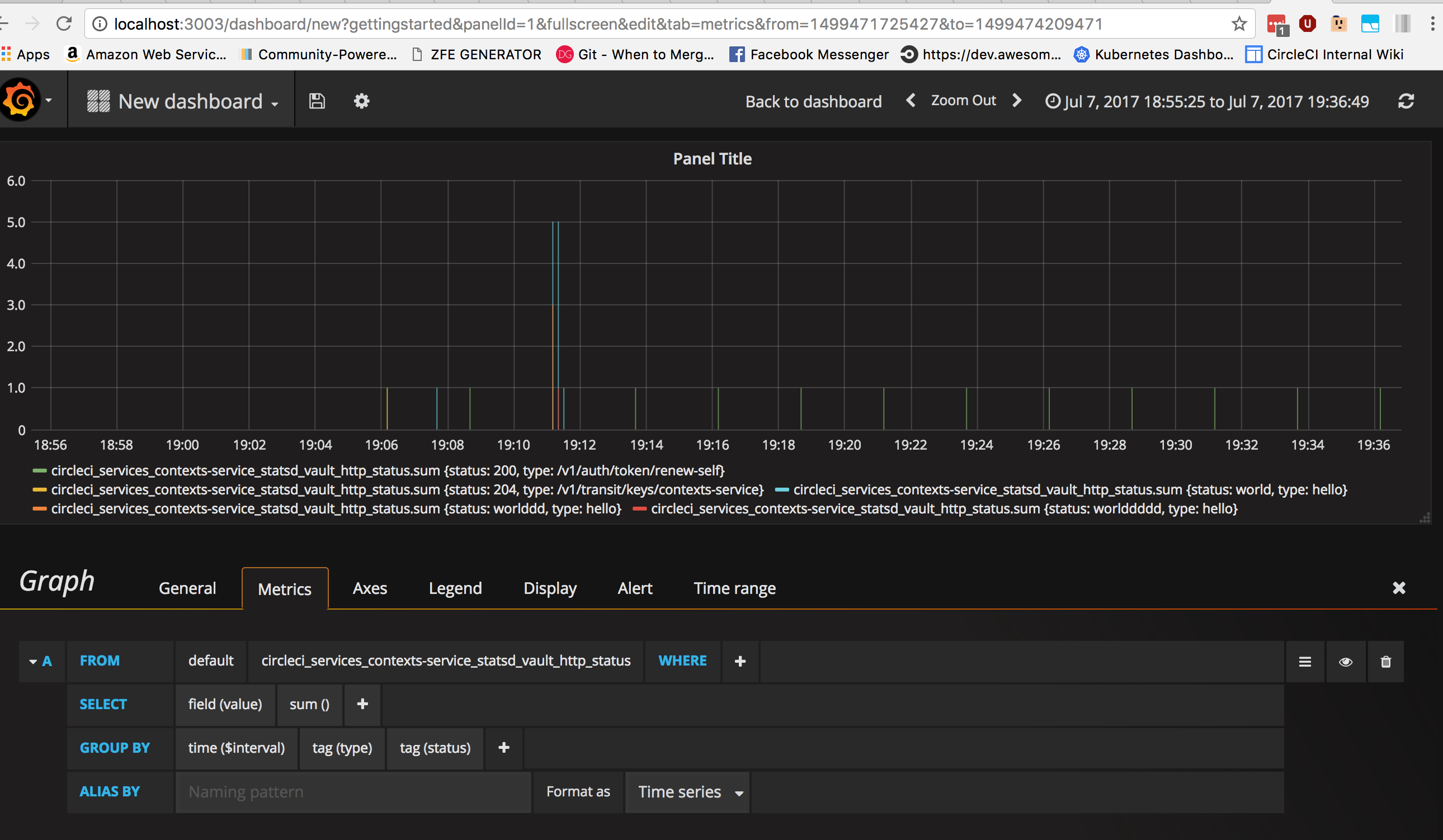
Setup of samuelebistoletti/docker-statsd-influxdb-grafana:latest for DataDog tagged stats
See here for Samuele Bistoletti's excellent github repo for this, or here for his docker hub.
  dsig-statsd:
    image: mannimal/dsig-cci
    ports:
      - '3003:3003'
      - '3004:8083'
      - '8086:8086'
      - '22022:22'
      - '8125:8125/udp'
If using docker-compose, follow the standard workflow of docker-compose up -d --build etc.
Once your container is up and running, send a few DataDog tagged stats to it and follow the instructions below!
Username: root
Password: root
- Using the wizard click on
Add data source - Choose a
namefor the source and flag it asDefault - Choose
InfluxDBastype - Choose
directasaccess - Fill remaining fields as follows and click on
Addwithout altering other fields
Url: http://localhost:8086
Database:	telegraf
User: telegraf
Password:	telegraf
You can now start exploring the values capture by Telegraf in Grafana by creating a dashboard, and a graph!