A comprehensive Python learning environment that takes you from "Hello World" to data analysis. This repository contains practical examples organized by difficulty level, perfect for learning Python or experimenting with new concepts. For further learning see the book Python for Data Analysis from Wes McKinney
Start your Python journey with fundamental concepts:
- hello_world.py - Your first Python program
- variables_and_types.py - Data types, variables, lists, dictionaries, and more
- control_flow.py - If statements, loops, and list comprehensions
Build on the basics with more advanced topics:
- functions.py - Function definitions, parameters, lambda functions
- file_operations.py - Reading and writing text and JSON files
- classes_and_oop.py - Object-oriented programming with classes
Explore data science with popular libraries:
- numpy_basics.py - NumPy arrays and numerical operations
- pandas_basics.py - DataFrames and data manipulation
- visualization.py - Creating charts and plots with Matplotlib
Data Science with Jupyter Notebooks. The environment has been enabled to use Jupyter Notebooks.
- example_notebook.jpynb - Simple notebook as starter.
- numpy_comprehensive.ipynb - Comprehensive NumPy tutorial covering arrays, operations, linear algebra, statistics, and more
- machine_learning_iris_flowers.ipynb - Machine Learning with the public standard learning dataset
- azure_blob_storage.ipynb - Demonstrates a typical Machine Learning workflow with Azure Blob Storage
- excel_and_csv.ipynb - Shows how to read Excel and CSV files
- visualization.ipynb - Matplotlib inline plots (line, bar, scatter, subplots, pie, box, stacked area, correlation heatmap) with Pandas integration
The easiest way to get started is using GitHub Codespaces:
- Click the Code button on the GitHub repository
- Select Codespaces tab
- Click Create codespace on main
The development environment will be automatically configured with Python 3.14 and all dependencies installed!
- Python 3.8 or higher
- pip (Python package installer)
- Clone the repository:
git clone https://github.com/rbrands/python-playground.git
cd python-playground- (Optional) Create a virtual environment:
python3 -m venv venv
source venv/bin/activate # On Windows: venv\Scripts\activate- Install dependencies for data analysis examples:
pip install -r requirements.txtNo dependencies required - just run them:
python3 basics/hello_world.py
python3 basics/variables_and_types.py
python3 basics/control_flow.pypython3 intermediate/functions.py
python3 intermediate/file_operations.py
python3 intermediate/classes_and_oop.pyMake sure you've installed the requirements first:
python3 data_analysis/numpy_basics.py
python3 data_analysis/pandas_basics.py
python3 data_analysis/visualization.py- Start with Basics: Begin with
hello_world.pyand work through the basics directory - Move to Intermediate: Once comfortable, explore functions, file operations, and OOP
- Explore Data Analysis: Install the requirements and dive into NumPy, Pandas, and visualization
- Python Fundamentals: Variables, data types, control flow
- Functions: Writing reusable code with functions
- File I/O: Reading and writing files
- OOP: Object-oriented programming concepts
- Data Analysis: Working with NumPy arrays and Pandas DataFrames
- Visualization: Creating informative charts and plots
- Notebooks: Working with Jupyter Notebooks
For data analysis examples, the following libraries are used:
- pandas - Data manipulation and analysis
- numpy - Numerical computing
- matplotlib - Data visualization
- scikit-learn - Machine Learning
All dependencies are listed in requirements.txt.
Feel free to experiment, modify, and extend these examples! This is a playground after all.
This repository requires all changes to be submitted via Pull Requests:
- All PRs require review and approval from @rbrands
- Direct pushes to the
mainbranch are not allowed - See Branch Protection Setup for configuration details
This project is licensed under the MIT License - see the LICENSE file for details.
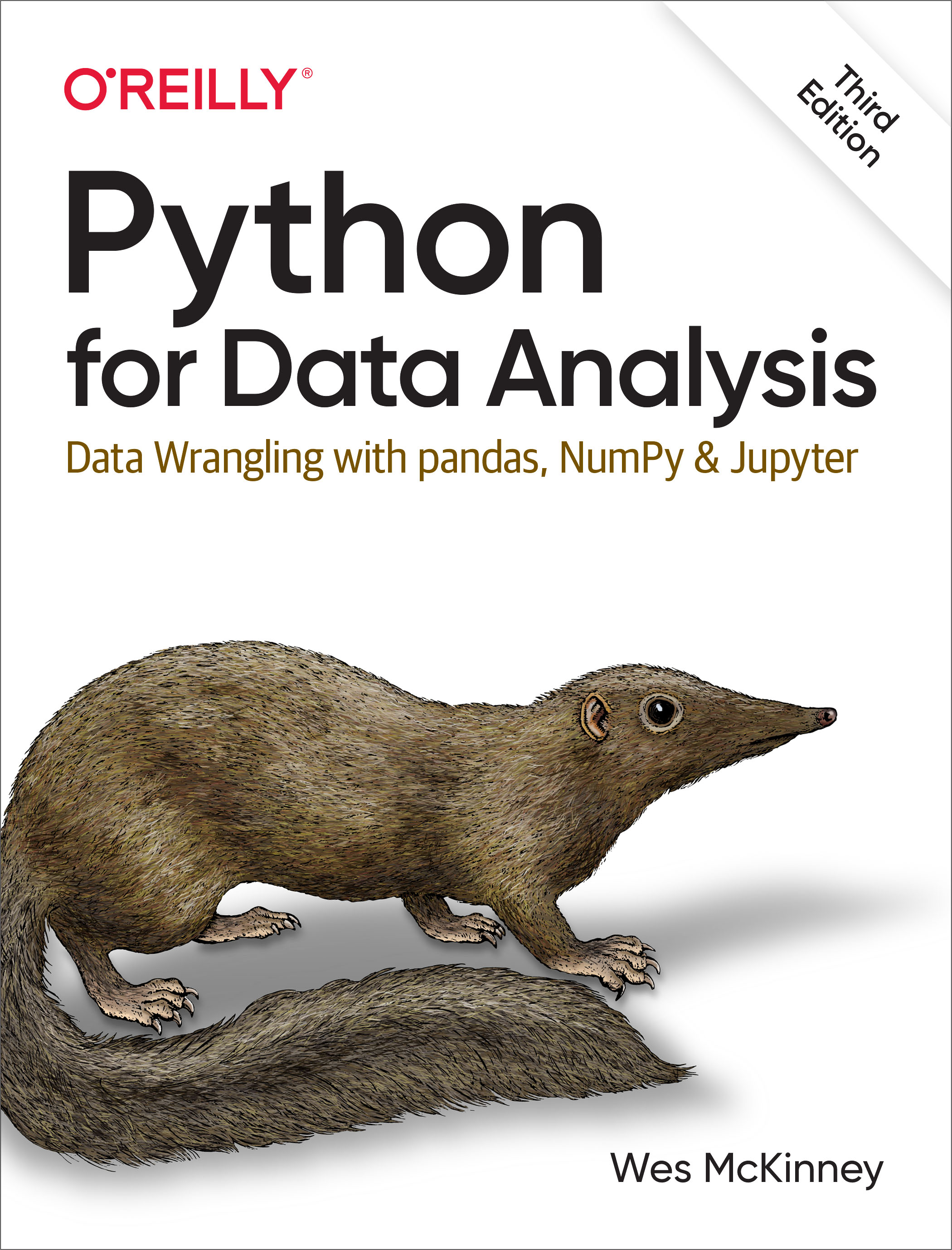
The comprehensive guide to data analysis with Python by Wes McKinney (creator of Pandas).
An open-source book covering the mathematical foundations of machine learning.
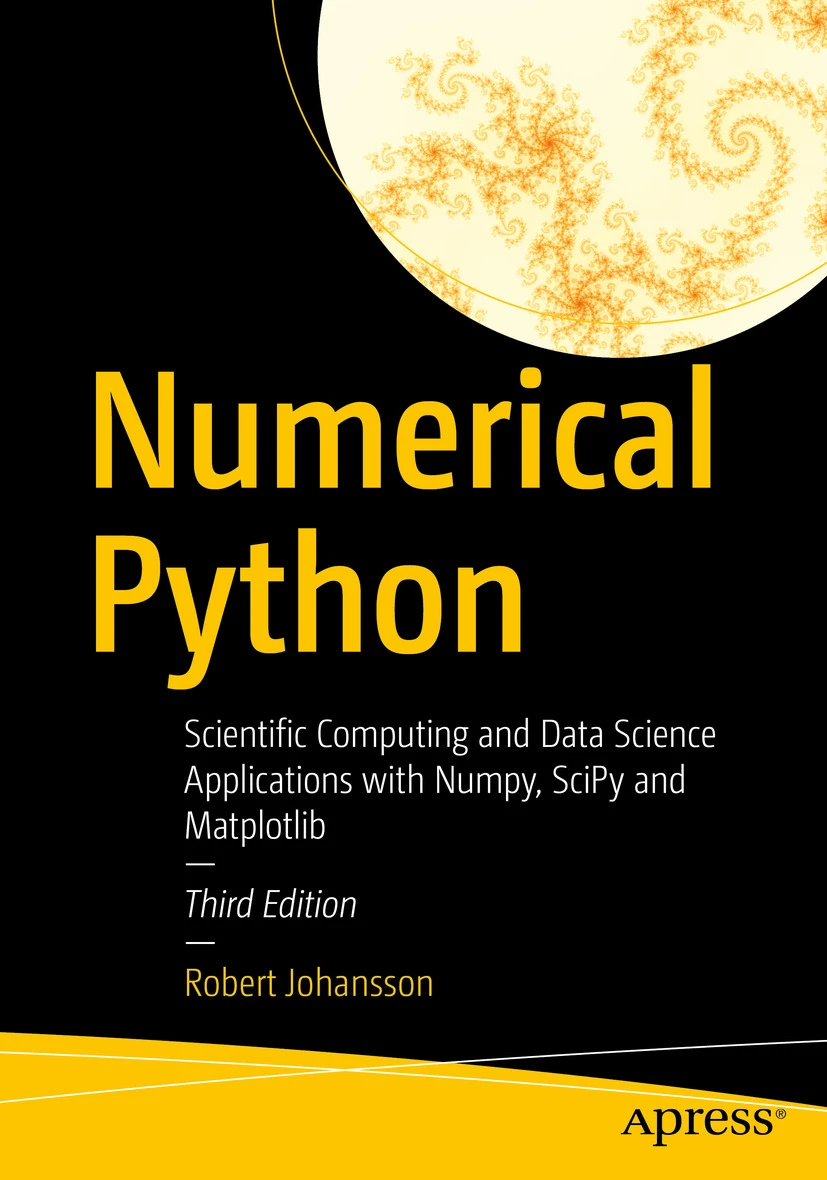
Comprehensive tutorial and reference for scientific computing with Python, NumPy, and SciPy. The modern version of the legendary "Numerical Recipes in C".
After working through these examples, consider:
- Learning about web frameworks like Streamlit, Chainlit, Flask or Django
- Diving deeper into machine learning with scikit-learn
- Contributing to open-source Python projects