- To install Required libraries
- Step1 - Install Python and Pycharm (IDE)
- Step 2 - Install pip
- Step 3 Install required libraries using Pip
- pip install SpeechRecognition
- pip install pyttsx3
- pip install pywhatkit
- pip install wikipedia
- pip install PyAudio
- You will get some errors while installing pyaudio using pip so first install pipwin by using -- pip install pipwin
- pipwin install pyaudio
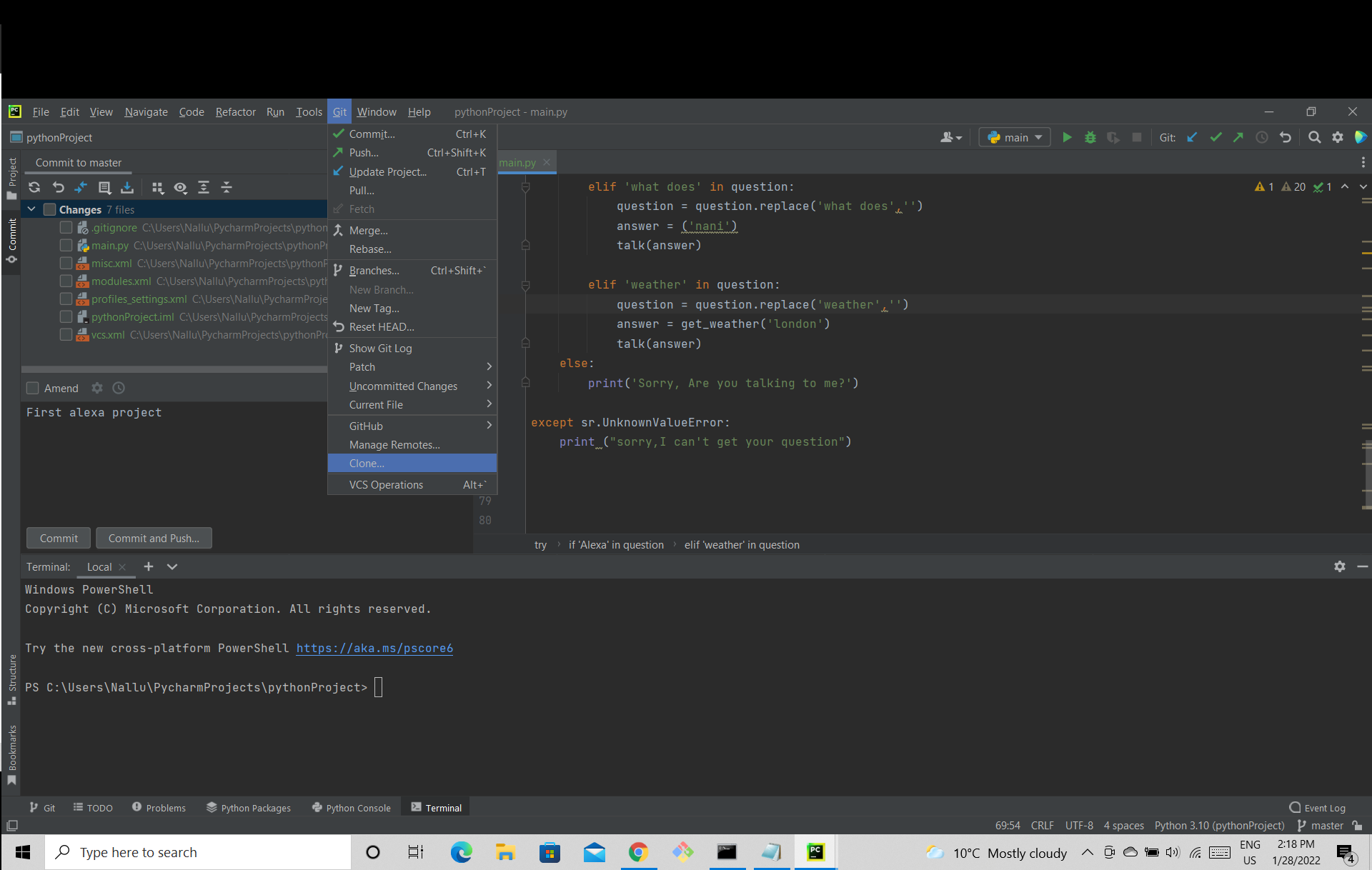
- Once you install the pycharm open a new project or clone using the git link I have provided.(Check screenshot below)
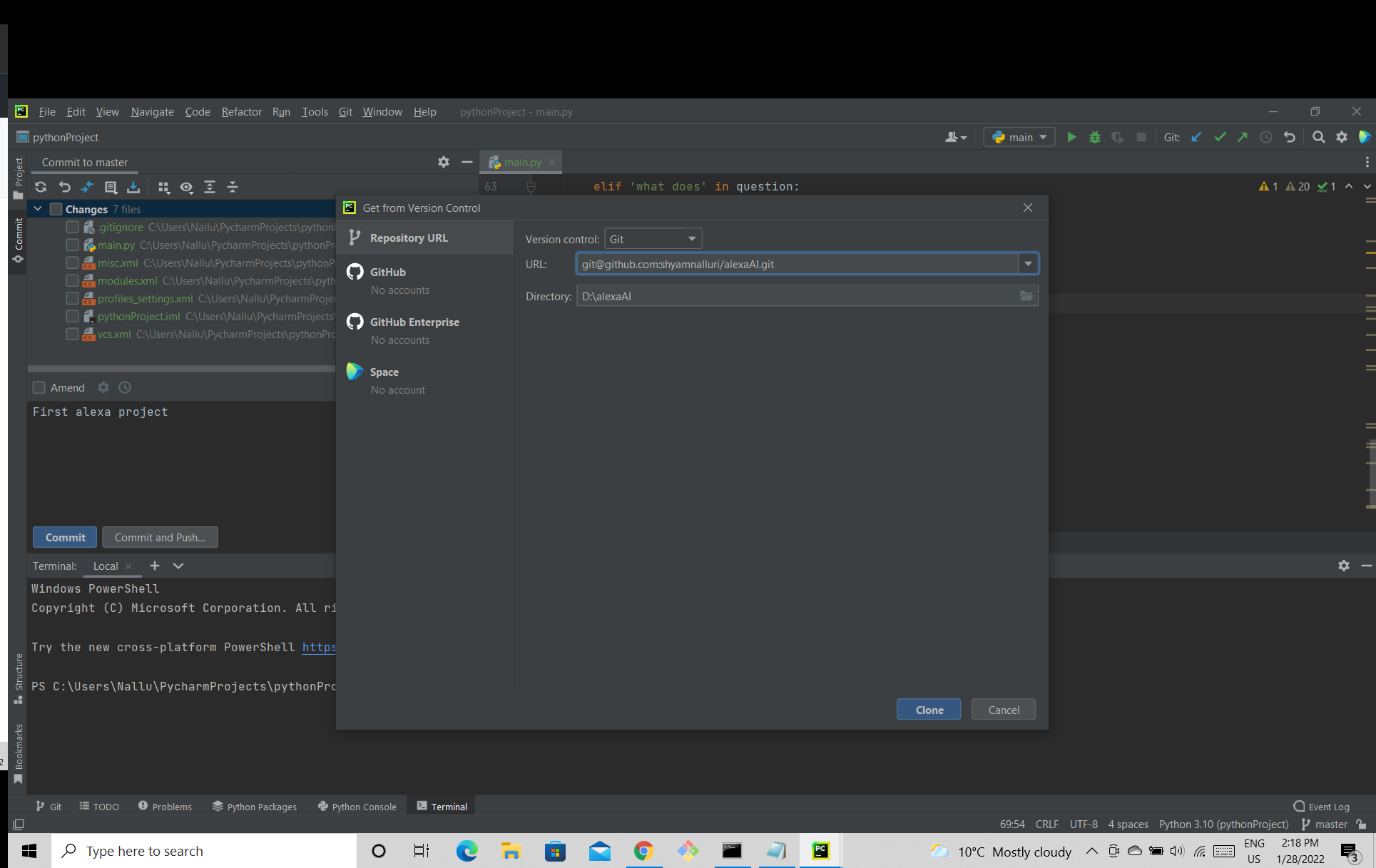
 After Clicking on Clone Insert the Git URL Which I have provided in the URL space (Check screenshot below)
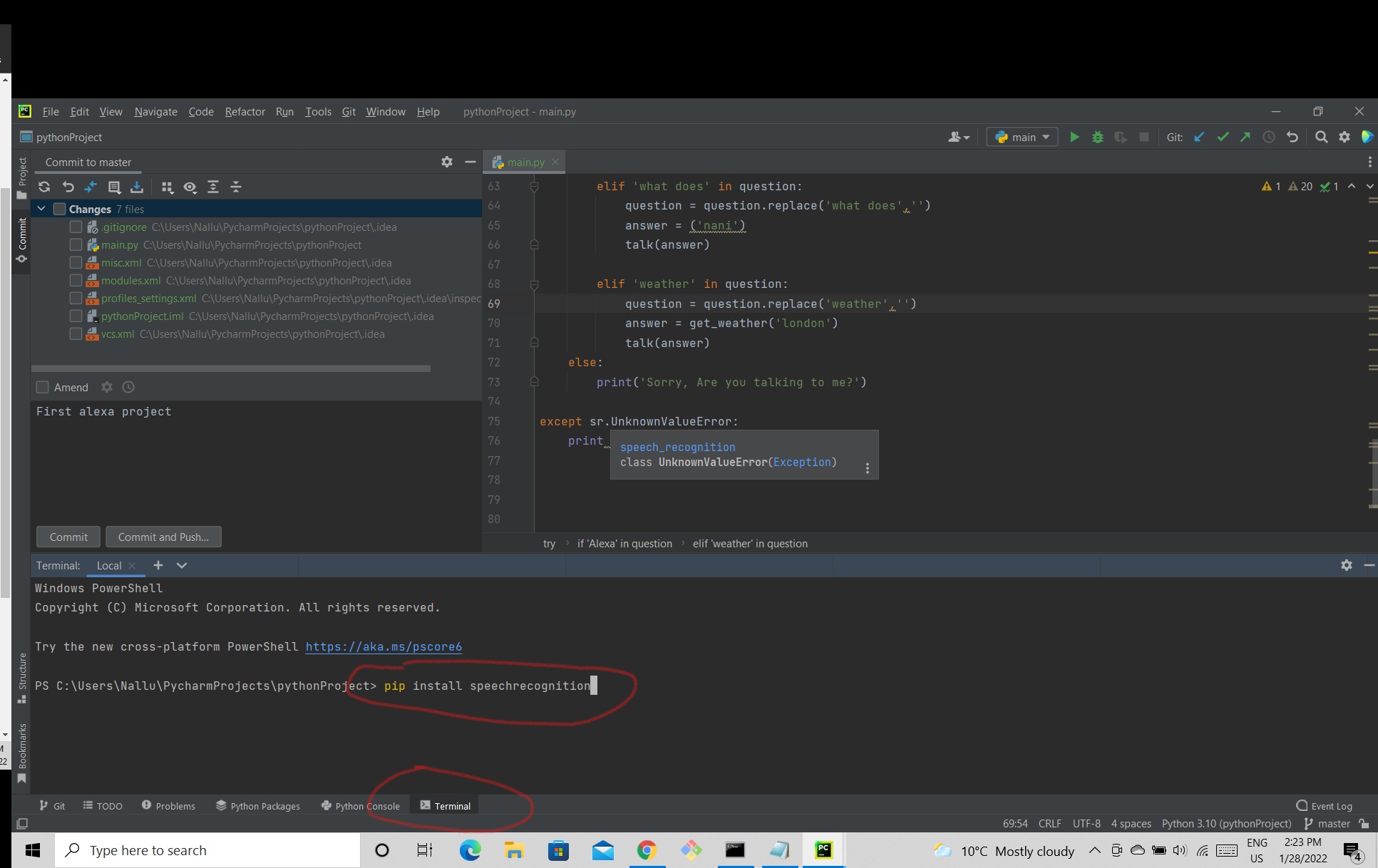
- Once you cloned succesfully click on terminal and install libraries using the above pip commands
- once you install all the libraries try to run the code.
- If you face any issues leave a comment in issues section or Discussion section
shyamnalluri/alexaAI
Folders and files
| Name | Name | Last commit date | ||
|---|---|---|---|---|