



A production-ready, full-stack portfolio application with 3D animations, admin panel, AI chatbot, and cloud storage integration.
Built upon: omunite215/Project_3DPortfolio — Extended with complete backend infrastructure and dynamic content management.
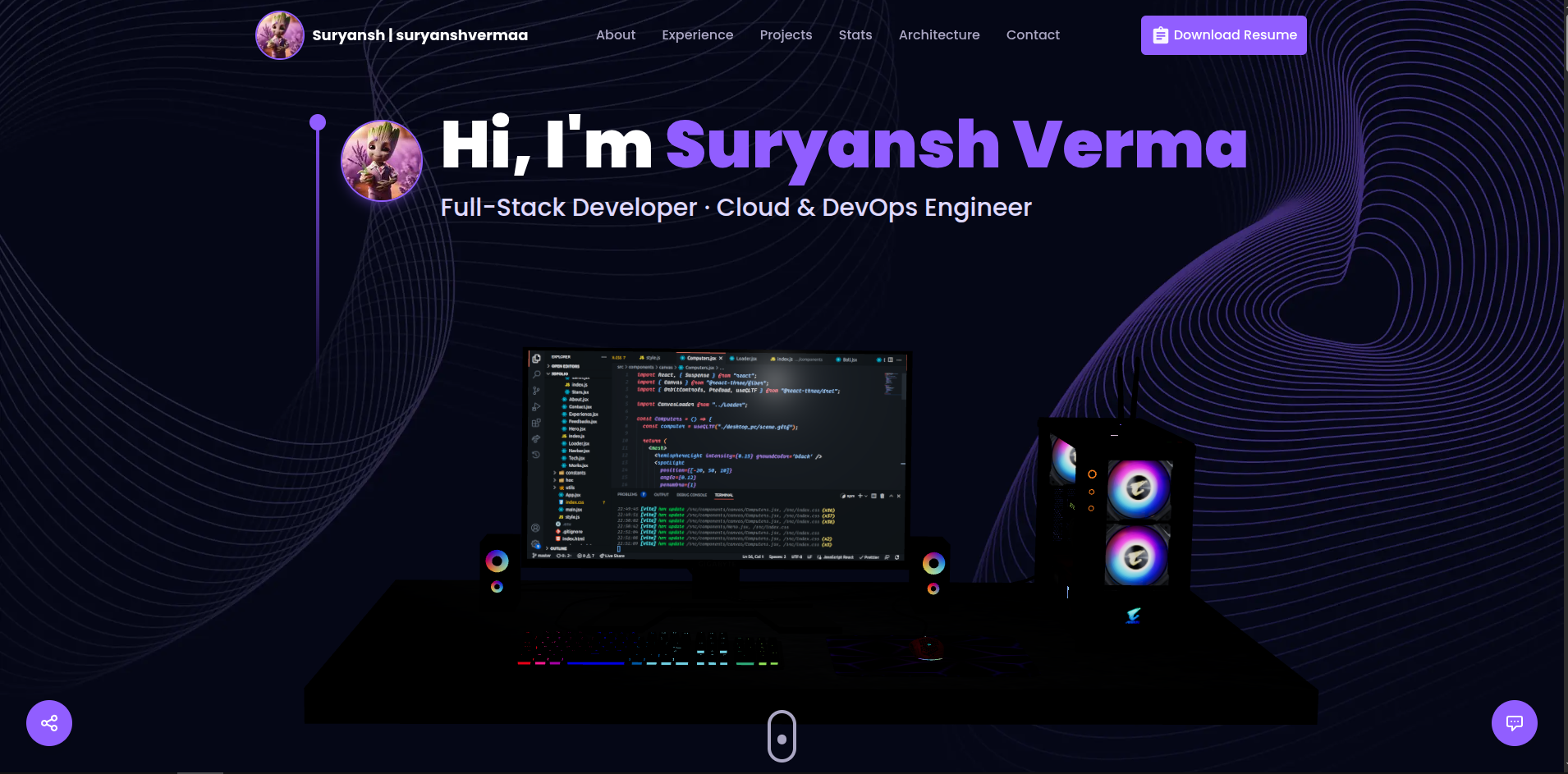
Original Project:
- 3D Computer animation (Three.js)
- Contact form with 3D Earth
- Static skills and projects
- Social media links
This Extended Version:
- ✅ Complete backend (PostgreSQL + Prisma ORM)
- ✅ Secure admin panel (NextAuth.js)
- ✅ AI chatbot (Groq SDK)
- ✅ Cloud storage (AWS S3) with signed URLs
- ✅ Redis caching (Upstash)
- ✅ Video demos, diagrams, testimonials, stats
- ✅ Dynamic navigation & resume management
- ✅ Mobile-optimized (3D disabled on small screens)
- ✅ Email system (Nodemailer)
Frontend:
- Next.js 14 App Router with TypeScript
- Three.js 3D scenes (Computer, Earth, Stars)
- Framer Motion animations
- Tailwind CSS styling
- AI chatbot powered by Groq
- Responsive mobile-first design
Admin Panel:
- Secure authentication with NextAuth.js
- Full CRUD operations for all content
- Cloud file uploads (S3/Tebi.io)
- Signed URLs with 1-hour expiration
- Manage: Projects, Experience, Technologies, Videos, Diagrams, Testimonials, Services, Stats, Resume, Navigation
Backend:
- PostgreSQL database (Neon recommended)
- Prisma ORM for type safety
- AWS S3 cloud storage
- Redis caching
- Dual email delivery
Frontend: Next.js 14, TypeScript, Tailwind CSS, Framer Motion, Three.js
Backend: PostgreSQL, Prisma, NextAuth.js, AWS S3
Additional: Groq AI, Upstash Redis, Nodemailer, EmailJS
Deployment: Vercel
- Node.js 18+ or Bun
- PostgreSQL database
- AWS S3 or Tebi.io account
- Groq API key
# Clone repository
git clone https://github.com/suryanshvermaa/3DPortfolio.git
cd 3DPortfolio

# Install dependencies
npm install

# Setup environment variables
cp .env.example .env
# Edit .env with your credentials

# Setup database
npx prisma generate
npx prisma db push

# Create admin user
npx tsx scripts/create-admin.ts

# Start development server
npm run dev
Visit: http://localhost:3000
Admin: http://localhost:3000/admin/login
# Database
DATABASE_URL="postgresql://user:password@host:5432/database?sslmode=require"

# NextAuth
NEXTAUTH_URL="http://localhost:3000"
NEXTAUTH_SECRET="your-secret-key-here"

# AWS S3 / Tebi.io
AWS_ACCESS_KEY_ID="your-access-key"
AWS_SECRET_ACCESS_KEY="your-secret-key"
AWS_REGION="ap-south-1"
AWS_BUCKET_NAME="your-bucket-name"
AWS_S3_ENDPOINT="https://s3.tebi.io"  # Optional for Tebi.io

# Email
MY_EMAIL="your-email@gmail.com"
MY_PASSWORD="your-app-password"

# AI Chatbot
GROQ_API_KEY="your-groq-api-key"

# Redis (Optional)
UPSTASH_URL="your-upstash-url"
UPSTASH_TOKEN="your-upstash-token"npm run dev # Start development server
npm run build # Build for production
npm start # Start production server
npx prisma generate # Generate Prisma Client
npx prisma db push # Push schema to database
npx prisma studio # Open database GUI
npx tsx scripts/create-admin.ts # Create admin user
npx tsx scripts/delete-admin.ts # Delete admin user
npm run lint # Run ESLint3DPortfolio/
├── app/
│ ├── admin/ # Admin panel pages
│ ├── api/ # API routes
│ ├── components/ # React components
│ ├── bot/ # Chatbot logic
│ └── styles/ # Global CSS
├── lib/ # Shared libraries
├── prisma/ # Database schema
├── public/ # Static assets
├── scripts/ # Utility scripts
└── types/ # TypeScript definitions
Theme Colors - Edit tailwind.config.ts:
colors: {
  primary: "#050816",
  secondary: "#aaa6c3",
  tertiary: "#151030",
}
Remove 3D Elements:
# Remove components from app/page.tsx
# Uninstall dependencies
npm uninstall three @react-three/fiber @react-three/drei
Customize Chatbot - Edit app/bot/system_prompt.ts
- Import repository on vercel.com
- Add environment variables in Settings
- Deploy (automatic on git push)
npm run build
npm start
Ensure PostgreSQL database is accessible and environment variables are configured.
Prisma Client not generated:
npx prisma generateDatabase connection failed:
- Check
DATABASE_URLin.env - Verify database accessibility
Upload errors:
- Verify AWS credentials
- Check bucket permissions
Authentication issues:
- Ensure admin user exists
- Check
NEXTAUTH_SECRETis set
Original Project: omunite215/Project_3DPortfolio
Technologies: Next.js • Prisma • Three.js • Tailwind CSS • NextAuth.js • AWS S3
MIT License - see LICENSE file.