
AssistITk12 is a web-based ticketing system designed to help school districts manage support requests, maintenance issues, and other technical problems. It's built with Flask and Bootstrap to provide a user-friendly and efficient solution.
- Issue tracking: Create, manage, and track support tickets.
- Prioritization: Assign priorities to tickets to ensure critical issues are addressed first.
- User management: Create and manage user accounts with different levels of access.
- Reporting: Generate reports to track trends and identify areas for improvement.
- Customization: Customize the look and feel of the application to match your school's branding.
- Data Visualization: Generate charts and graphs to visualize common technical issues and trends.
- Python 3.12.9
- Flask 3.1.0
- See requirements.txt for a complete enumeration of package dependencies
git clone https://github.com/victorhugo81/assistitk12cd assistitk12Choose the instructions appropriate for your OS. Windows:
uv venv .venv.venv\Scripts\activateMacOS/Linux:
uv venv .venvsource .venv/bin/activateuv syncImportant: Don't commit your .env file to version control. Make sure it's added to .gitignore to protect sensitive information!
These script creates:
- Default ticket statuses (Open, In Progress, Completed)
- Priority levels (Low, Medium, High, Critical)
- Common issue categories
- An .env file that contains configuration settings and secrets such as API keys, database credentials, or Flask settings outside your source code.
- Create .env file and MySQL database This script will create a file named .env in your project's root directory. Edit the generated .env to use your actual database values.
cd installationpython create_env.py # .env file
# An Application SECRET_KEY is a randomly generated string of characters used for security purposes.
SECRET_KEY=your_secure_random_key_here
# Database Connection URI
DATABASE_URL=mysql+pymysql://username:password@localhost/assistitk12
- Seed database with initial app data Run the seed script to populate the database with initial data (including status types, priority levels, and categories):
python seed_data.py cd ..flask --app main.py runOpen a web browser and navigate to the URL displayed in your terminal (usually http://127.0.0.1:5000/).
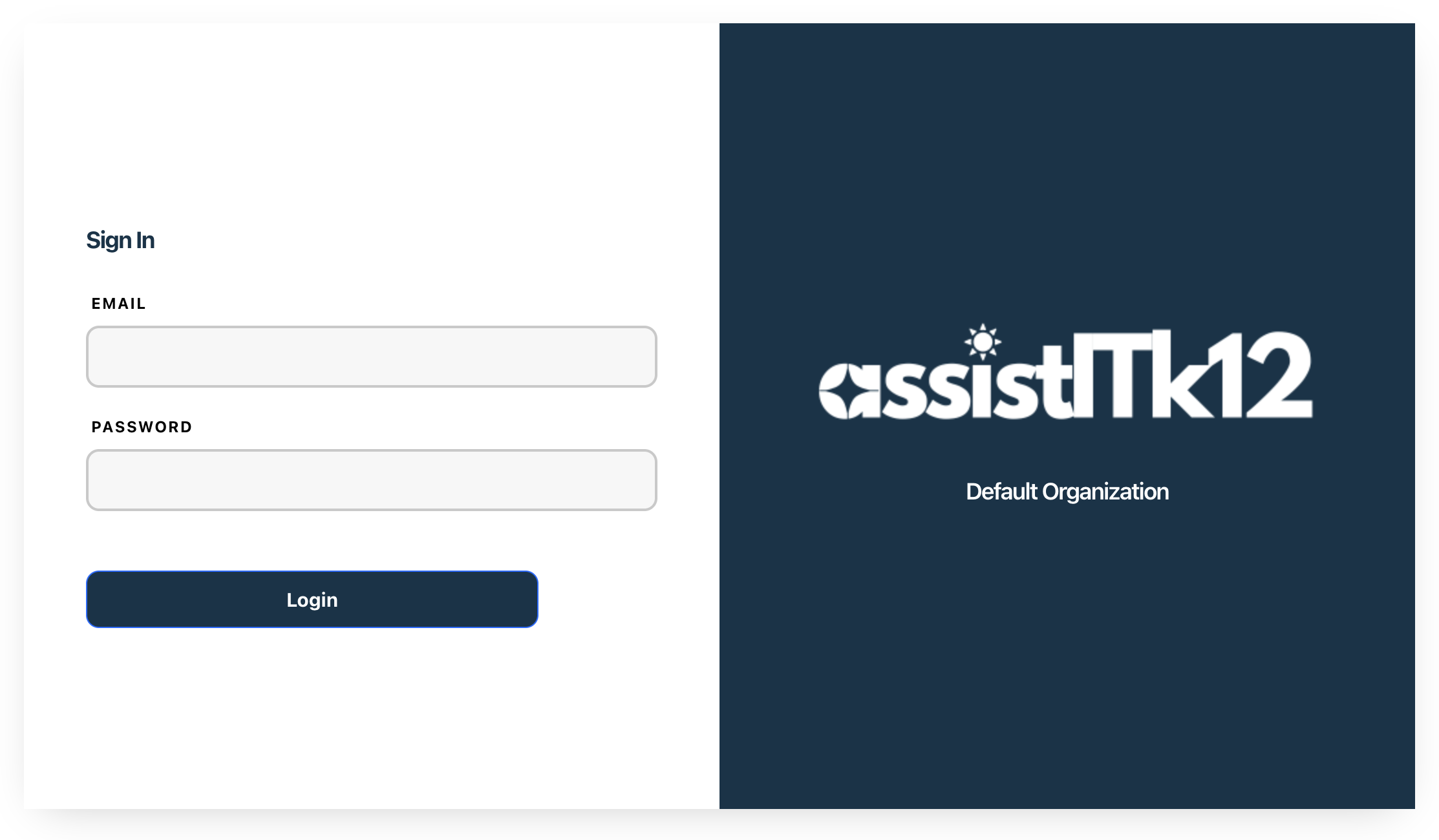
Enter the admin email and password you previously configured.
- Password must be over 10 characters long, contain letters and numbers, and special characters.
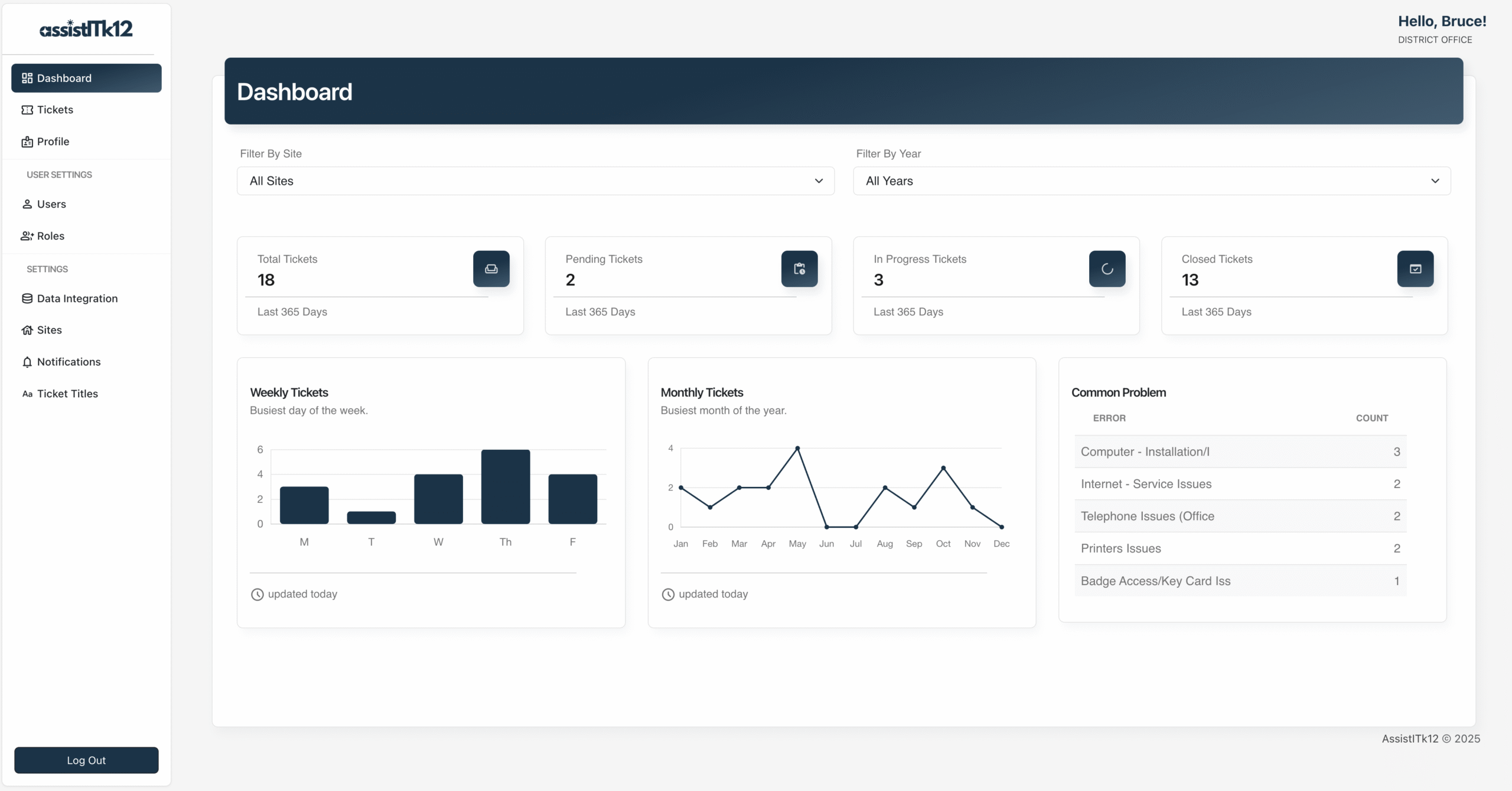
The dashboard provides an overview of all tickets, their statuses, and key metrics to help identify trends and areas for improvement.
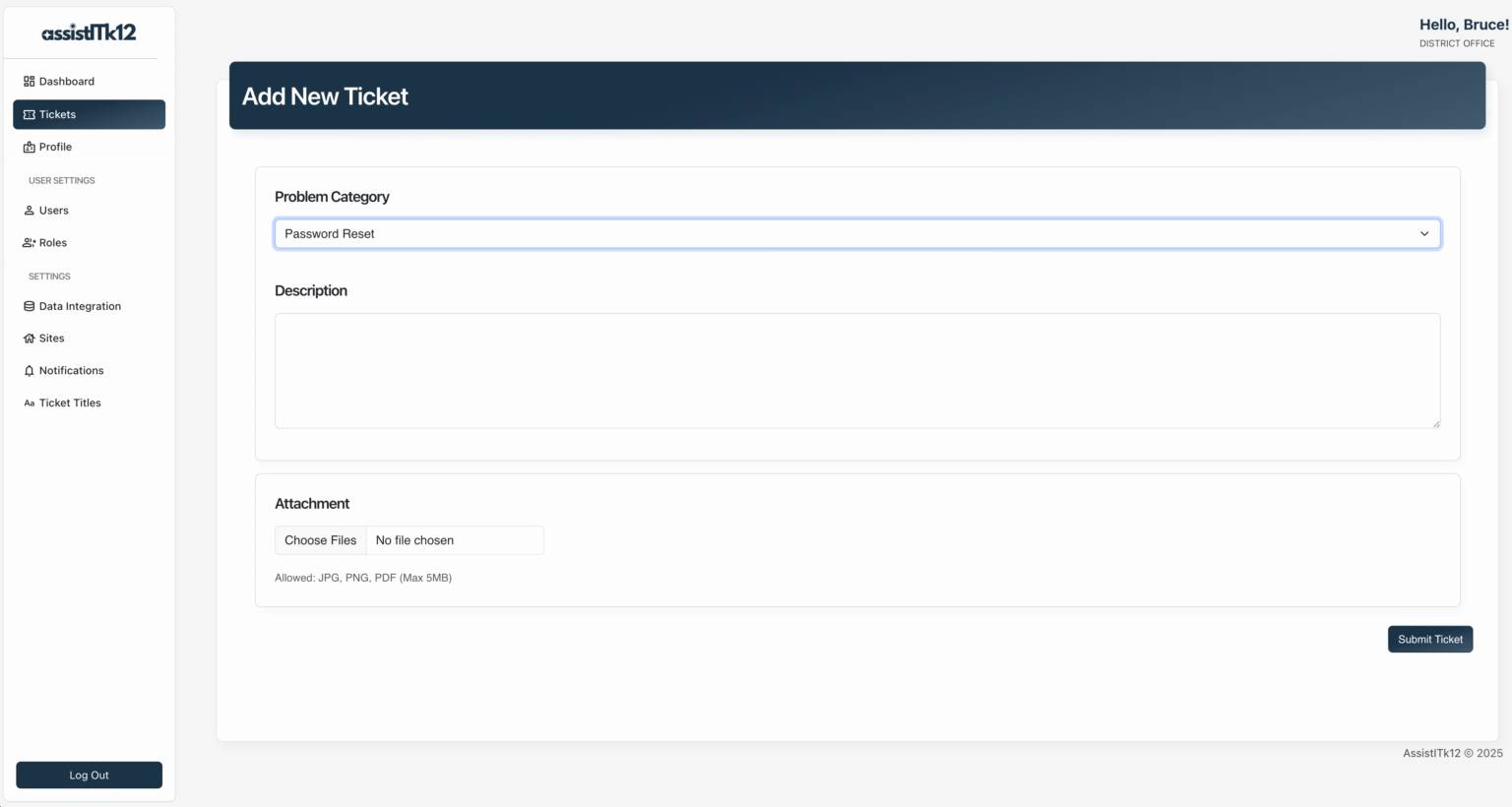
- Click on Tickets sidebar
- Click the "Add Ticket" button
- Fill in the required details
- Click the "Submit Ticket" button
- Ensure your MySQL server is running
- Verify the credentials in your
.envfile - Check that the specified database exists
If you encounter database migration errors:
flask db upgradeIf you encounter missing module errors:
uv pip install -r requirements.txt --upgradeFor production environments:
-
Use a production WSGI server like Gunicorn:
pip install gunicorn gunicorn -w 4 "main:create_app()" -
Set up a reverse proxy with Nginx or Apache
-
Update your
.envfile with production settings
We welcome contributions from the community!
- Fork the repository
- Create a new branch:
git checkout -b feature-branch
- Make your changes and commit them:
git commit -m "Description of your changes" - Push to the branch:
git push origin feature-branch
- Create a pull request on GitHub
AssistITk12 is licensed under the GNU General Public License v3. See the LICENSE.txt file for more details.
For questions or suggestions, please open an issue on GitHub or contact me at assistitk12@victorhugosolis.com.
AssistITk12 is still under development and may contain bugs or limitations. We are committed to improving the software and welcome your feedback.
assistitk12/
├── application/
│   ├── __init__.py
│   ├── models.py
│   ├── forms.py
│   ├── routes.py
│   ├── static/
│   │   ├── css/
│   │   ├── js/
│   │   ├── img/
│   │   └── uploads/
│   └── templates/
│       ├── includes/
│       │   ├── footer.html
│       │   └── nav.html
│       ├── add_notification.html
│       ├── add_role.html
│       ├── add_site.html
│       ├── add_ticket.html
│       ├── add_title.html
│       ├── add_user.html
│       ├── base.html
│       ├── edit_notification.html
│       ├── edit_role.html
│       ├── edit_site.html
│       ├── edit_ticket.html
│       ├── edit_title.html
│       ├── edit_user.html
│       ├── error.html
│       ├── index.html
│       ├── login.html
│       ├── notification.html
│       ├── organization.html
│       ├── profile.html
│       ├── roles.html
│       ├── sites.html
│       ├── tickets.html
│       ├── titles.html
│       └── users.html
├── main.py
├── config.py
├── requirements.txt
└── installation/
    ├── create_env.py
    └── seed_data.py