SpreeCommerce Extension to track the activities of multiple admins on the SpreeCommerce store and give more information about the activities.
Try Spree Admin Activity Tracker for Spree 3-4 with direct deployment on Heroku:

Introduction goes here.
- Add this extension to your Gemfile with this line:
gem 'spree_admin_activity_tracker', github: 'vinsol-spree-contrib/spree_admin_activity_tracker', branch: 'master'Note Not supported For Spree Version < 3-2
- Install the gem using Bundler:
bundle install- Copy & run migrations
bundle exec rails g spree_admin_activity_tracker:install- Restart your server
If your server was running, restart it so that it can find the assets properly.
-
Process any request on the admin section.
-
Go to Congifuration tab on the sidebar and select time line option. All the processes are listed.
First bundle your dependencies, then run rake. rake will default to building the dummy app if it does not exist, then it will run specs. The dummy app can be regenerated by using rake test_app.
bundle
bundle exec rspec spec
When testing your applications integration with this extension you may use it's factories. Simply add this require statement to your spec_helper:
require 'spree_admin_activity_tracker/factories'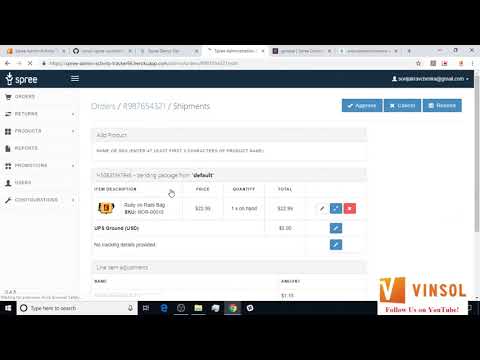
- Fork the project
- Make one or more well commented and clean commits to the repository. You can make a new branch here if you are modifying more than one part or feature.
- Add tests for it. This is important so I don’t break it in a future version unintentionally.
- Perform a pull request in github's web interface.

Copyright (c) 2017 vinsol.com, released under the New MIT License