
A friend for your code.


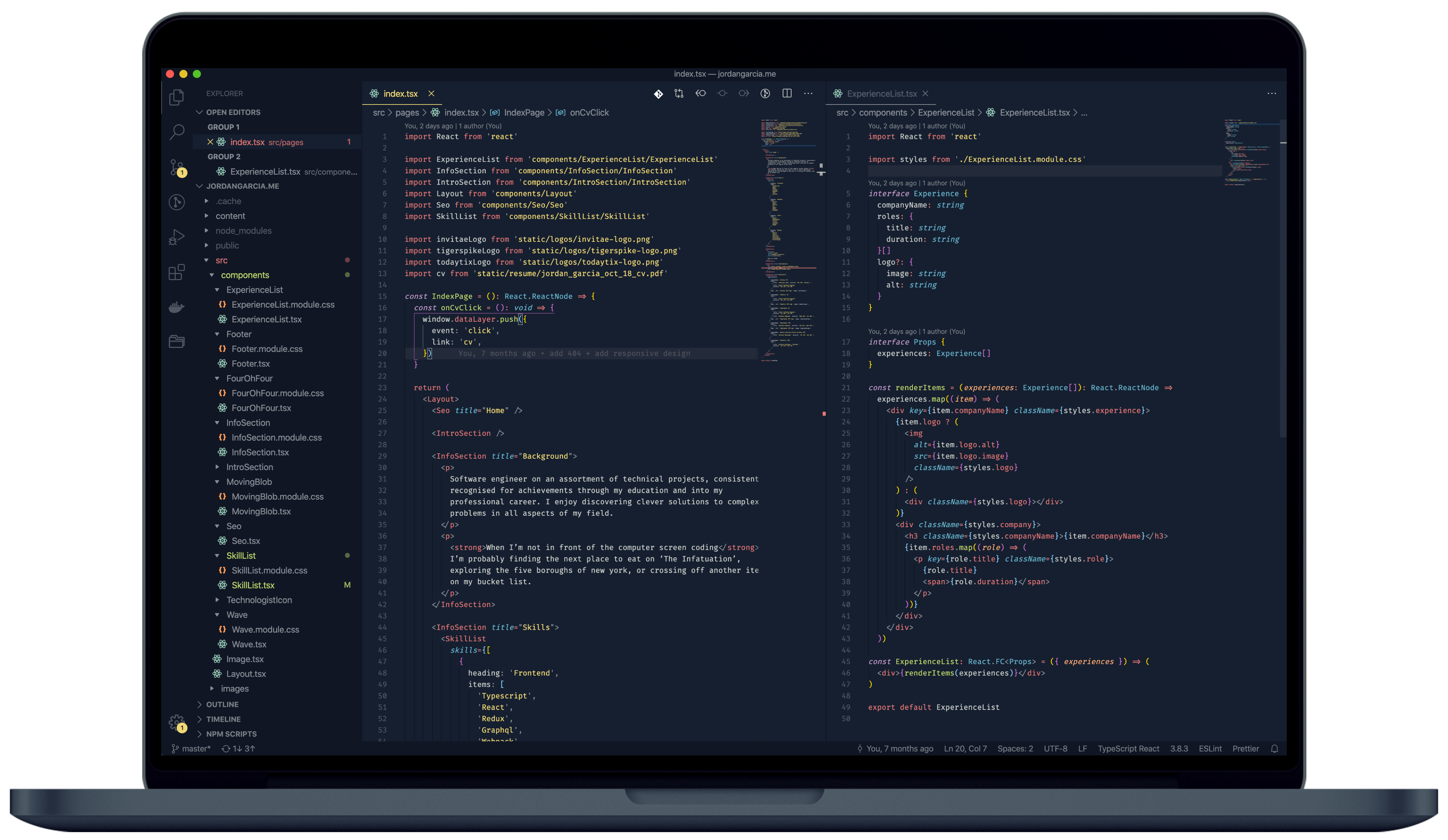
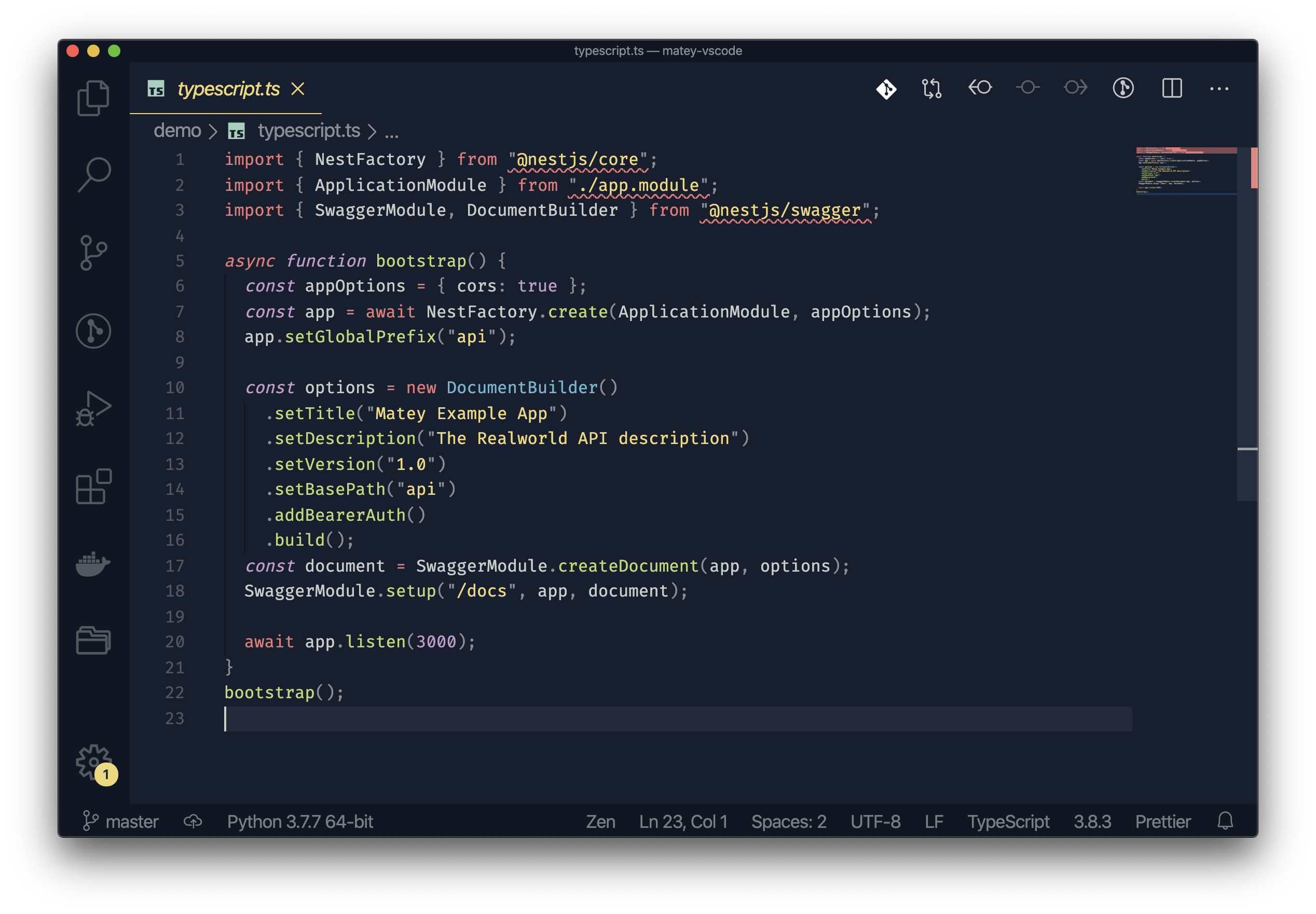
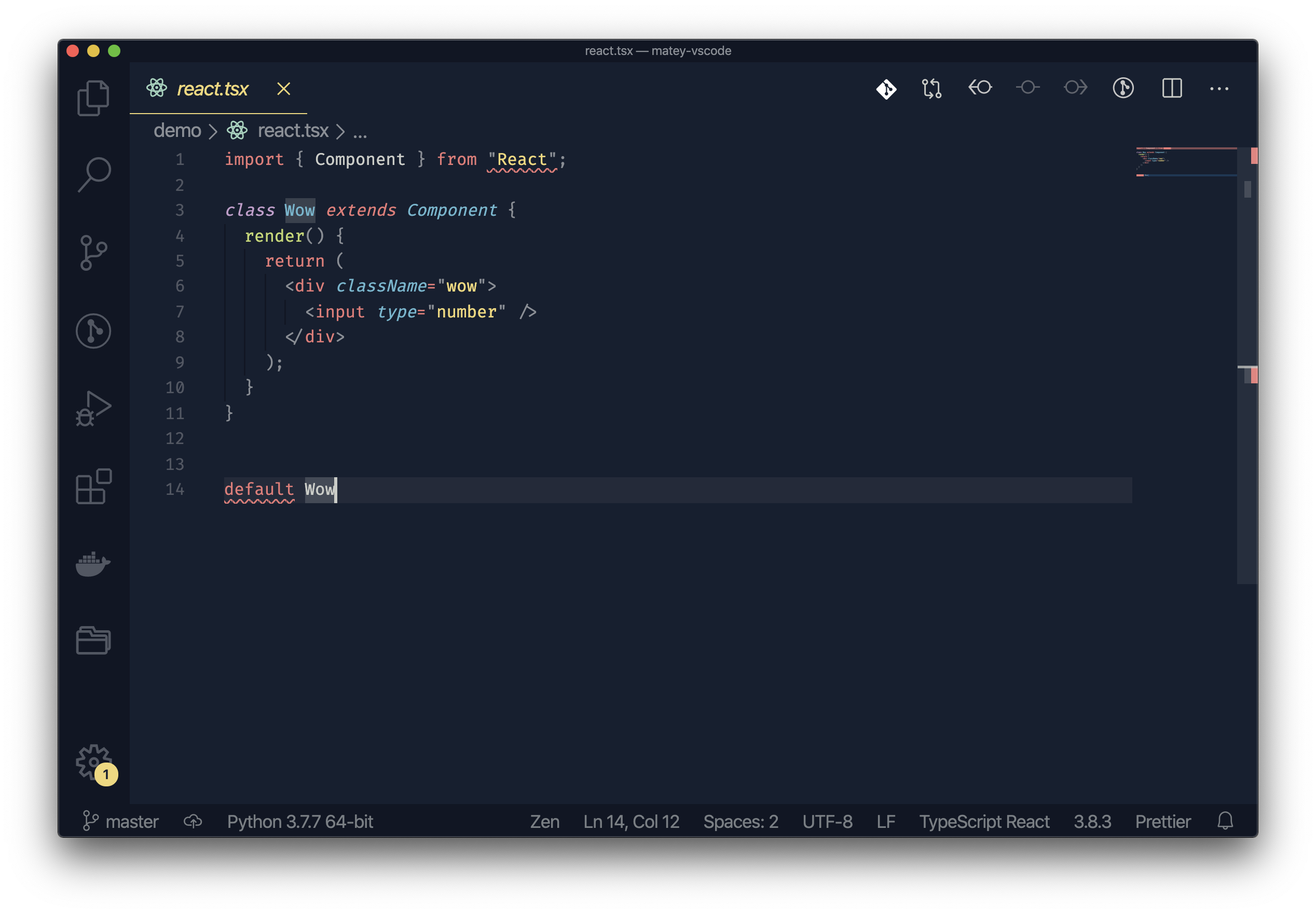
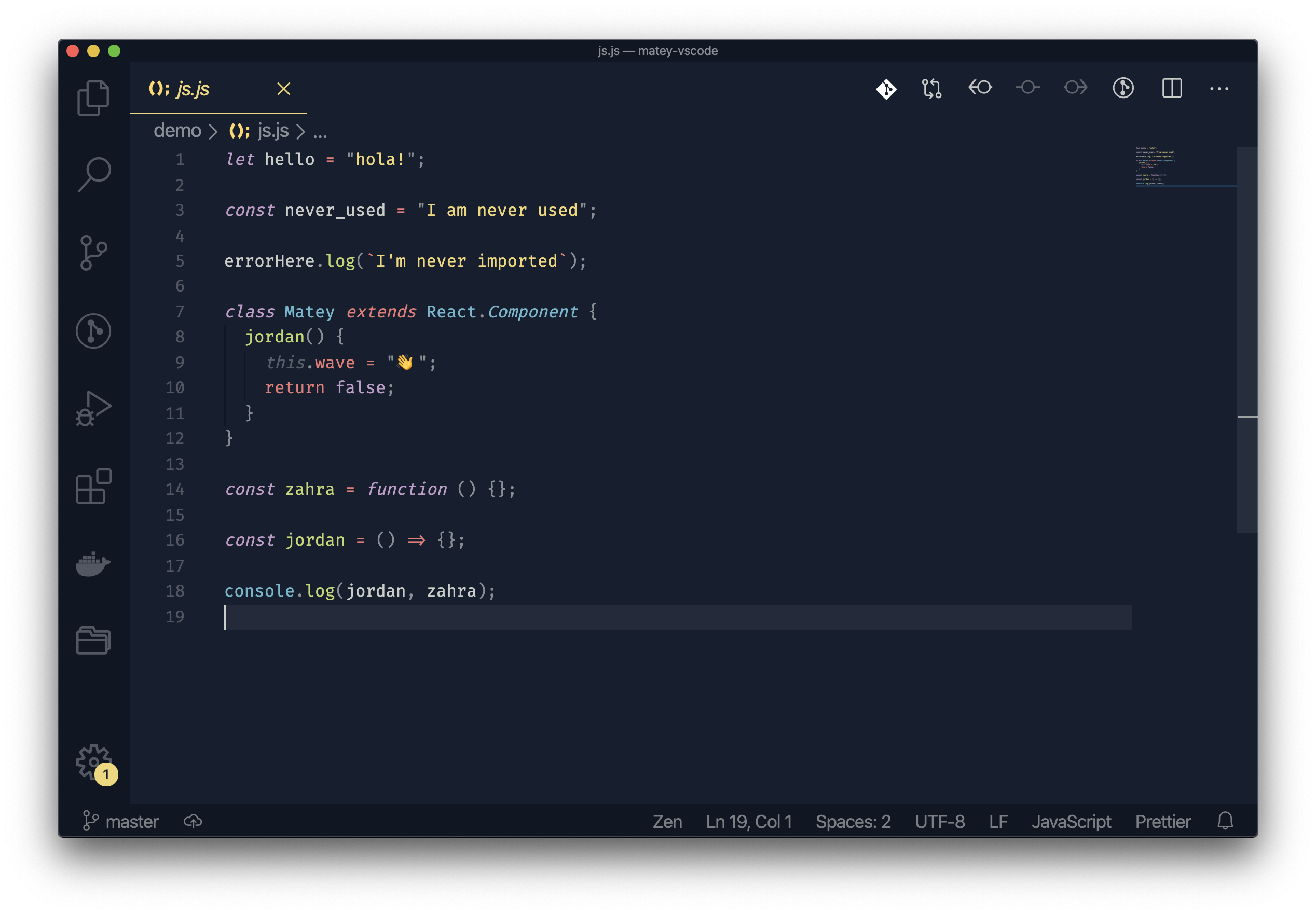
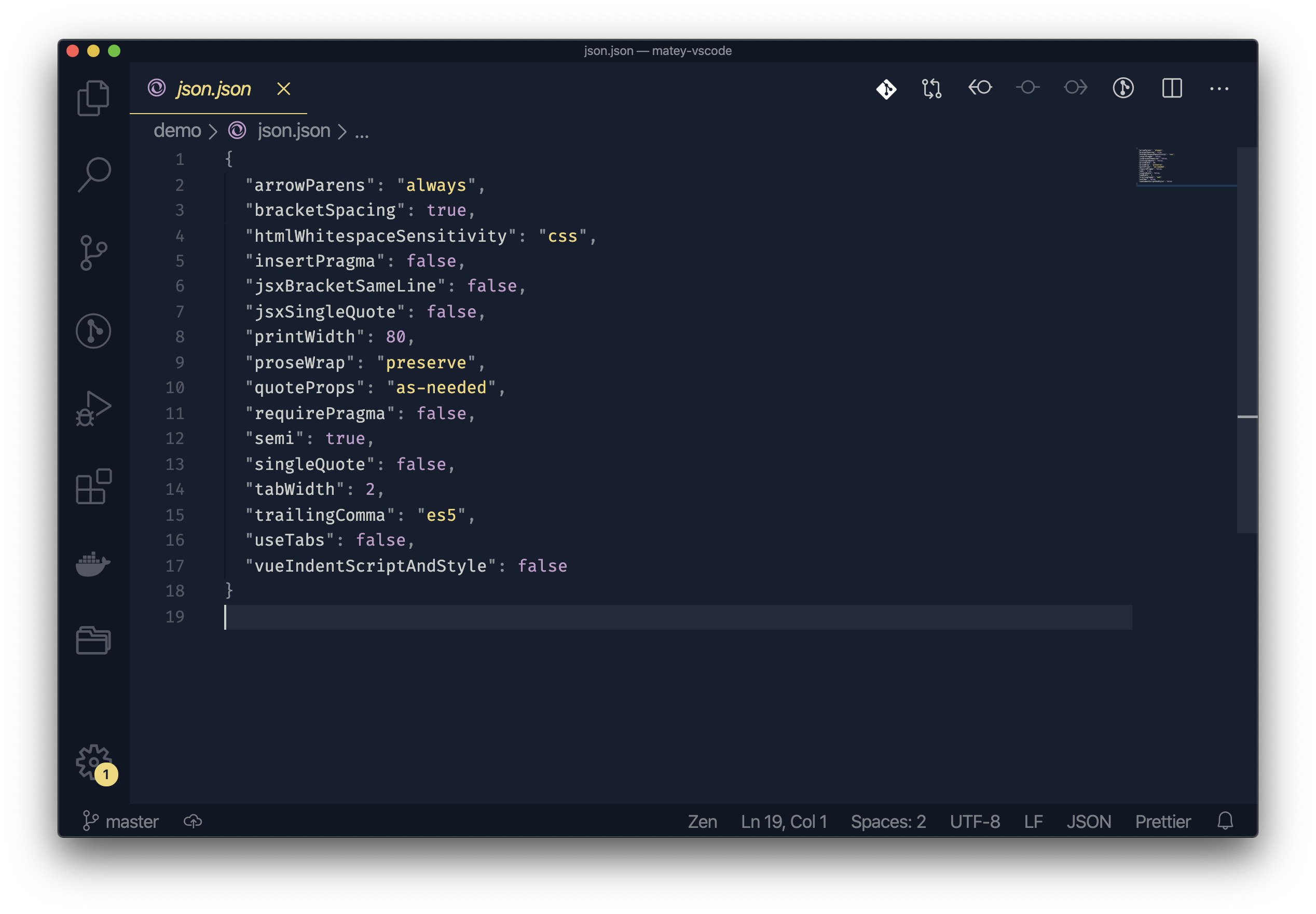
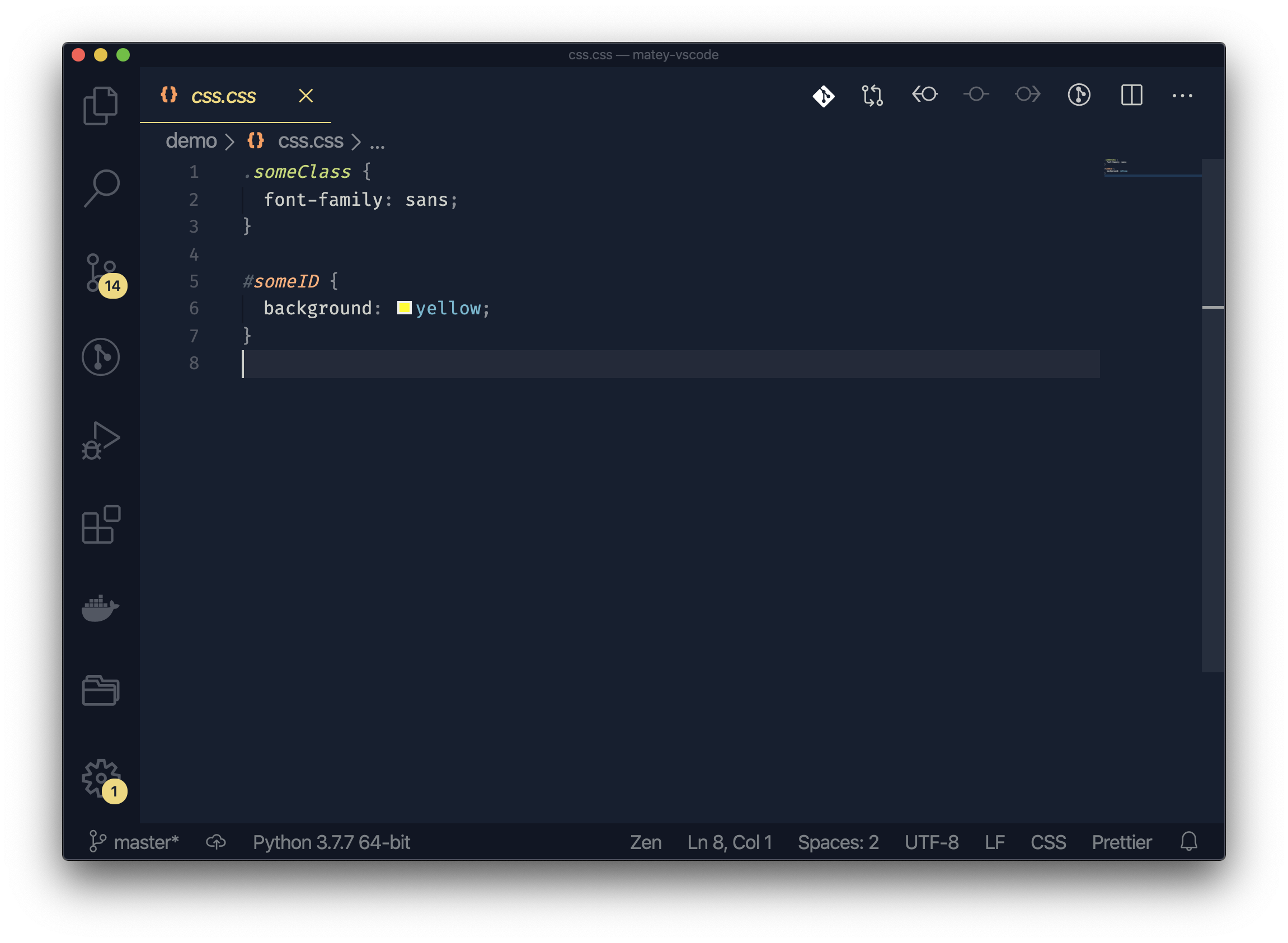
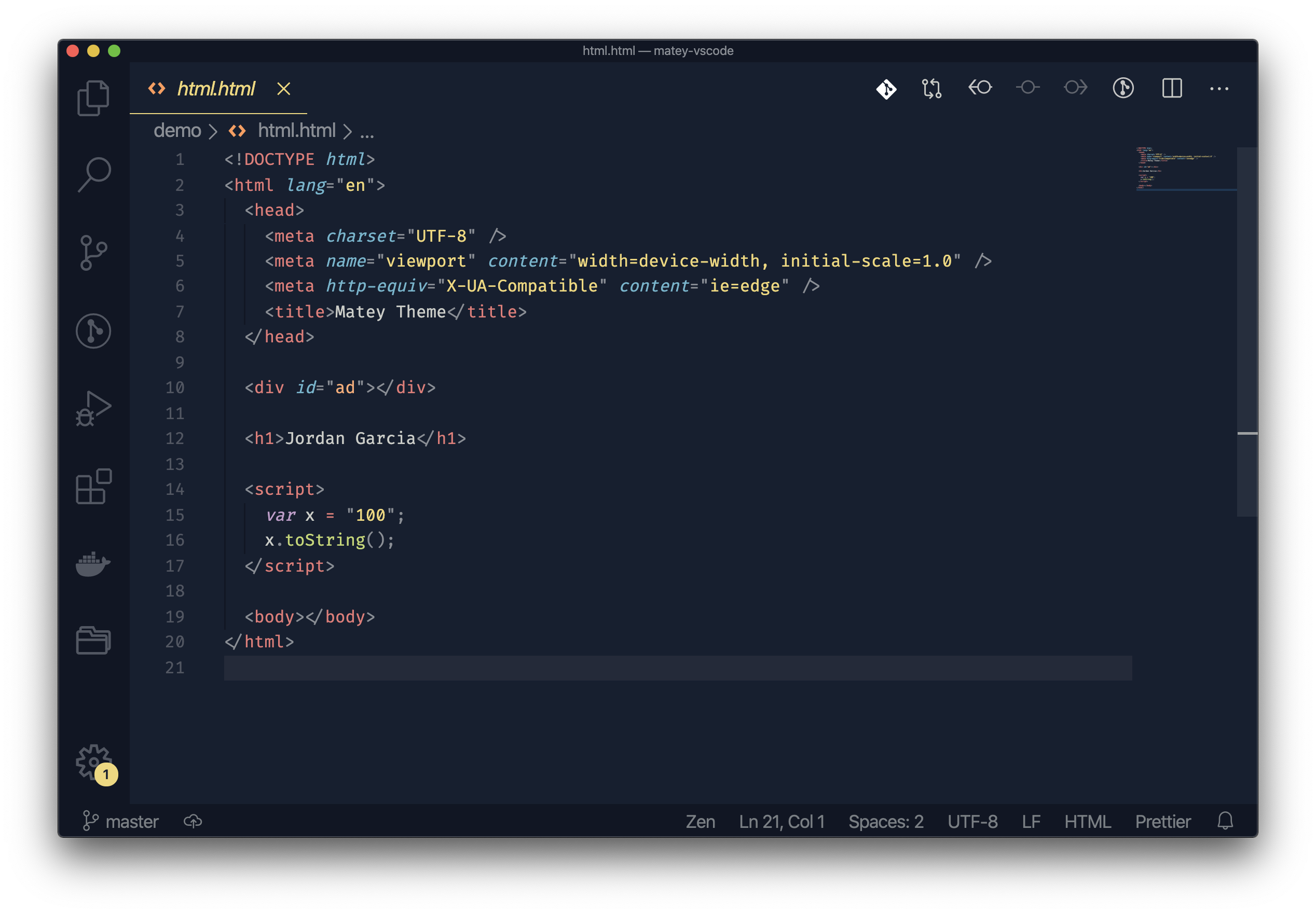
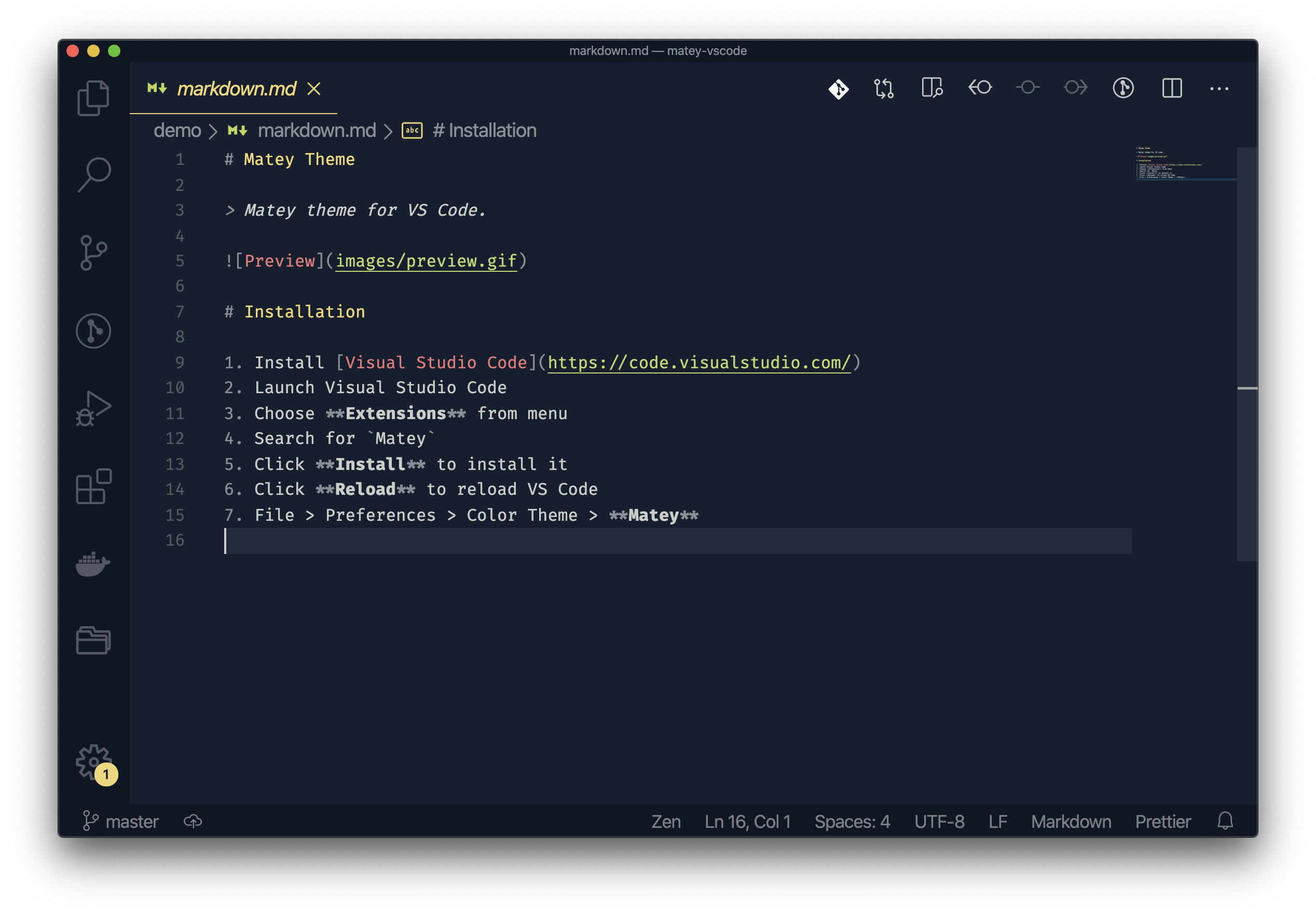
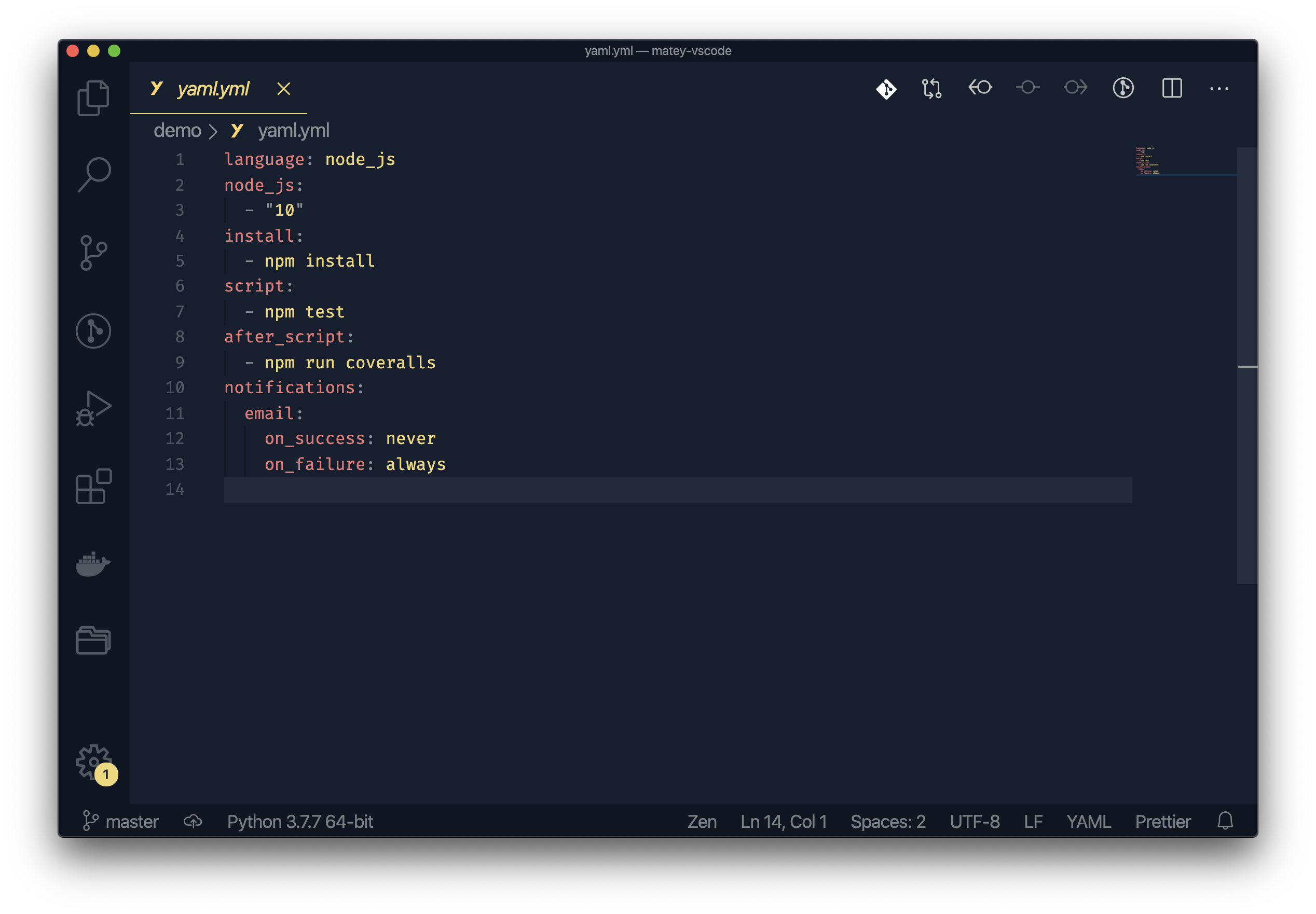
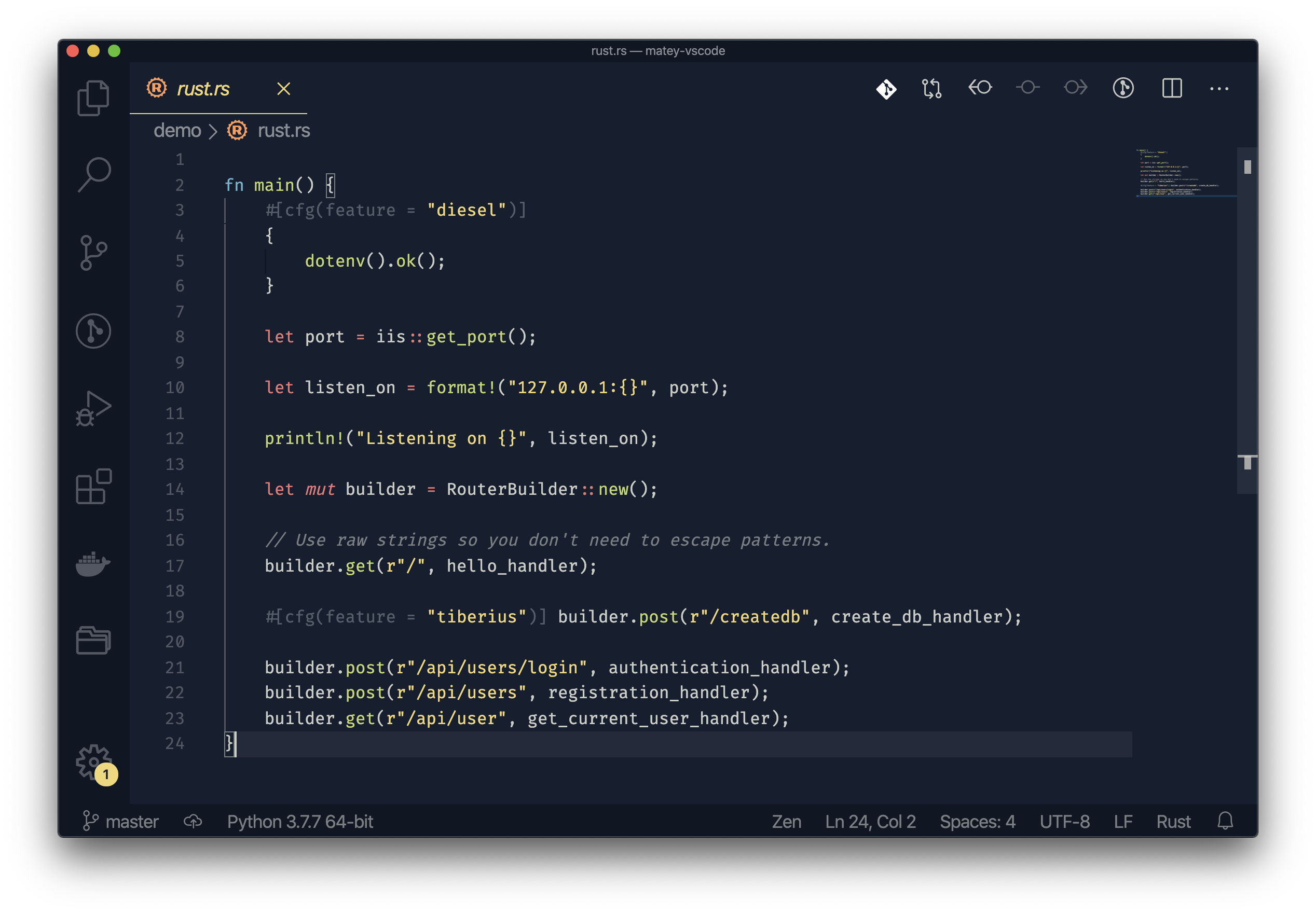
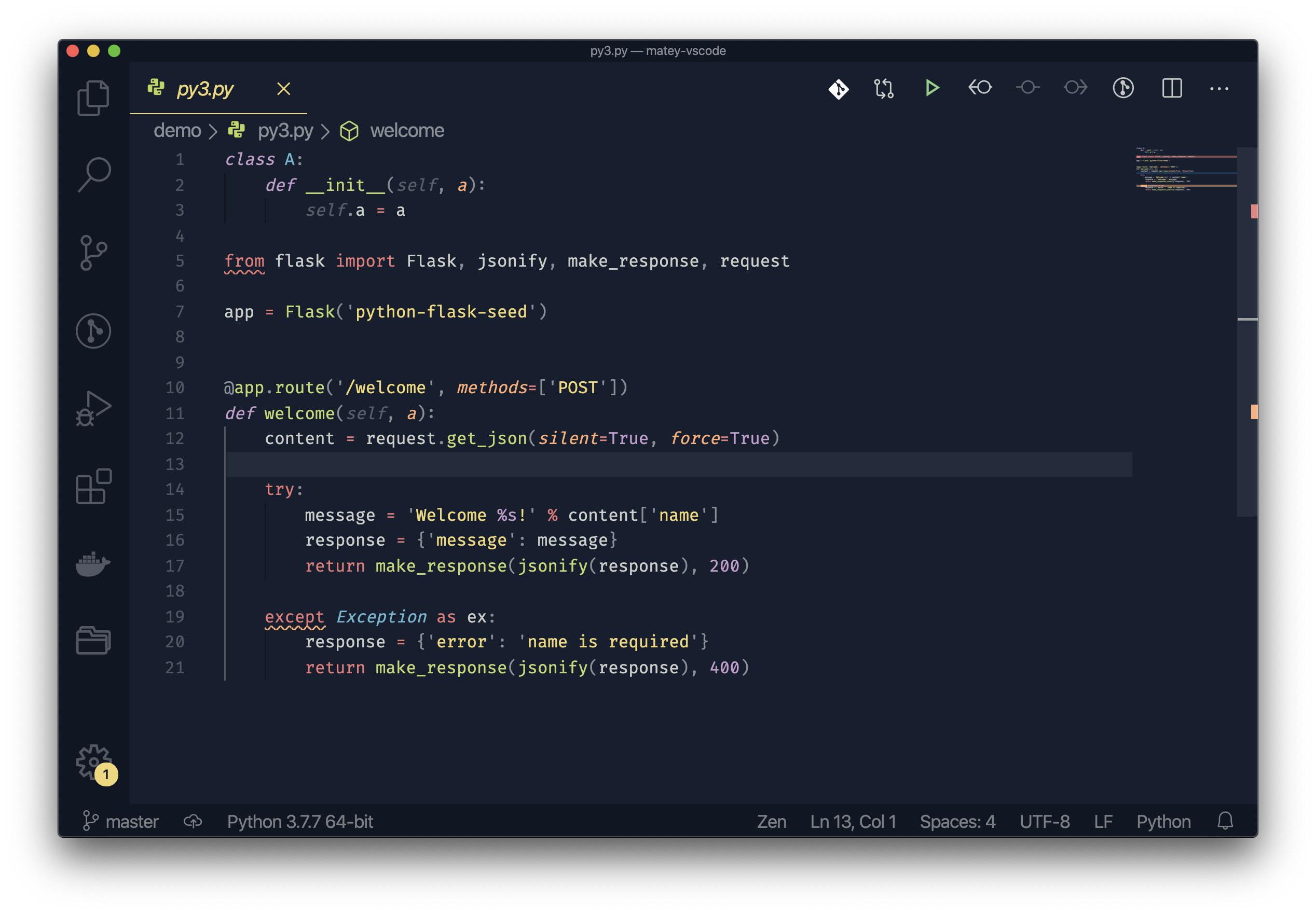
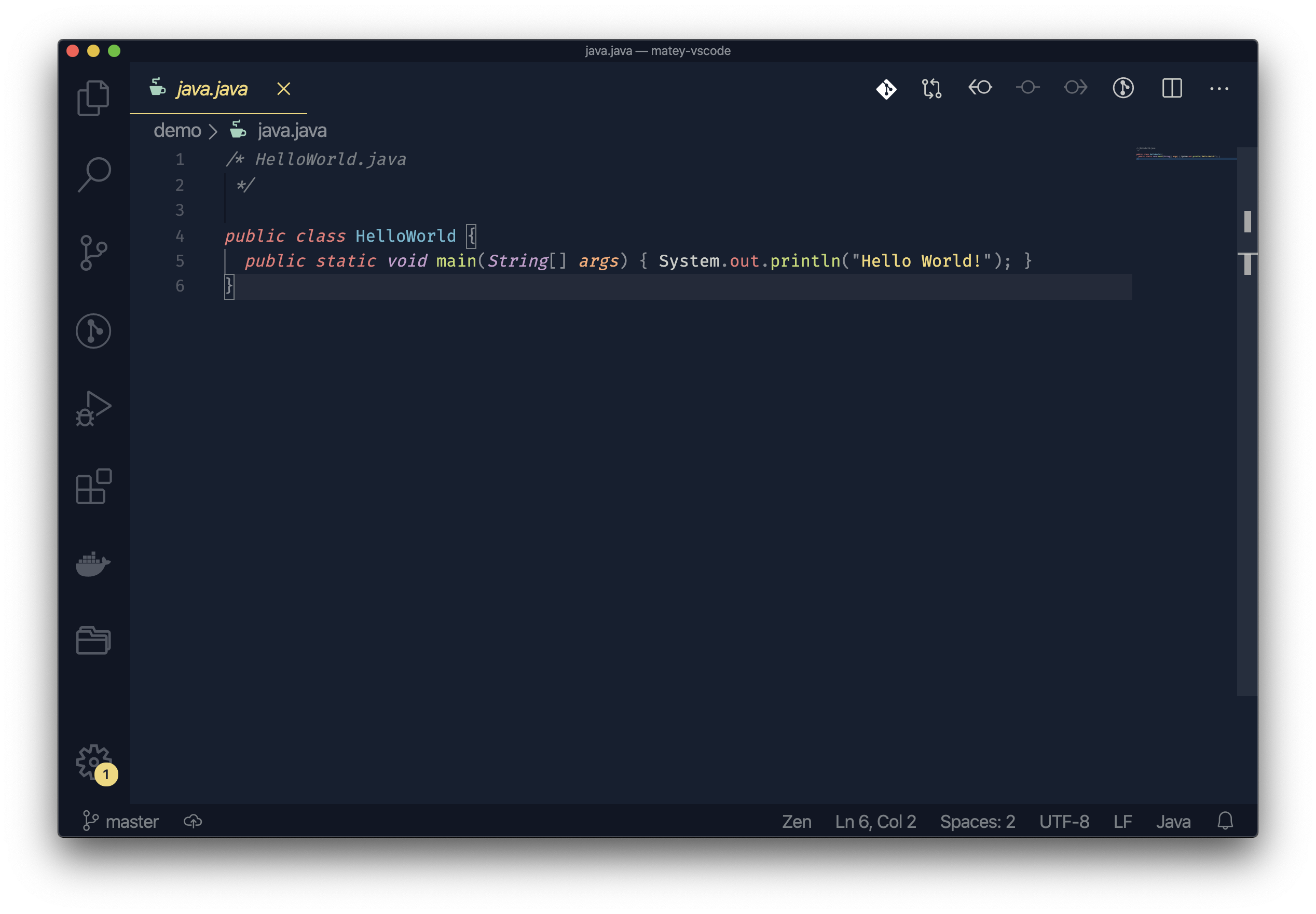
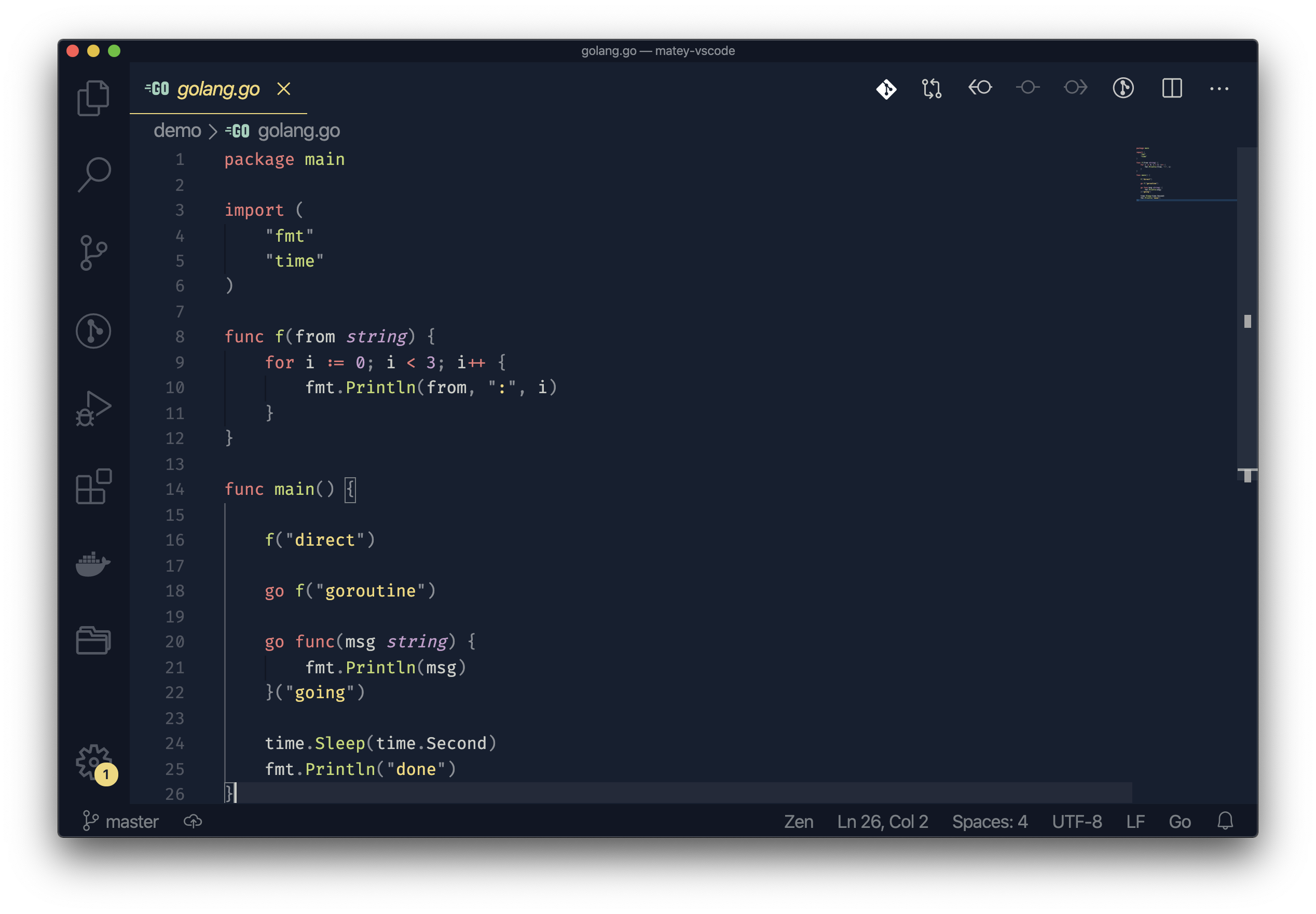
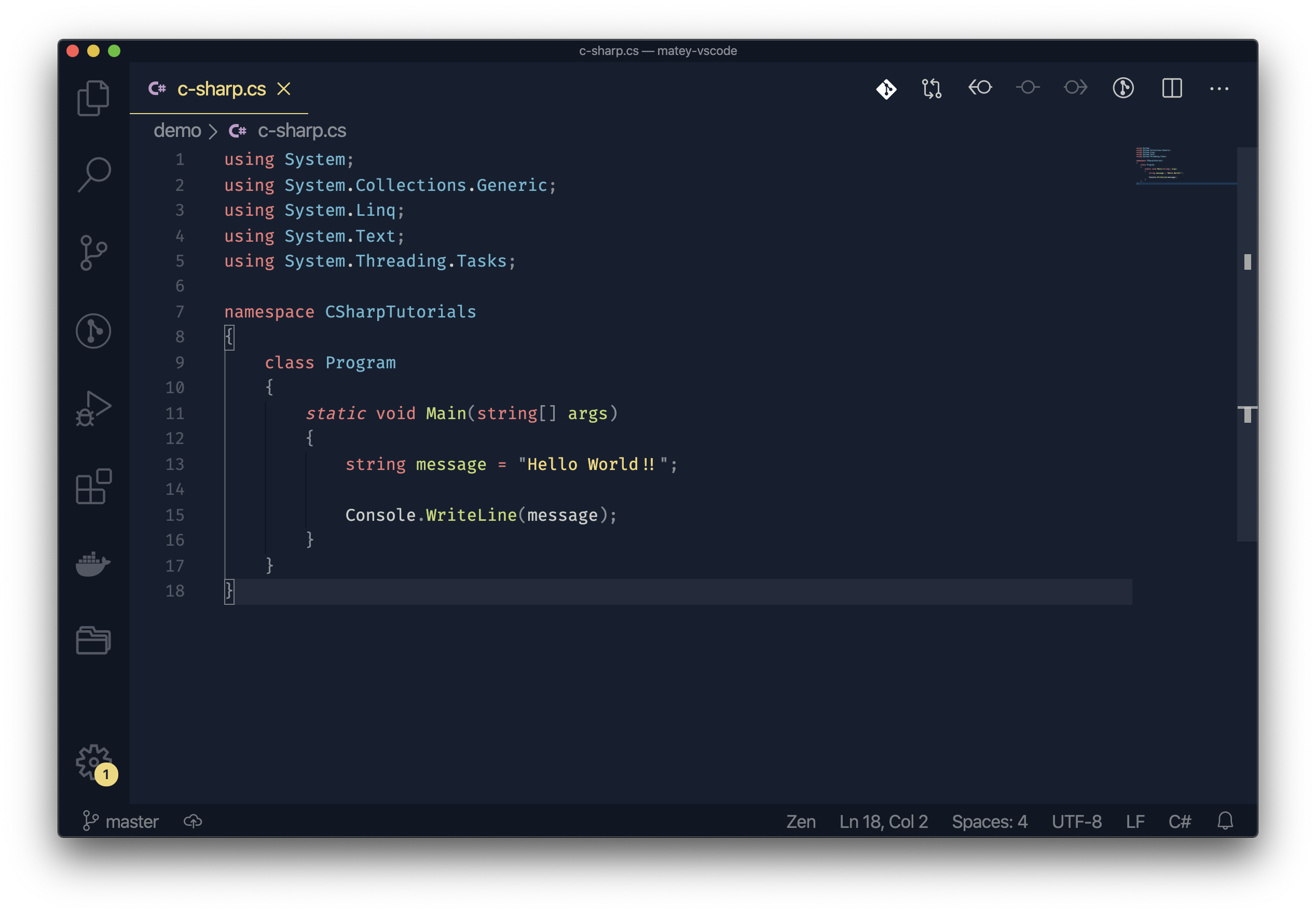
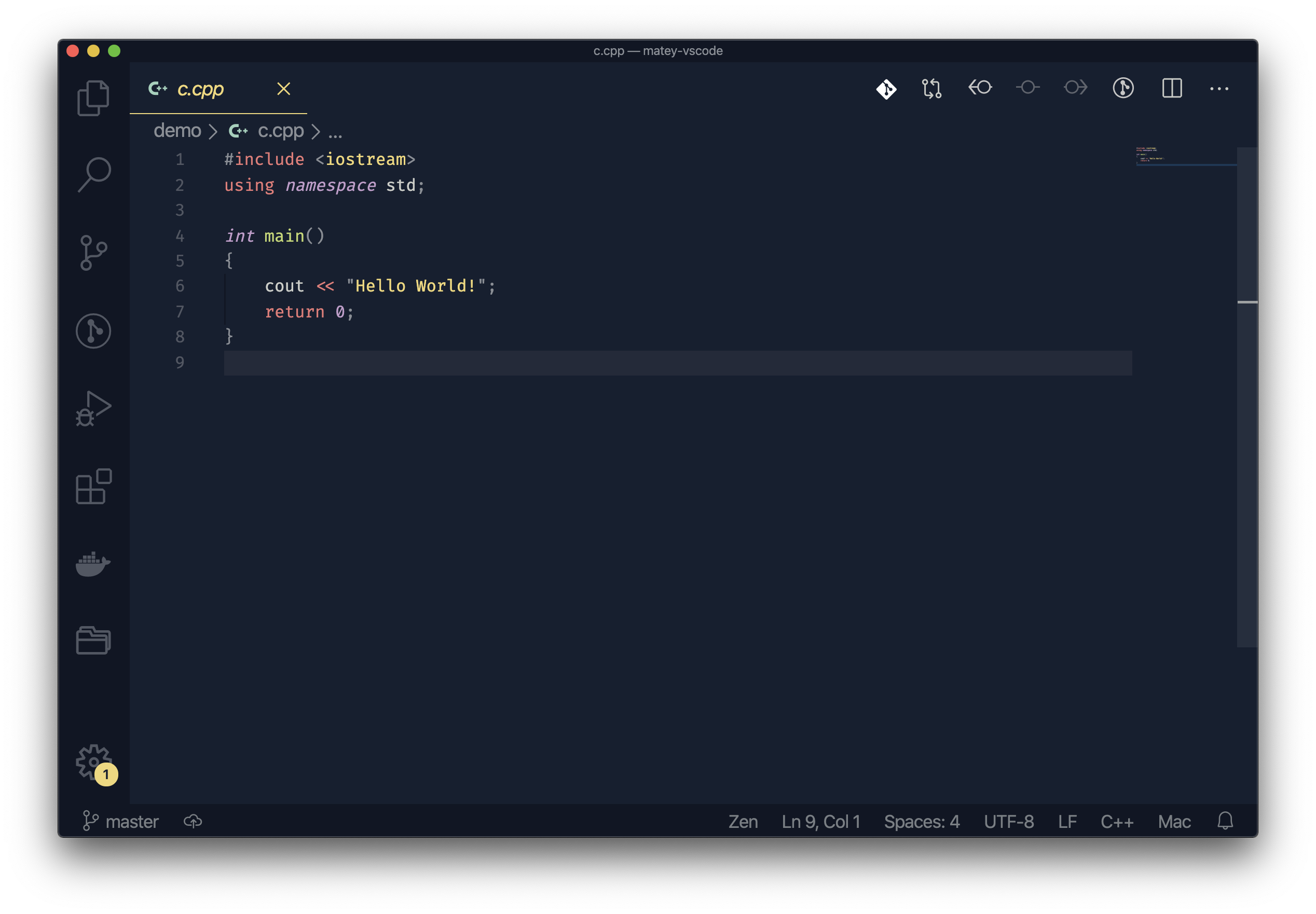
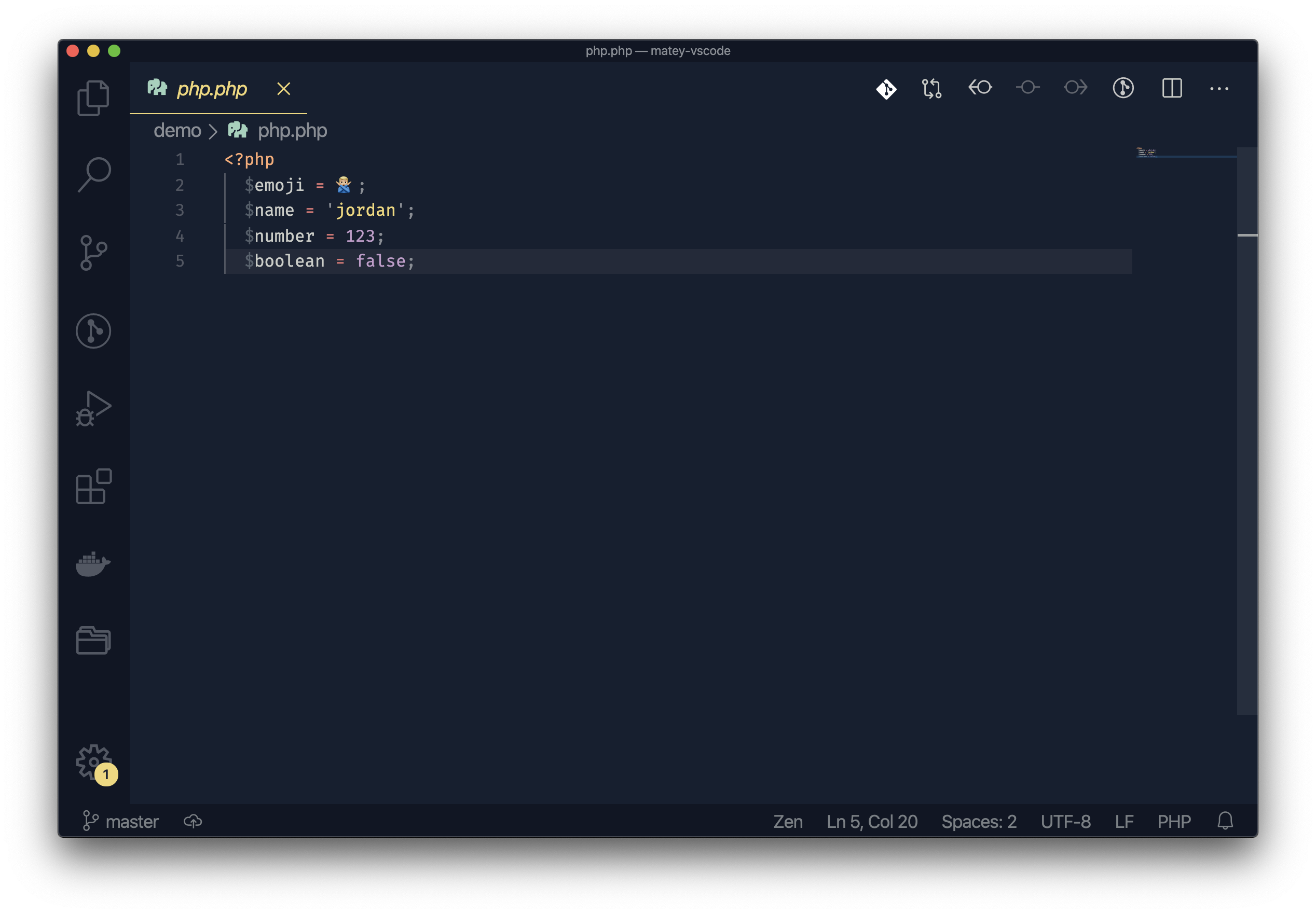
- Open Extensions sidebar panel in VS Code.
View → Extensions - Search for
Matey - Click Install to install it
- Click Reload to reload the editors
- Code > Preferences > Color Theme > Matey
See changelog here
vsce publish 1.0.0 # (major.minor.patch)Enjoy!