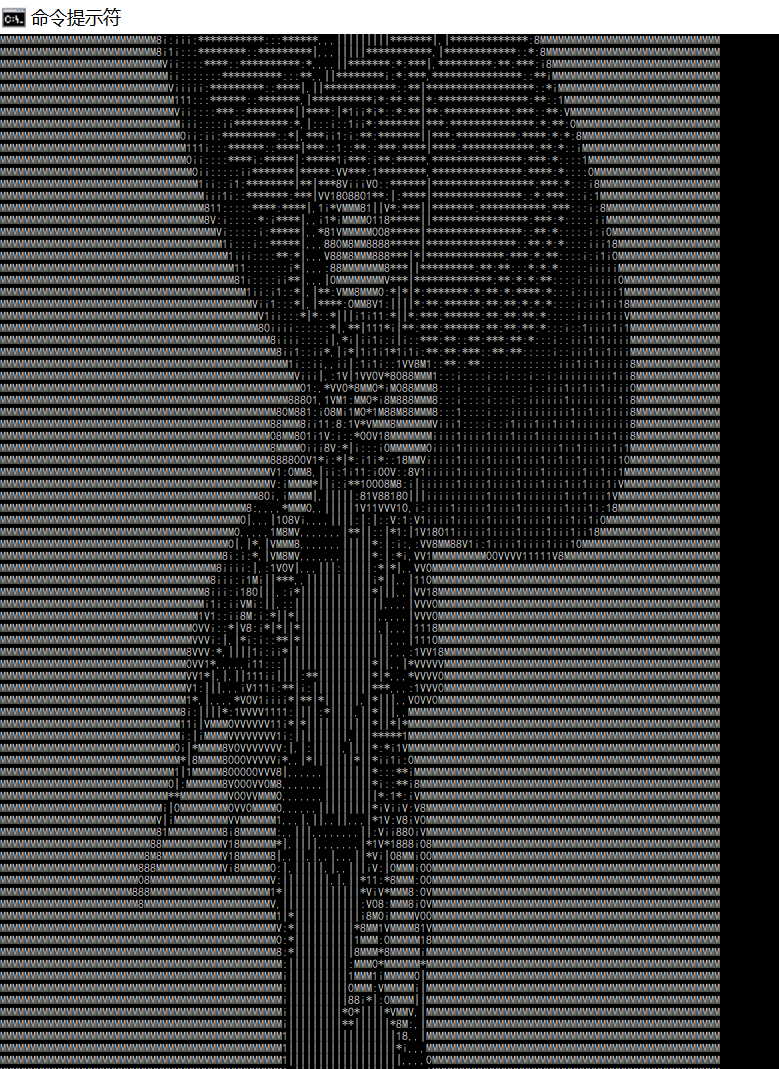
A tool written in go to translate picture to ascii text and image.
Download the corresponding executable file from bin folder. Then you can run the command below to get the help messages:
./ascii_converter -h Usually, it is enough only pass the image-path or image-url parameter.
./ascii_converter.exe -image-url="https://b-ssl.duitang.com/uploads/item/201406/28/20140628084407_WkunE.thumb.700_0.jpeg" -image-out-path="test-xxx.png"

./ascii_converter.exe -image-path="./test.png"

# Print the ascii text to a file.
./ascii_converter.exe -image-path="./test.png" > test.txt
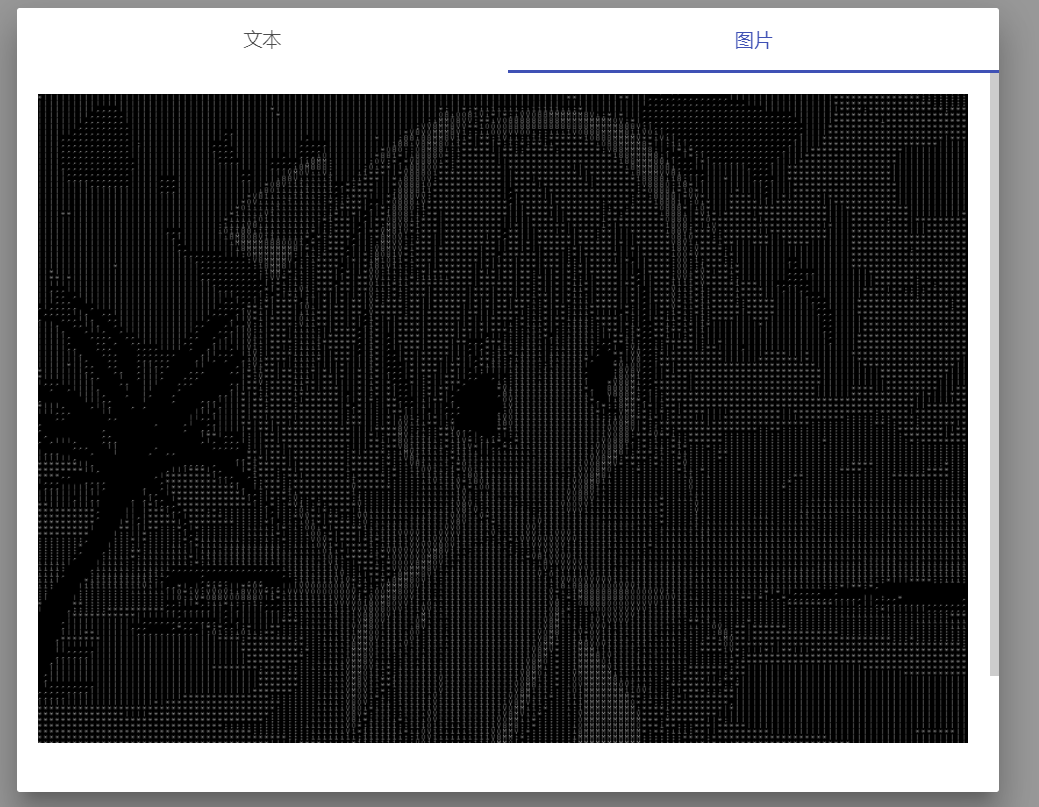
If you want to output an image file, just add the image-out and iamge-out-path options.
# this will create an image  with ascii strings.
./ascii_converter.exe -image-url="https://b-ssl.duitang.com/uploads/item/201406/28/20140628084407_WkunE.thumb.700_0.jpeg" -image-out-path="test.png" -image-out=true
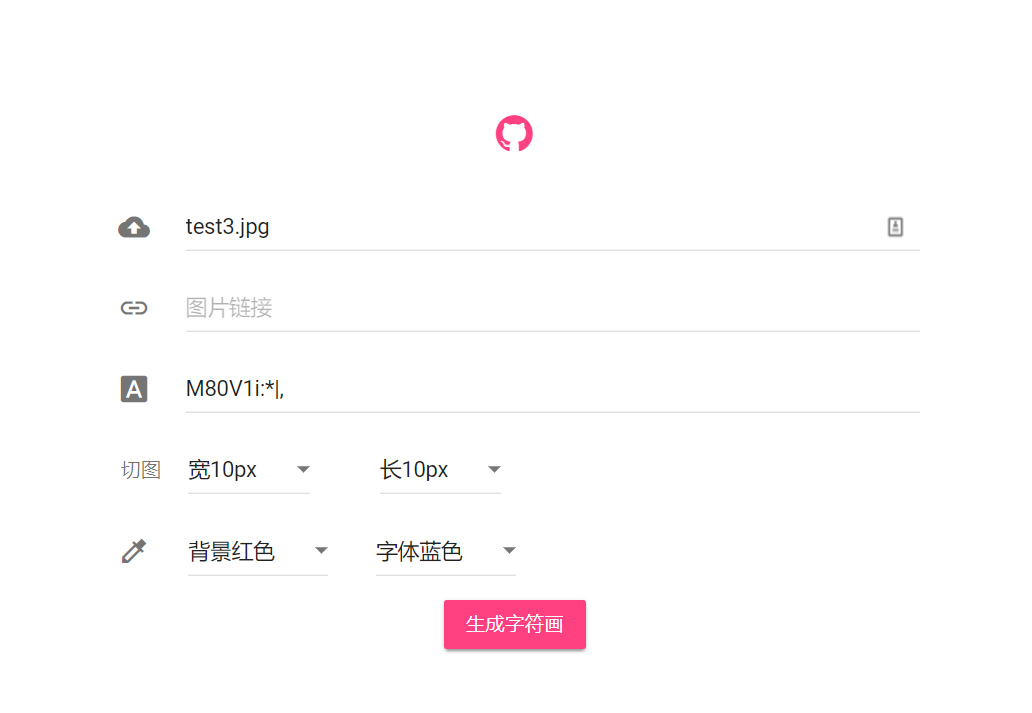
Besides, you can access all the functions with your browser. Just run:
# This command will start a web server on 127.0.0.1:8080
./ascii_converter --server=true
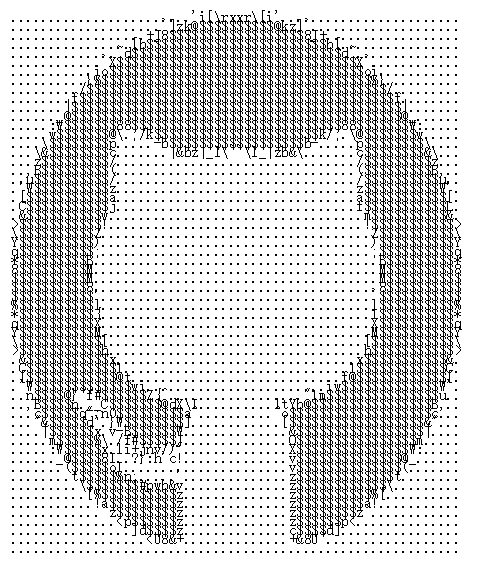
Just use you browser to visit http://127.0.0.1:8080, you will get a handy web ui to convert your image.
linux x86_64 bin/ascii_converter
windows x86_64 bin/ascii_converter.exe
OSX bin/ascii_converter_osx
git clone https://github.com/xrlin/AsciiArt.git
go build -o /path/to/store/executable/file ./AsciiArt/*.goWeb UI
Terminal