Effortlessly create secure and customizable passwords using our tool at sifreolusturucu.com. Generate passwords with varying lengths, character sets, and other security options to meet your needs.
🌐 Live Demo:
Sifre Oluşturucu
🌍 Languages:
🇹🇷 Türkçe | 🇬🇧 English

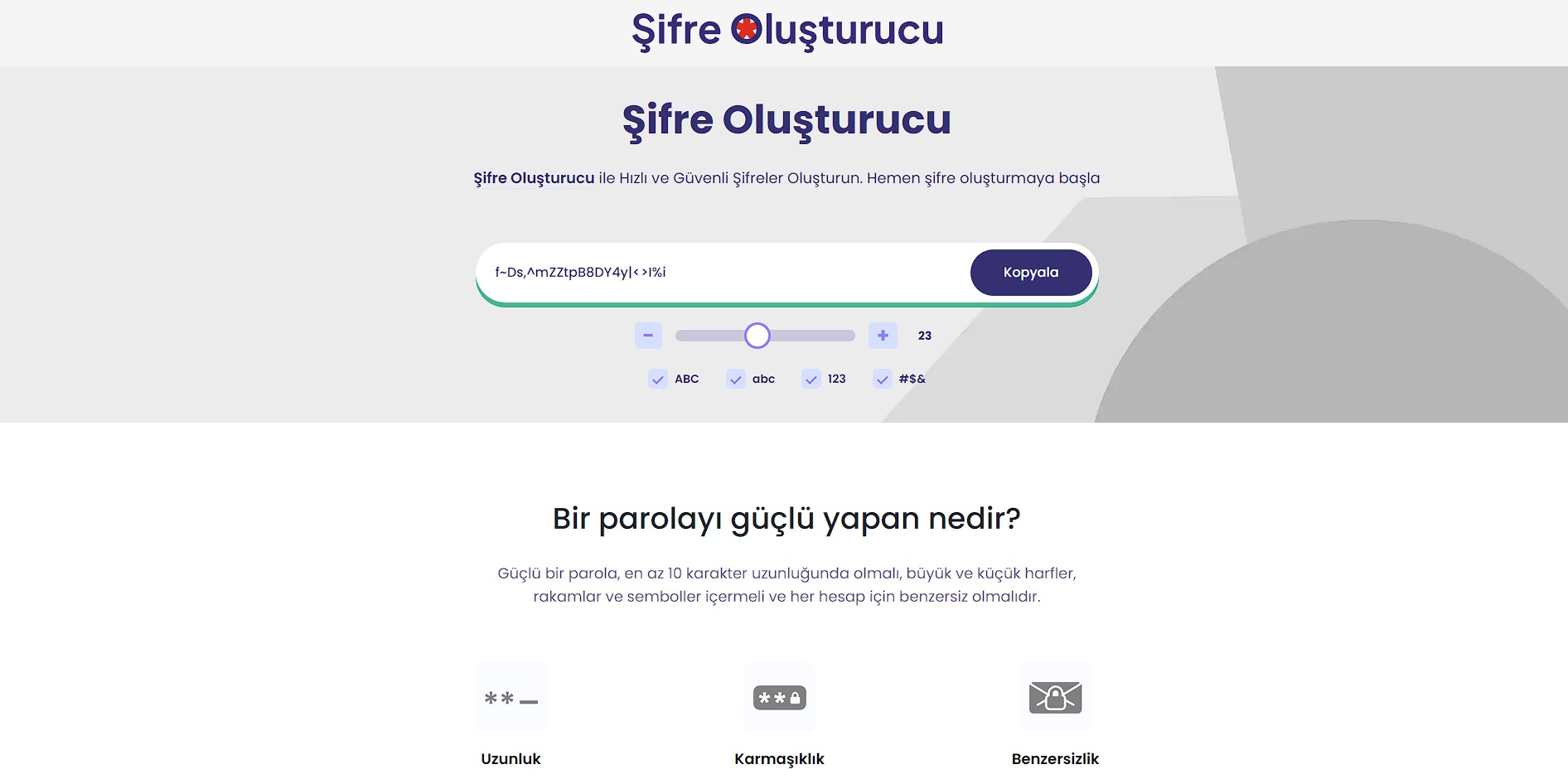
Preview:
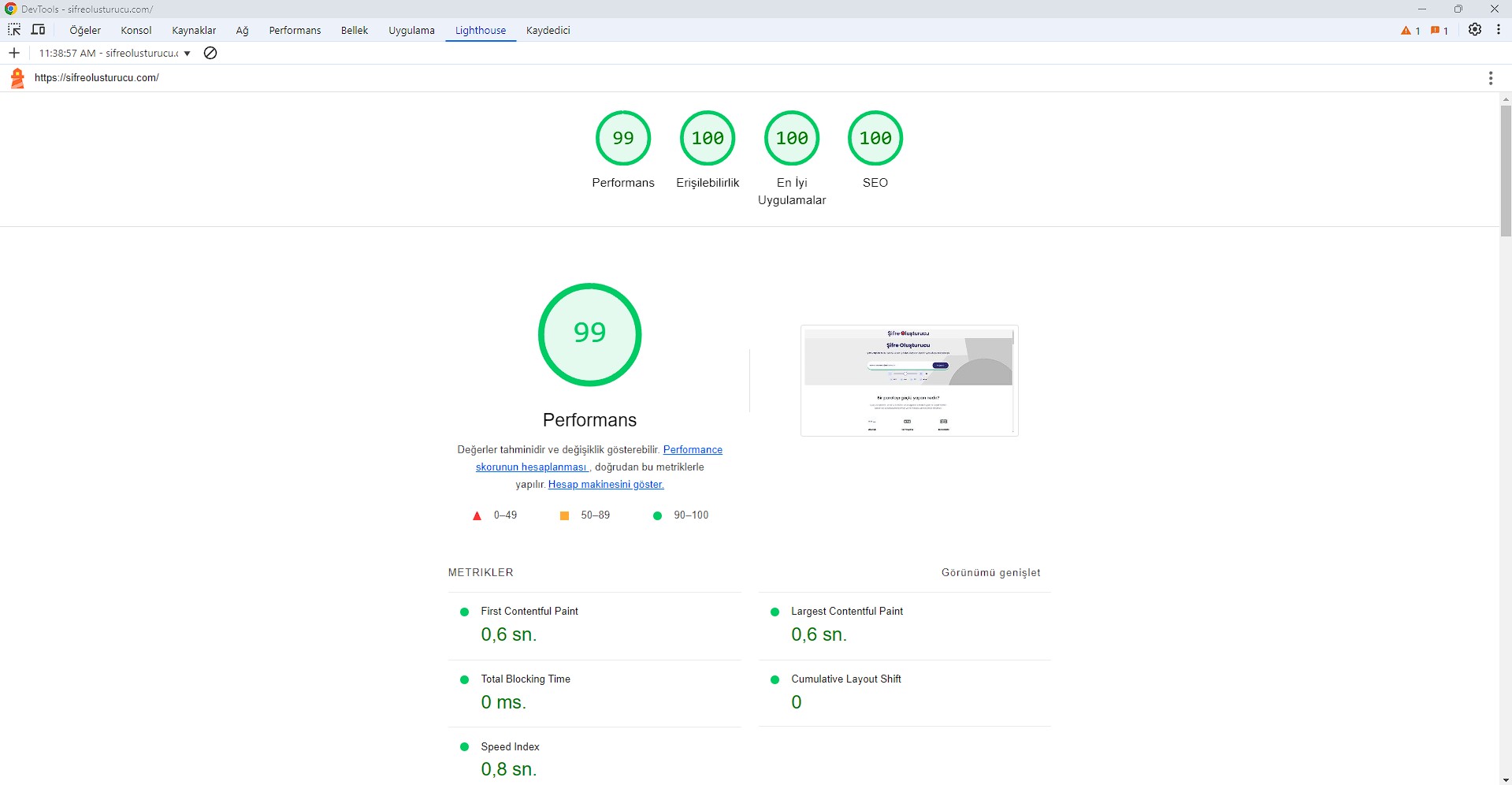
Lighthouse:
- Instant Password Generation: Generate strong passwords instantly with a single click.
- Customizable Options: Set password length, and choose between numbers, symbols, uppercase, and lowercase letters.
- Copy Functionality: Easily copy generated passwords to your clipboard with one click.
- User Preferences: Save your preferred password settings for future use.
- Responsive Design: Works seamlessly on mobile, tablet, and desktop devices.
- Open sifreolusturucu.com.
- Select your desired options:
- Length: Set the length of your password.
- Include Numbers: Toggle to include/exclude numbers.
- Include Symbols: Toggle to include/exclude symbols.
- Include Uppercase/Lowercase Letters: Select to include or exclude uppercase/lowercase letters.
- Click the "Generate" button to instantly create a secure password.
- Use the "Copy" button to copy the password to your clipboard.
Settings:
- Length: 12 characters
- Include Numbers: Yes
- Include Symbols: Yes
- Include Uppercase Letters: Yes
- Include Lowercase Letters: Yes
Generated Password:
X9@jF2!lH7#Z
After generating a password, click the "Copy" button to quickly add the password to your clipboard for easy use.
You can customize the following options when generating your password:
- Password Length: Select the length of the password (e.g., 8, 12, 16, etc.).
- Include Numbers: Choose whether or not to include numbers in the password.
- Include Symbols: Decide whether to include special characters (e.g.,
@,#,$) in the password. - Include Uppercase/Lowercase Letters: Toggle the inclusion of uppercase and lowercase letters.
Contributions are welcome! Please fork this repository and submit pull requests for any features, fixes, or improvements you would like to see.