Main game floor implementation changes
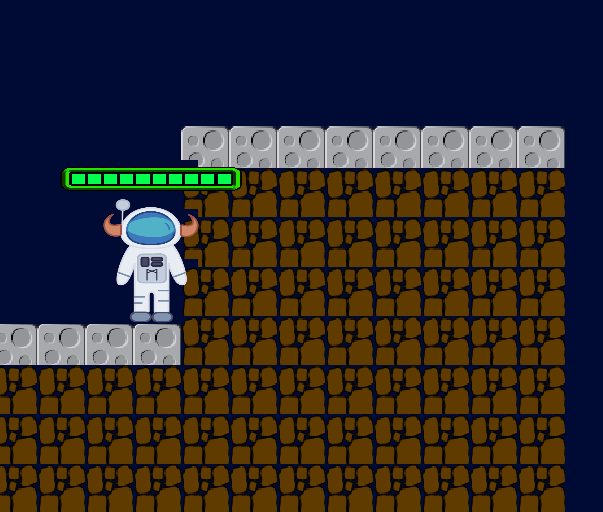
The main game floor will be redesign from the original 2-D scroller's simple design, in order to allow variability in the game floor. This was design in order to vary game level design on a larger scale than simply adding obstacles and enemies. The improvement of this game level floor will help improve the quality of a game as a whole, by allowing the development of more varied game environments that can be more likened to the scene of an alien world, as is present in Meteor Man.
-
TerrainComponent: This component, when attached to an entity, can be used to create and render a terrain. This is generally done through theTerrainFactoryrather than directly instantiating it. -
TerrainFactory: Where terrains get created, by choosing the orientation and filling in the tiles. When creating the factory, the desired tile orientation can be chosen. TheTerrainFactorycan then be used to create all the terrains in your game. -
ForestGameArea: The creation of the main game area is done within this class. This is also where the boundaries are originally derived for the floor.
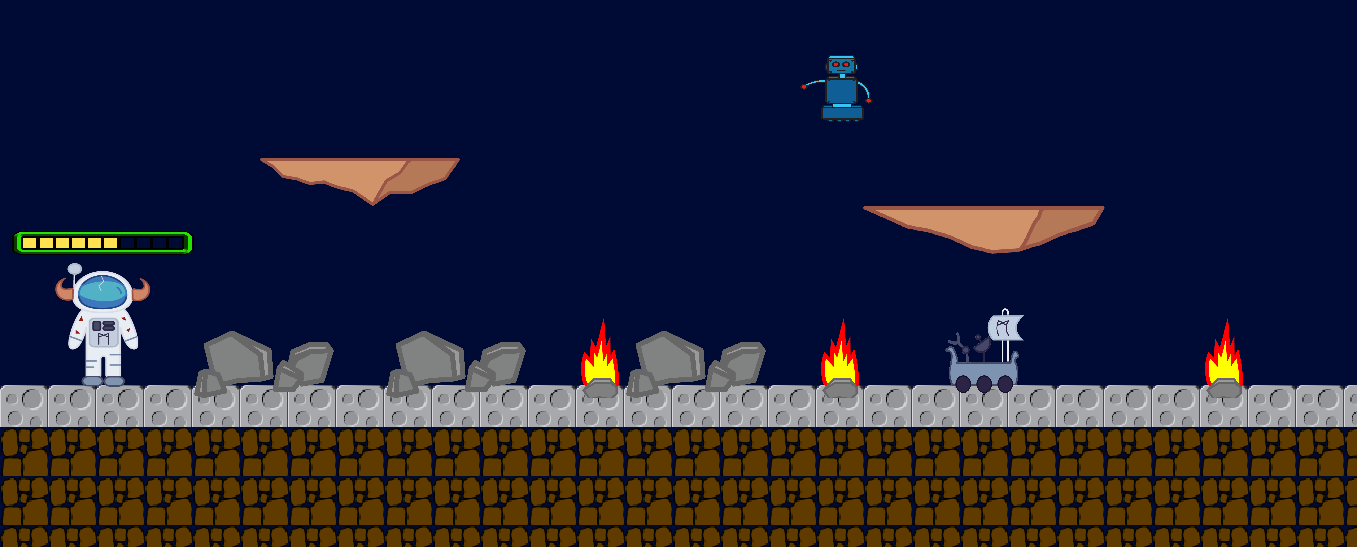
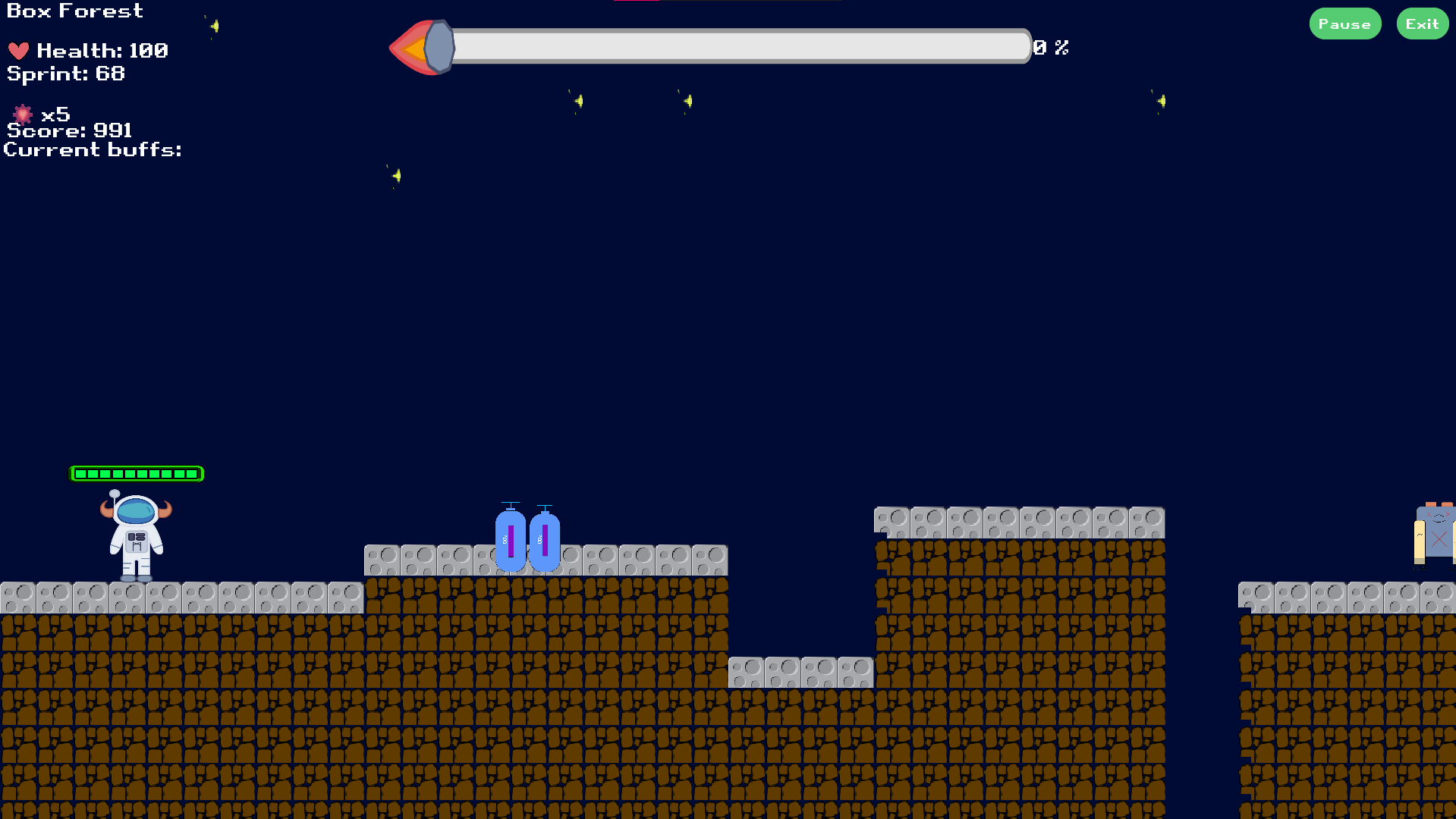
This new implementation adds a new level of difficulty to the game; there are now areas where the player may need to time jumps more accurately in order to avoid falling and dying by cause of a new obstacle; the pit fall. The function of the pit fall is simple if the player falls down the present "hole" in the terrain (As picture below) they will die instantly.
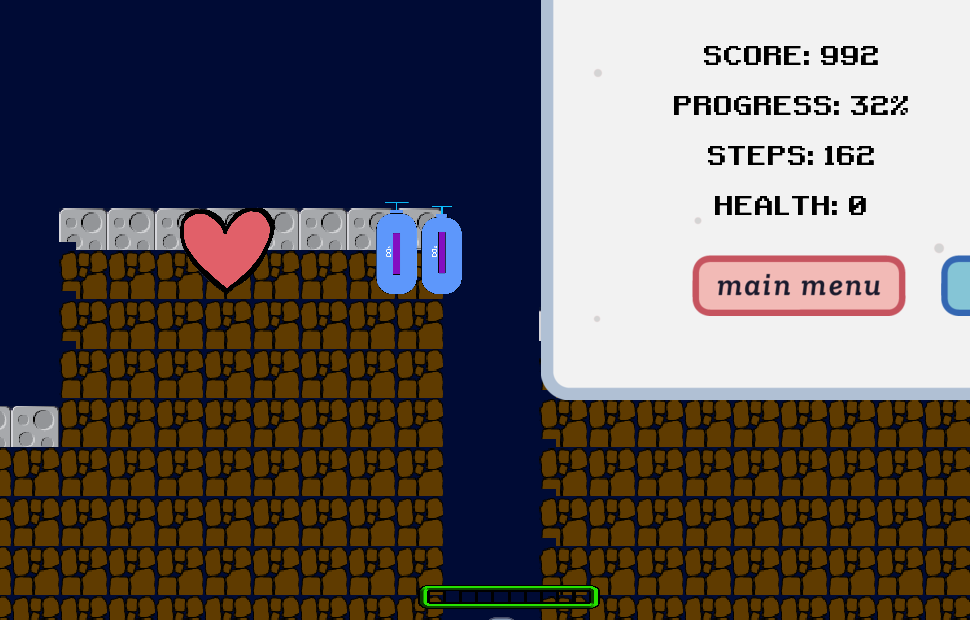
In order to implement this new feature, a new obstacle referred to as the Death Floor was created, and upon touching it the player dies. Modifications were made to ObstacleFactory.java as well as ForestGameArea.java, and it was added as a configuration via images/obstacles.json, giving it a base attack of 101 (guaranteed to kill the player). The code below is the implementation of the CreateDeathFloor class:
public static Entity createDeathFloor(float width, float height) {
DeathFloorConfig deathFloor = configs.deathFloor;

Entity floor = new Entity()
        .addComponent(new HitboxComponent().setLayer(PhysicsLayer.NPC))
        .addComponent(new TouchAttackComponent(PhysicsLayer.PLAYER, 0f))
        .addComponent(new PhysicsComponent().setBodyType(BodyType.StaticBody))
        .addComponent(new ColliderComponent().setLayer(PhysicsLayer.OBSTACLE));

floor.addComponent(new CombatStatsComponent(1000, deathFloor.baseAttack));
floor.getComponent(PhysicsComponent.class).setBodyType(BodyType.StaticBody);
floor.setScale(width, height);
return floor;
}
The level floor was implemented using BuffReader. This was done by reading information from a text file containing the information pertinent to the level design; i.e. the position of surface and underground tiles, which was read in both the ForestGameArea.java and TerrainFactory.java classes. The code for this implementation is as follows:
while (line != null) {
    String[] values = line.split(" ");
    distance = Integer.parseInt(values[0]) * 2;
    x = Integer.parseInt(values[1]);
    y = Integer.parseInt(values[2]);

    // creates the floors wall
    spawnEntityAt(
            ObstacleFactory.createWall(Integer.parseInt(values[0]), WALL_WIDTH), new GridPoint2(x, y), false, false);
    if (i != 0) {
      // creates walls when floor level changes
      float height = (float) y/2;
      //float endHeight = (float) (previousY - y)/2;
        spawnEntityAt(
                ObstacleFactory.createWall(WALL_WIDTH, height), new GridPoint2(x, 0), false, false);
        spawnEntityAt(
                ObstacleFactory.createWall(WALL_WIDTH, height), new GridPoint2(x + distance, 0), false, false);
    }

    line = br.readLine();
    i++;
  }
} catch (FileNotFoundException e) {
  e.printStackTrace();
} catch (IOException e) {
  e.printStackTrace();
}
The textures for the floors were also modified to now read from the level file and load the terrain give the new floor pattern. This can be found in the TerrainFactory() under the createSideScrollTiles(), which is responsible for loading the textures for level one. This function will read from the level file and load the floor based on the pattern give by the file. Below is the code that parses the level file to load the texture for the floor.
// parses the level files
try(BufferedReader br = new BufferedReader(new FileReader("level-floors/levelOne.txt"))) {
  StringBuilder sb = new StringBuilder();
  String line = br.readLine();
  int x = 0, y = 0, width = 0, distance = 0, i = 0;
  while (line != null) {
    String[] values = line.split(" ");
    width = Integer.parseInt(values[0]);
    x = Integer.parseInt(values[1]);
    y = Integer.parseInt(values[2]);
    distance = (width * 2) + x;
    fillTilesAt(layer, new GridPoint2(x, 0), new GridPoint2(distance, y - 1), undergroundTile);
    fillTilesAt(layer, new GridPoint2(x, y - 1), new GridPoint2(distance, y), surfaceTile);
    line = br.readLine();
    i++;
  }
} catch (FileNotFoundException e) {
  e.printStackTrace();
} catch (IOException e) {
  e.printStackTrace();
}
The level files can be found in assets/level-floors where the file will be formatted in the form of l x y such that l is the length for the floor, and x and y are the coordinates the file for level one is where each floor is separated by a new line:
5 0 10
5 10 11
2 20 8
4 24 12
20 34 10
12 54 13
1 80 11
1 84 14
1 88 17
10 90 10
Further implementation in the ForestGameArea.java allowed for the creation of walls where underground tiles were present, so that the player could not pass them even if they weren't surface tiles (see image below).